Introdução
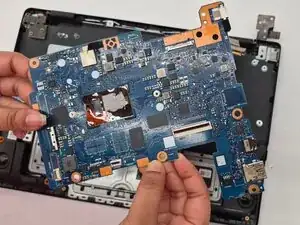
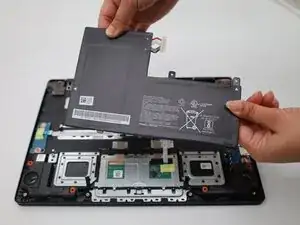
If the Acer Chromebook CBOA311-1H-C90F shows symptoms such as failing to turn on, crashes frequently, overheating, display issues or hardware malfunctions, the motherboard might be faulty. In this case, you can simply change the motherboard of the device by following this replacement guide. Before starting with the motherboard, you need to disconnect it from the battery. You can easily do this by following our Battery Replacement guide.
Ferramentas


-
-
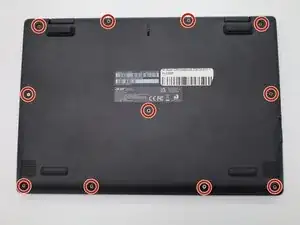
Turn the Chromebook over so the bottom is facing up.
-
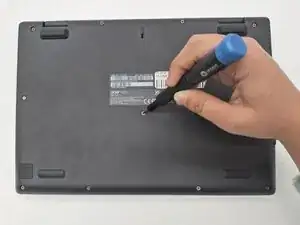
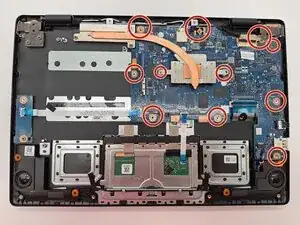
Remove eleven 6 mm screws from the back using a Phillips #00 screwdriver.
-
-
-
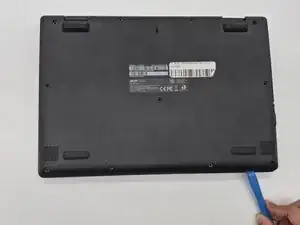
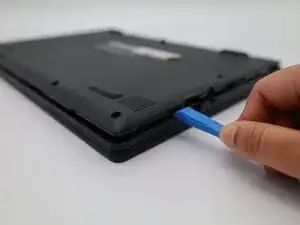
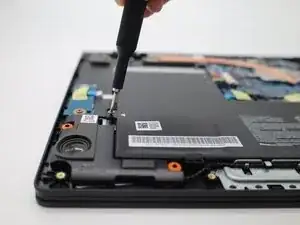
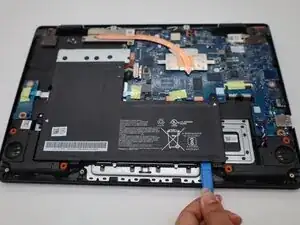
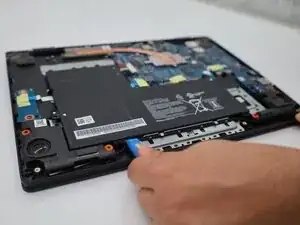
Use a plastic opening tool to lift the tiny locks on the bottom that hold the battery in place.
-
-
-
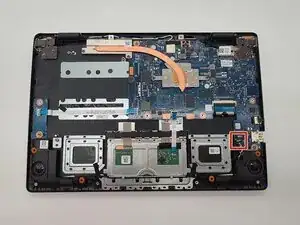
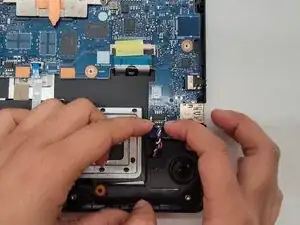
Grip the connector with colorful wires on the bottom right corner of the motherboard and wiggle it gently.
-
Pull the connector straight out of the motherboard socket.
-
-
-
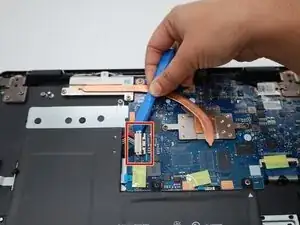
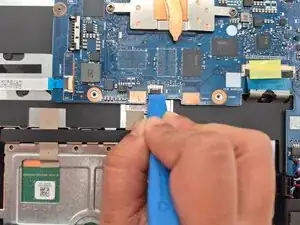
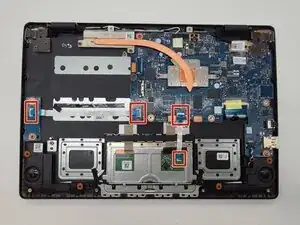
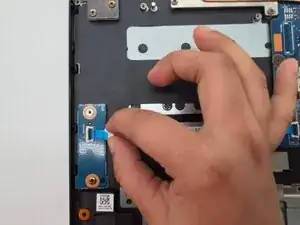
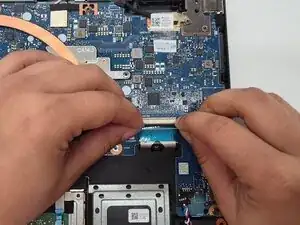
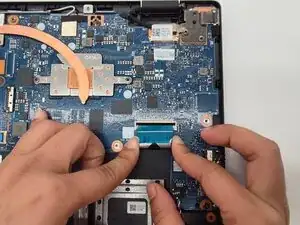
Lift the black colored lock with the help of a plastic opening tool or finger nails.
-
Slide the cable off the lock.
-
-
-
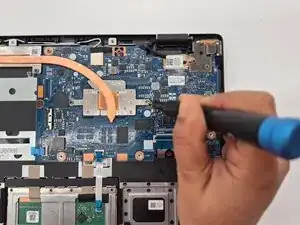
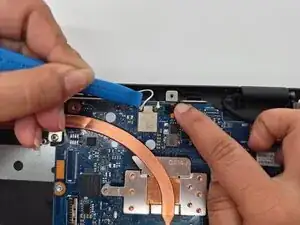
Peel the black tape that connects the black and white wires to the motherboard.
-
Pry the black and white wires and disconnect them from the motherboard.
-
-
-
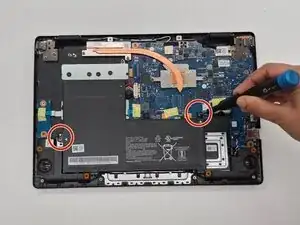
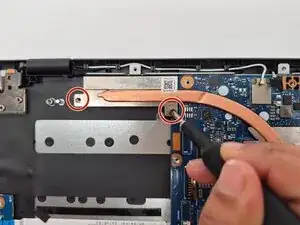
Unscrew the heat sink using the Phillips #00 screwdriver.
-
Remove the heat sink from the laptop.
-
-
-
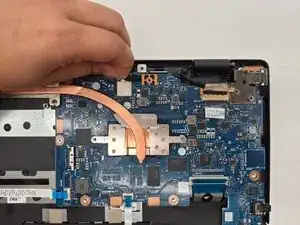
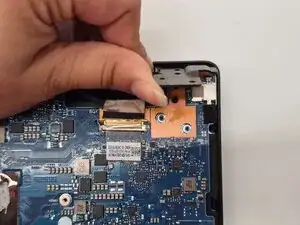
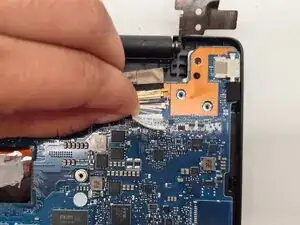
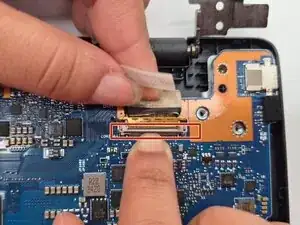
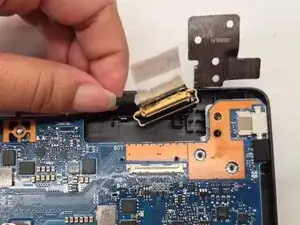
Peel the white tape that connects the thick black wire to the motherboard.
-
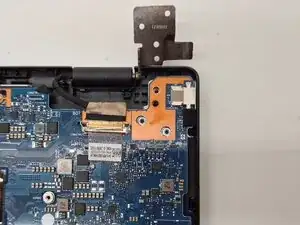
Lift the tiny brown lock with your finger nails.
-
Pull the thick black wire gently to disconnect it.
-
-
-
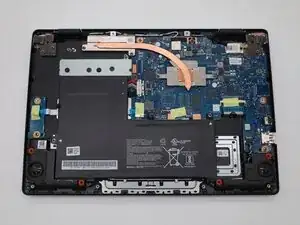
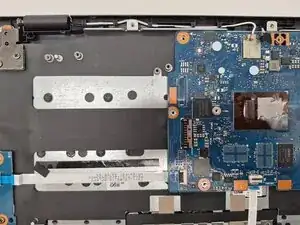
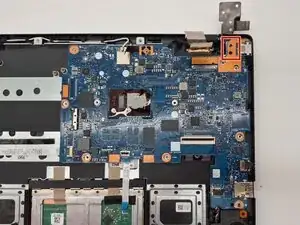
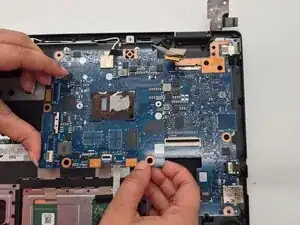
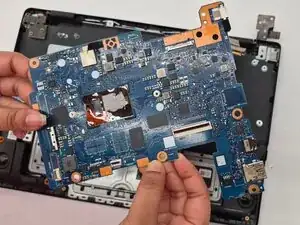
When the motherboard is free from all connections, lift it up a little to remove it from the lock.
-
Slide the motherboard to the left slowly to remove it from the laptop.
-
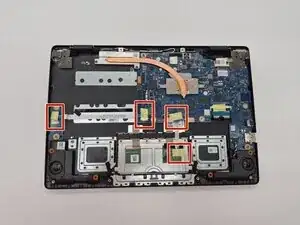
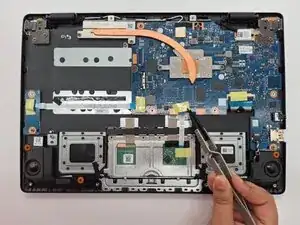
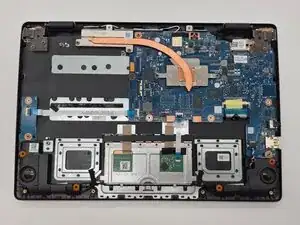
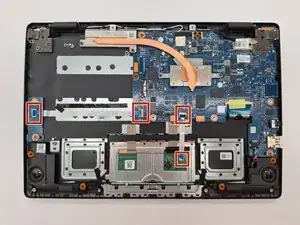
To reassemble your device, follow these instructions in reverse order.