Introdução
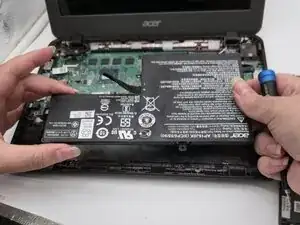
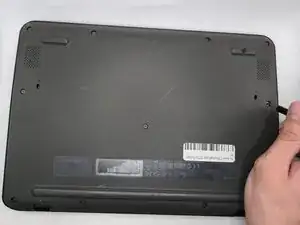
This is a removal/replacement guide for the battery of the Acer Chromebook C731 T-C42N. This guide is a necessary pre-requisite for other, more in-depth guides, and serves to de-energize the laptop to reduce the chances of damaging the electronic parts.
This guide can also be used as a stand-alone guide if your laptop won't turn on, your battery won't charge, or if you notice a physical issue with the battery.
Hazard Statements:
If your laptop/battery is smoking, swollen, or emitting a bad smell, stop working and back away. Please refer to this guide: Swollen Battery Safety
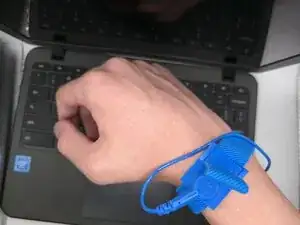
To properly don the anti-static wrist strap, follow this guide. If this guide is not properly followed, you risk damage to your laptop.


-
-
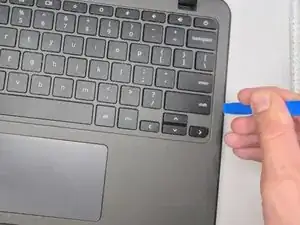
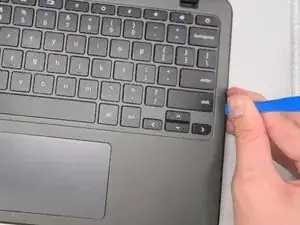
Insert an opening tool between the chassis and keyboard/palm rest assembly.
-
Pry around the entire perimeter until the assembly releases.
-
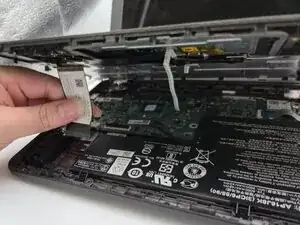
Slightly lift the assembly, with care not to strain the two connected ribbon cables.
-
-
-
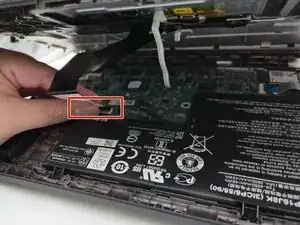
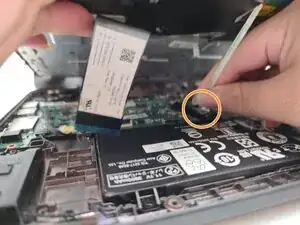
Flip up the locking tab on the left ZIF connection and pull the cable out parallel to the to the socket.
-
Disconnect the second ribbon cable.
-
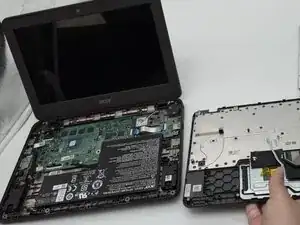
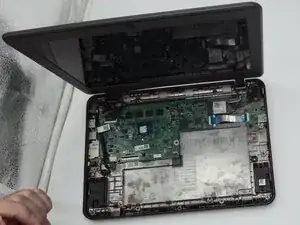
Remove the keyboard and palm rest assembly.
-
-
-
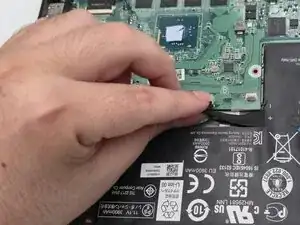
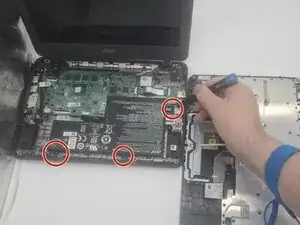
Use a Phillips #0 screwdriver to remove the three 3.6 mm-long screws securing the battery.
-
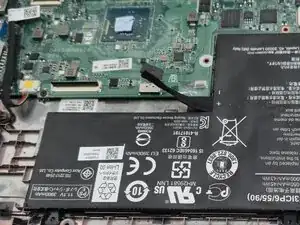
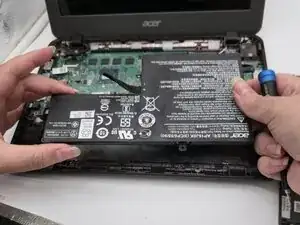
Lift the battery up and out.
-
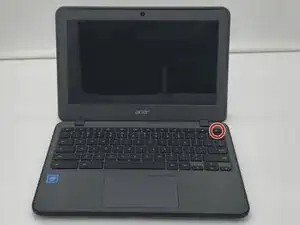
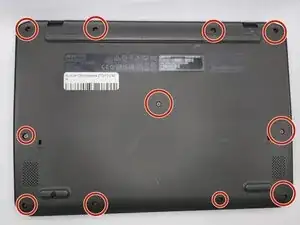
To reassemble your device, follow the above steps in reverse order.
For optimal performance, after completing this guide, calibrate your newly installed battery.
Take your e-waste to an R2 or e-Stewards certified recycler.
Repair didn’t go as planned? Try some basic troubleshooting or ask our Answers community for help.