Introdução

The SteelSeries Arctis 1 Wireless Gaming Headset was released on September 3, 2019. It retailed for $99 on release. It comes with the Headset, microphone, USB-C Reciever, and Micro-USB charger.

These are my personal pair, so I will be attempting to do this in the most non-destructive way possible.

This is also my first guide ever, so I apologize for any inaccuracies in information.

Note: I will be updating this teardown soon, and possibly making a repair guide or two, but until then, I have flagged this teardown as In Progress.

Have fun!

  1. 2EZMvOp1c1pCaMlV
    2EZMvOp1c1pCaMlV
    1hRpC6DDuJkC2wIw
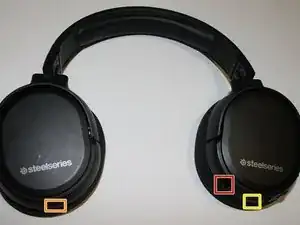
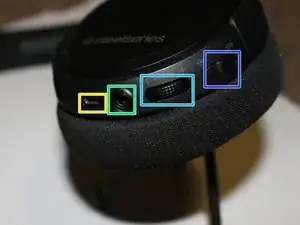
    • The Basics:

    • Microphone port

    • Power button and LED

    • Micro-USB port

    • AUX cord IN

    • Volume wheel

    • Microphone mute/unmute

  2. 4AIDbk3BCgTv41FY
    4AIDbk3BCgTv41FY
    doMPow2usXesk1Co
    nlUqKyJF1cFNMvJM
    • Let's start on the right side

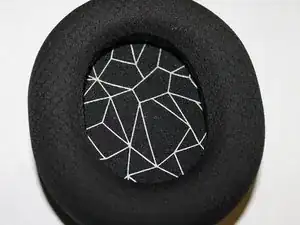
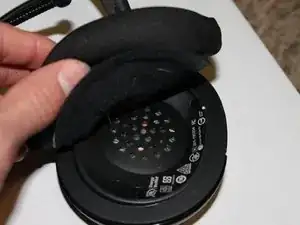
    • Take off the ear cushions.

  3. BR1OQFTJcv3rATuK
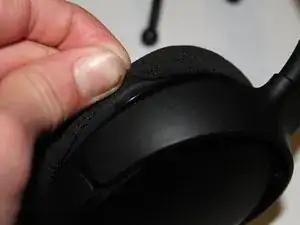
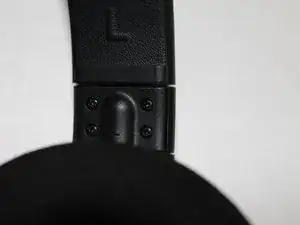
    • Remove this small plastic piece.

  4. 3Xu2aQGjeCqD1uS2
    3Xu2aQGjeCqD1uS2
    Vs5Wpi5ZBHk1gKhY
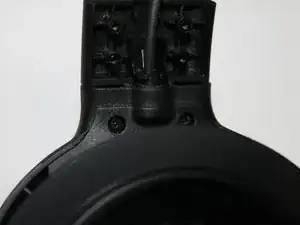
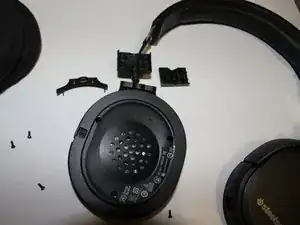
    • Remove the piece under the top of the headphone

    • It should look like this when you are done

  5. WSAM4MoQDwYFdCuK
    WSAM4MoQDwYFdCuK
    Z6EyOvvDEVBYXFIN
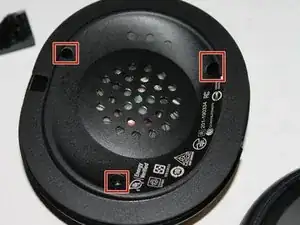
    • Time for the fun part

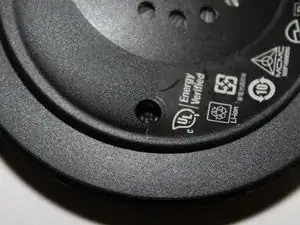
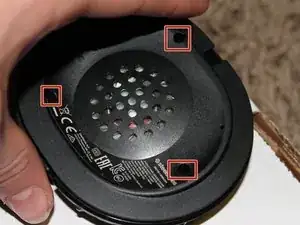
    • Take out the three Phillips screws with a Phillips #000 screwdriver

    • The left side is different, in that the Phillips screws are Torx.

    Unfortunately, this guide doesn't apply for the Cyberpunk edition of the Arctis 1 Wireless. Instead of #000 PH screws, it looks to be like a very specific torx security screw, for which I do not seem to have any idea for the size, my LTT set of precision drivers don't seem to fit the screw head.

    MiddleOfTheRoadChicken -

    Thanks for leaving a comment about this! Since I don’t actually own a pair of those, I didn’t know this, but I’ll try and do some research and figure it out later today. I’ll leave a note on this step and the description of the teardown to let people know!

    BC279 -

    I should have gotten back to this sooner, turns out I'm just too impatient. Your guide is fine :) You mention the torx screws on the left ear cup, I apologize for the mistake!

    MiddleOfTheRoadChicken -

    No worries! I needed an excuse to improve this anyway and I’ll try and make it clearer that the sides are different in design.

    BC279 -

  6. tgDXXRZUAdUGskA1
    tgDXXRZUAdUGskA1
    Am4ExUJqxvwKWLA3
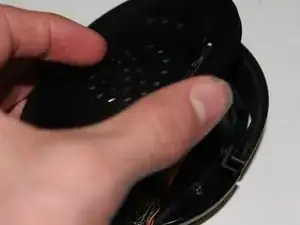
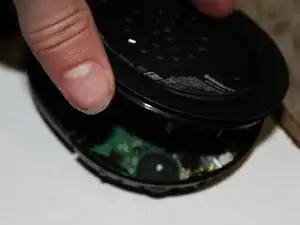
    • CAREFULLY pull apart the two halves

    • There is still a wire connecting the two halves. Do not pull straight up.

  7. edVRIxSDvFQ6lwC5
    edVRIxSDvFQ6lwC5
    UbVagN3uWwU6XAmY
    5HaILJWFpVMYJCGL
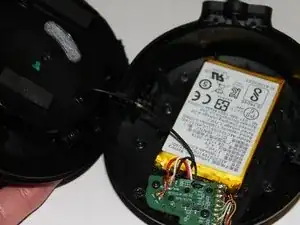
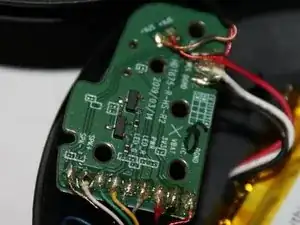
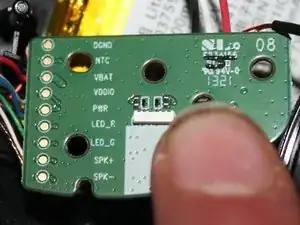
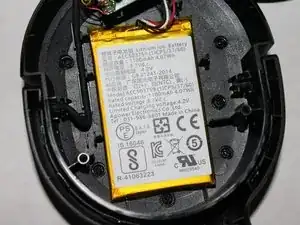
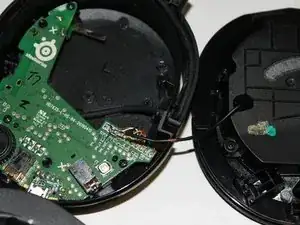
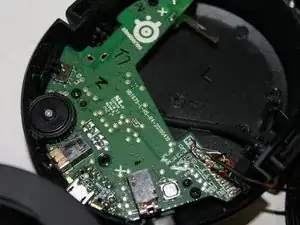
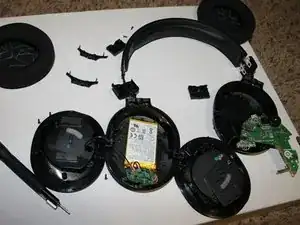
    • Let's get a closer look at these components.

    • Be careful to not damage the battery. If the battery is inflated or otherwise damaged, responsibly dispose of the battery.

    • Repeat steps 2-4 on the left side.

  8. oyTi1Uoi13cD1BoD
    • Remove the three T6 Torx Security screws.

  9. yT5ueP5XpfTiLChx
    yT5ueP5XpfTiLChx
    TTRiiSyROlfytmQn
    • Carefully separate the two sides

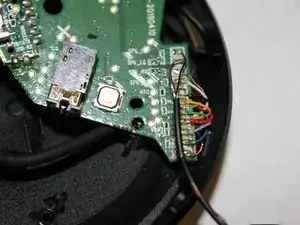
    • Again, there is a wire connecting both sides. Be careful to not break the connections.

    • The wires on the board are fragile. I accidentally pulled one off while reassembling the headset. I guess I have some soldering to do :(

  10. yIIsfh4llkZiHH1h
    yIIsfh4llkZiHH1h
    KSAf2dKRtN21UQ3e
    DYPuBSURUGliyORX
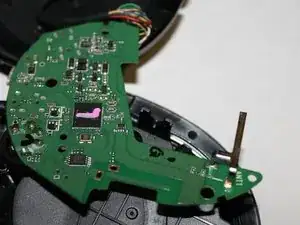
    • Again, let's get a closer look.

  11. uIvl4Wx3LAMGj2wa
    • Thank you for reading. As mentioned above, this is my first guide, so please feel free to make suggestions or list inaccuracies. Thank you!

BC279

Membro desde: 07/02/24

205 Reputação

0 comentários