Introdução
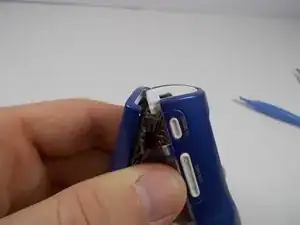
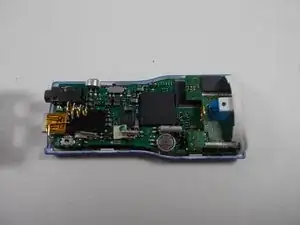
Follow the steps in this guide in order to gain access to components found inside the device which most often require repair of replacement.
Ferramentas


-
-
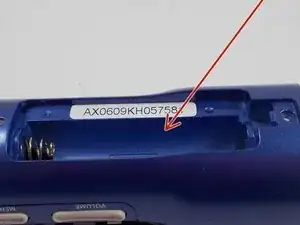
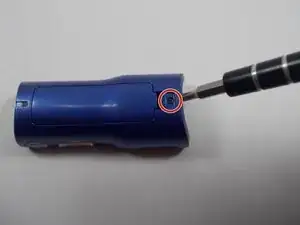
Remove the cover of the battery compartment.
-
Remove the battery from the inside compartment.
-
-
-
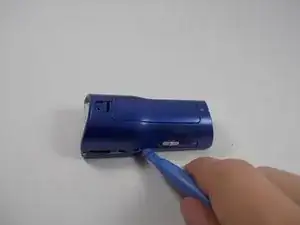
Locate the interlocking pegs along the seam of the device's casings.
-
Gently pry the pegs apart one at a time, working your way around the case.
-
-
-
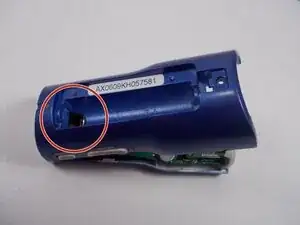
Push the battery contact springs down through the hole because the springs may prevent the case from separating.
-
-
-
The casing protecting the USB and headphone jacks must be removed.
-
Locate and gently pry apart the two interlocking clips holding it in place.
-
The outer casings may now be removed and the MP3 player should separate.
-