Introdução
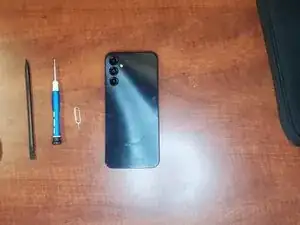
Ferramentas


-
-
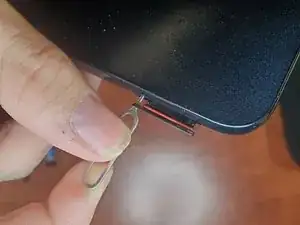
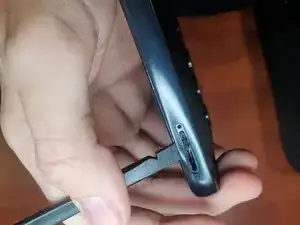
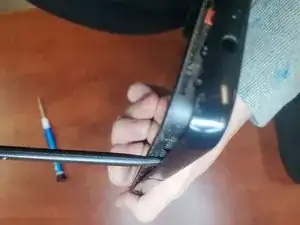
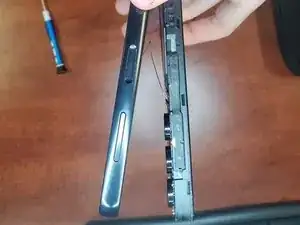
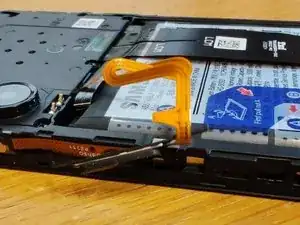
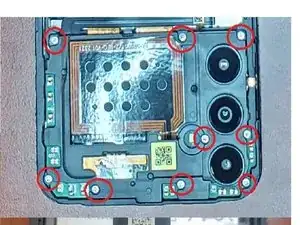
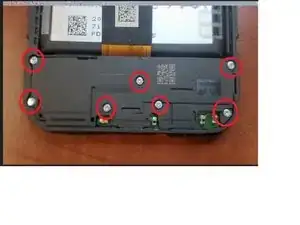
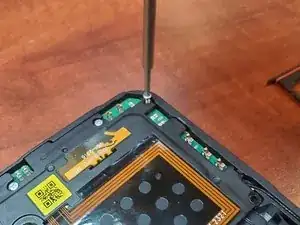
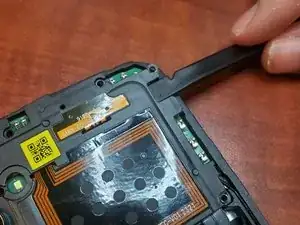
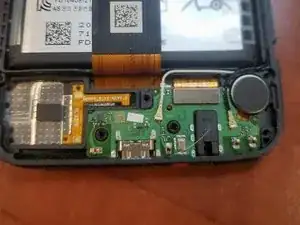
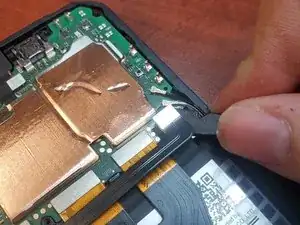
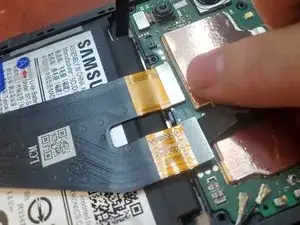
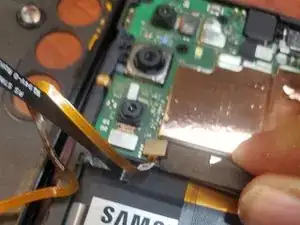
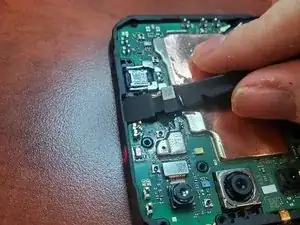
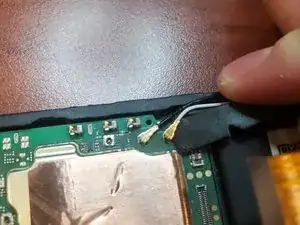
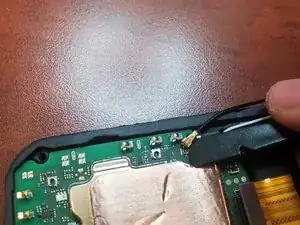
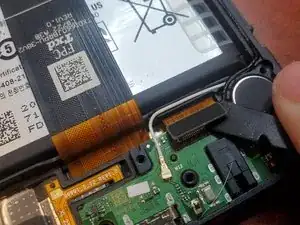
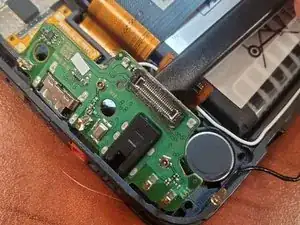
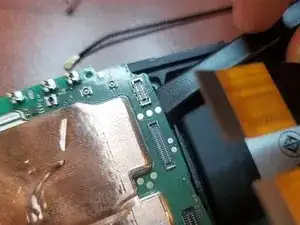
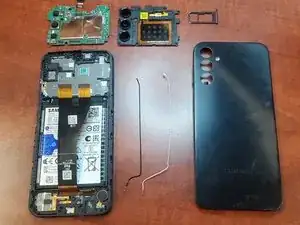
After "popping out" the back cover, you can remove the Scanner from the back cover or set the back cover aside, insert a thin pick in from the screen side and gently work round undoing the clips. When you lift the back off be mindful of the power switch/fingerprint reader cable. Lift the back away slowly.
-

6 comentários
What is the black square the connects the speaker.
it is a foam pad
No mention of the battery.... assuming it must be removed also...
Peel part A then Pull up on B, if it is too hard to pull then add isopropyl alcohol
what is the white cable? what is the black cable? specifically, please : -)
Those are the antenna cables, they connect the bottom antennas that rest on the daughterboard to the motherboard