Introdução
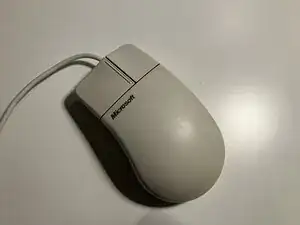
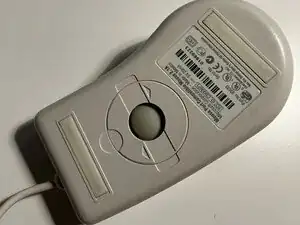
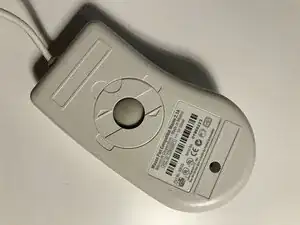
The Microsoft Basic Mouse v2.0 was introduced in 1993 and came in either a PS/2 port or Serial port configuration. They use a trackball on the bottom for movement and click and drag instead of a scroll wheel.
Ferramentas


-
-
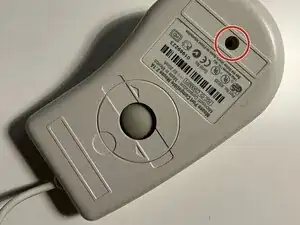
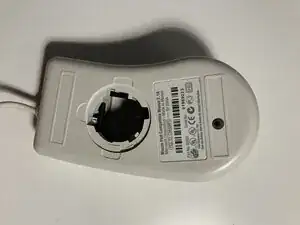
Peel off the rubber foot that is stuck under the information sticker on the bottom of the mouse carefully.
-
Unscrew the Phillips head screw sunk in under this rubber foot
-
-
-
On the bottom of the mouse, twist the circular cap with the track ball in it in the direction of the arrows (clockwise) until you can't turn it anymore and flip the mouse back over to let the cap and ball fall out.
-
-
-
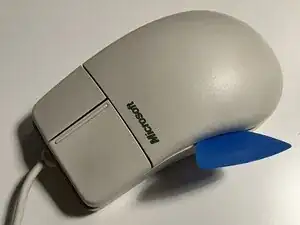
Take a spudger to the heel of the mouse where you rest you wrist, and insert the spudger.
-
Pull the spudger around the side until it gets caught on the plastic clip inside.
-
-
-
Carefully insert another, small spudger into the hole where the trackball and cap came out of and pry the clip up and unlatch the top shell from the bottom shell.
-
-
-
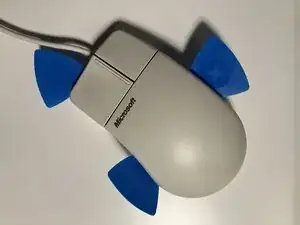
With the spudgers still inserted on either side of the mouse and the clips undone of the sides, take one more plastic spudger and pry from the top of the mouse where the cable comes out of.
-
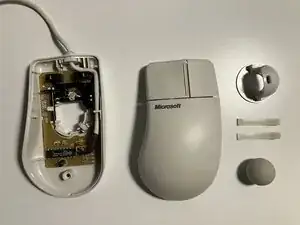
The mouse should come apart with some force, but be careful not to snap any of the clips.
-