Introdução
A quick teardown and notation of some internal details
-
-
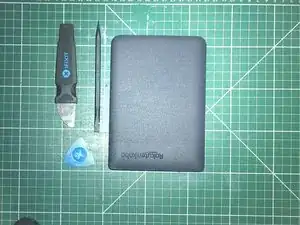
Choose your opening tools, I'd recommend using plastic to avoid damaging the case or any internals
-
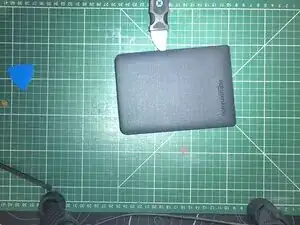
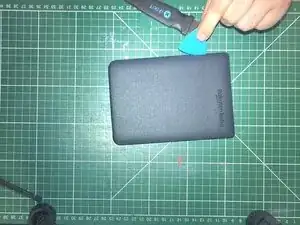
Im going to use a metal jimmy to get the first gap open, then use a plastic guitar pick to run around the edge and release all the clips
-
-
-
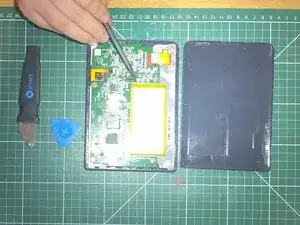
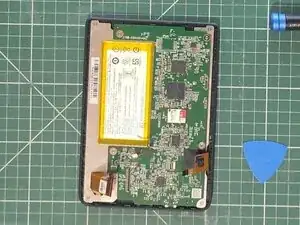
wow this image sucks, sorry. but here is the battery connector, use a plastic tool to pull up the connector and disconnect the battery
-
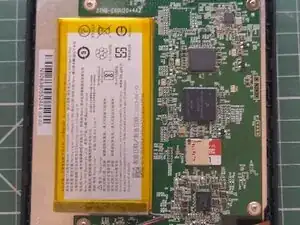
The batterys model is : "EVE254385N"
-
The battery is glued to the internal metal frame, the screen is attached on the other side, so you may want to remove the entire frame, then screen before using IPA to loosen the glue.
-
-
-
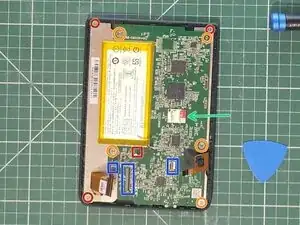
Screws are Phillips 00
-
Orange: Motherboard
-
Red: Mid-frame / screen
-
Red square: battery connector
-
Blue rectangles: screen ribbon cables
-
Green Arrow: mini SD card slot
-