Introdução
Ferramentas

-
-
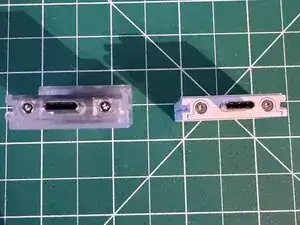
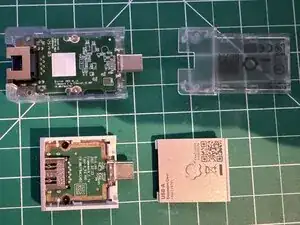
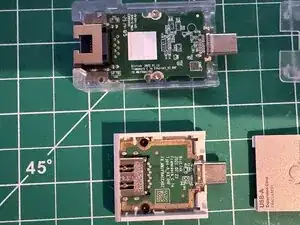
Unscrew outer screws located next to the male USB-C connection. On only the Ethernet expansion card there is another set on the bottom by the Ethernet end.
-
-
-
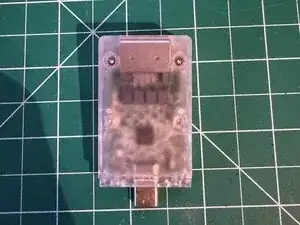
Slide the cover towards the male USB-C connector
-
It may take some force
-
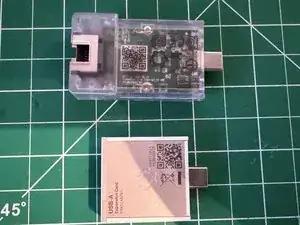
The Ethernet expansion card moves much less than the other cards
-
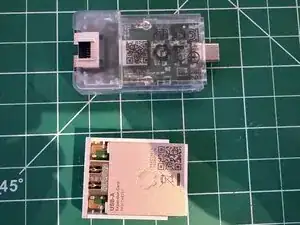
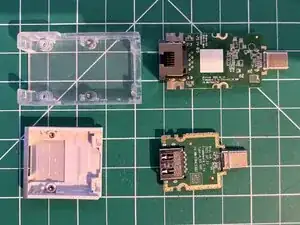
Then lift the cover off
-
Ethernet is also held on by clips
-