Introdução


-
-
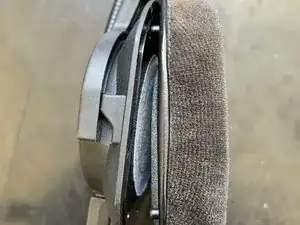
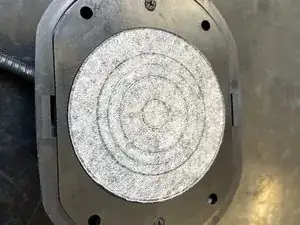
The ear pad is held to the ear piece by 4 plastic clips. Gently pull the ear pad away from the ear piece to remove.
-
-
-
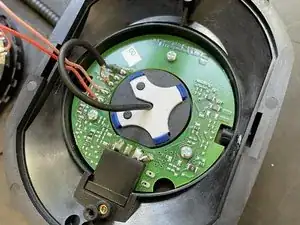
Remove the white plastic clip with a plastic prying tool. It's likely that it is stuck down with some low tack adhesive.
-
-
-
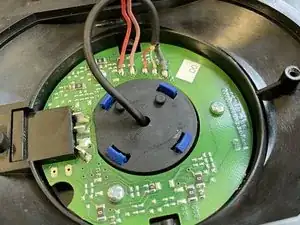
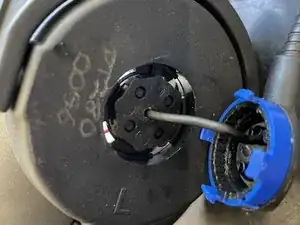
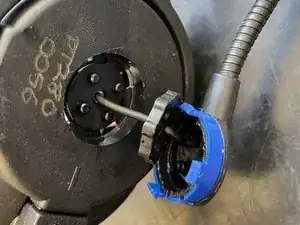
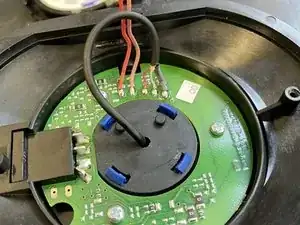
By pushing the blue clips towards the centre with a prying tool or something similar, the microphone boom arm is then released from the body of the ear piece.
-

Um comentário
Thanks for posting this!
My DT 290's are having issues with intermittent audio, had them repaired but it wasn't actually fixed so I'm looking at just taking apart the cords and possibly the headset itself to see if I can fix it and share later.