Introdução
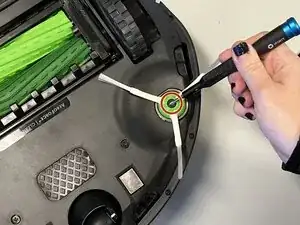
The side brush on a Roomba is responsible for sweeping debris from edges and corners into the cleaning path of the main brushes. If the side brush becomes worn, bent, or damaged, it can reduce cleaning efficiency. This guide will show you how to remove and replace the side brush to restore optimal cleaning performance. NOTE: Make sure the Roomba is disconnected from its charging base.


Conclusão
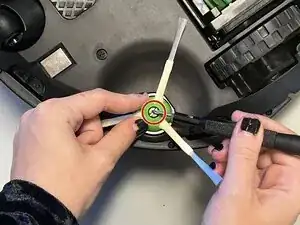
To reassemble your device, follow these instructions in reverse order.