Introdução


-
-
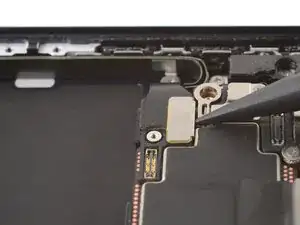
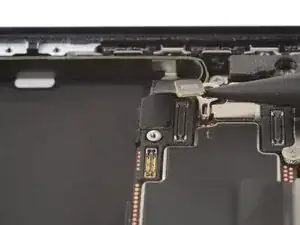
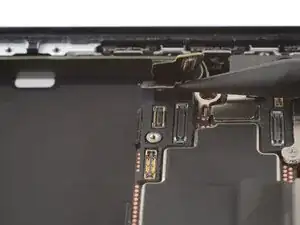
Use the point of a spudger to pry up and disconnect the two USB-C port assembly press connectors (one's underneath the other) from the bottom-left corner of the logic board.
-
-
-
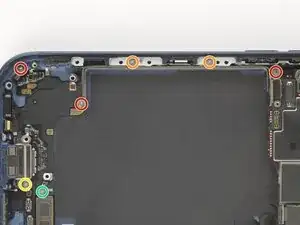
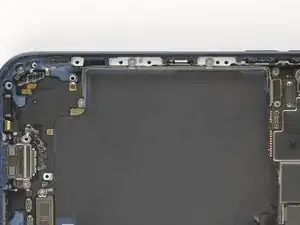
Remove the screws securing the USB-C port assembly:
-
Three 1.5 mm‑long JIS 00 screws
-
Two 1.7 mm‑long JIS 00 screws
-
One 1.3 mm‑long JIS 00 screw
-
One 1.2 mm‑long tri-point Y000 screw
-
-
-
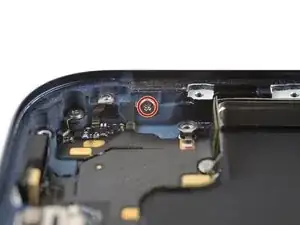
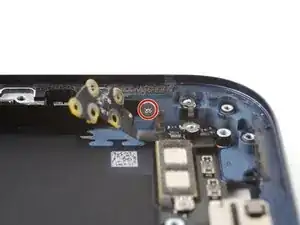
Use a JIS 00 screwdriver to remove the 1.2 mm‑long screw securing the USB-C port assembly to the bottom left corner of the frame.
-
-
-
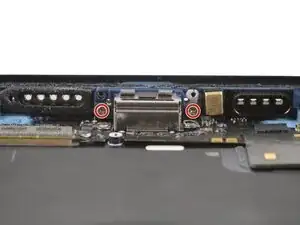
Use a JIS 00 screwdriver to remove the two 3.3 mm‑long screws securing the USB-C port to the bottom edge of the frame.
-
-
-
Use a JIS 00 screwdriver to remove the 1.2 mm‑long screw securing the USB-C port assembly to the right edge of the frame.
-
-
-
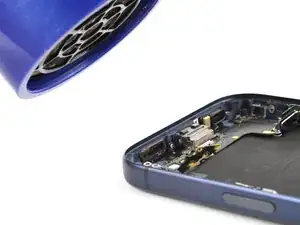
Use a hair dryer or an iOpener to heat the entire USB-C port assembly until it's warm to the touch.
-
-
-
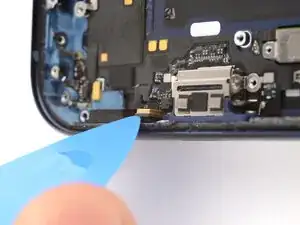
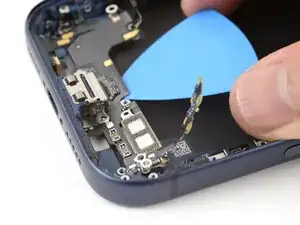
Slide the point of an opening pick between the microphone module (left of the USB-C port) and the bottom edge of the frame.
-
Pry gently to separate the microphone from the frame.
-
-
-
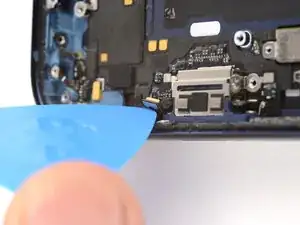
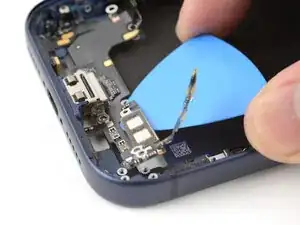
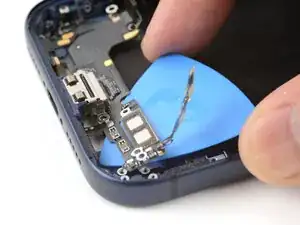
Slide the opening pick under the USB-C port assembly, near the center.
-
Slide the pick towards the right edge of the frame to separate the adhesive holding the assembly.
-
-
-
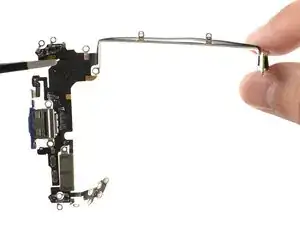
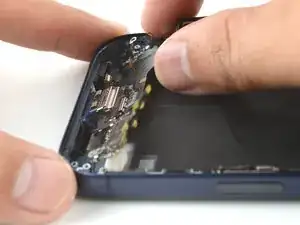
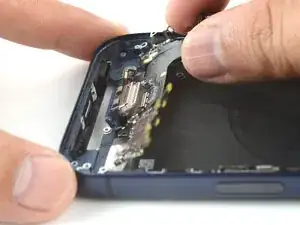
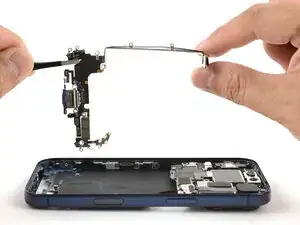
Grab the USB-C port assembly with your fingers and slowly pull it away from the frame to remove it.
-
To reassemble your device, follow these instructions in reverse order.
