Introdução


-
-
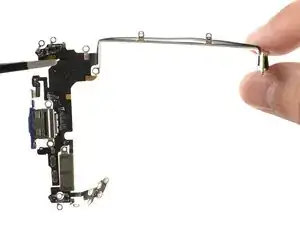
Carefully inspect your replacement USB-C port assembly and remove any adhesive liners.
-
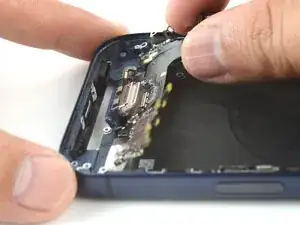
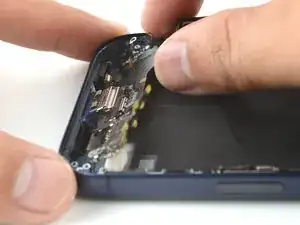
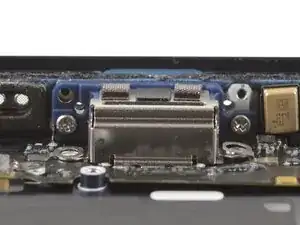
Align the assembly with the bottom edge of the frame and lay it loosely in place.
-
Make sure the assembly tucks below the black plastic speaker channel.
-
-
-
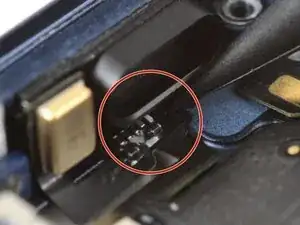
Tuck the metal mounting tab's bend underneath the logic board. When it's properly positioned, the mounting tab's screw hole should line up correctly.
-
-
-
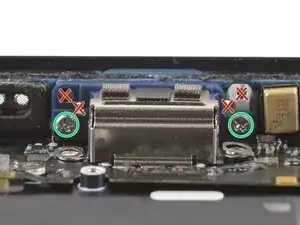
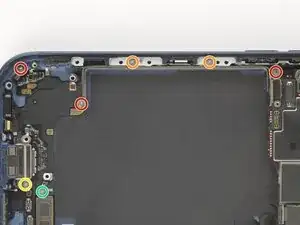
Use a JIS 00 screwdriver to install the two 3.3 mm‑long USB-C port screws to the bottom edge of the frame.
-
Make sure to install these screws in the holes marked in green, not red.
-
-
-
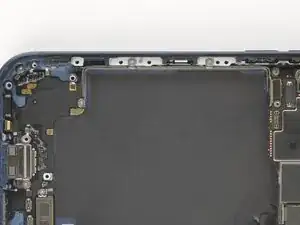
Install the USB-C port assembly screws:
-
Three 1.5 mm‑long JIS 00 screws
-
Two 1.7 mm‑long JIS 00 screws
-
One 1.3 mm‑long JIS 00 screw
-
One 1.2 mm‑long Y000 screw
-
-
-
Use a JIS 00 screwdriver to install the 1.2 mm‑long USB-C port assembly screw to the bottom left corner of the frame.
-
-
-
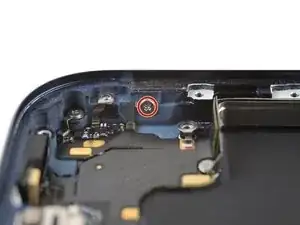
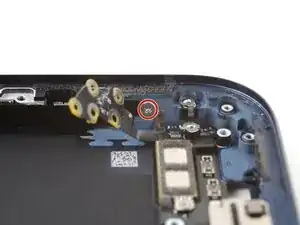
Use a JIS 00 screwdriver to install the 1.2 mm‑long USB-C port assembly screw to the right edge of the frame.
-
-
-
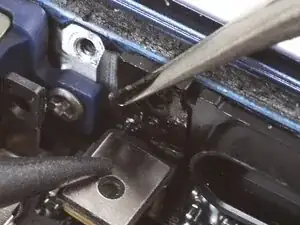
Use tweezers to remove the adhesive from where the microphone attaches to the frame.
-
Use your finger to align and press the microphone module onto the frame.
-
-
-
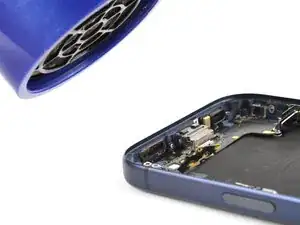
Use a hair dryer or an iOpener to heat the entire USB-C port assembly until it's warm to the touch. This helps the adhesive to bond better.
-
-
-
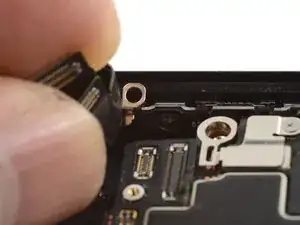
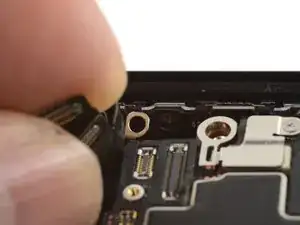
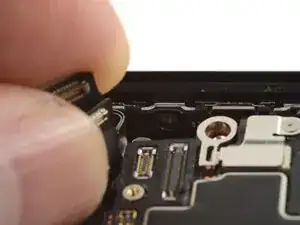
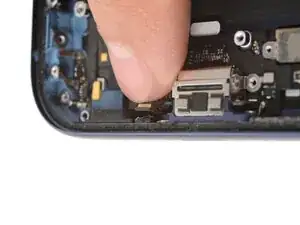
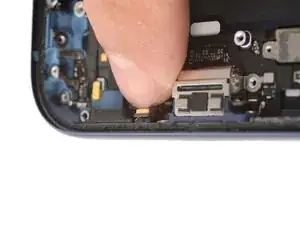
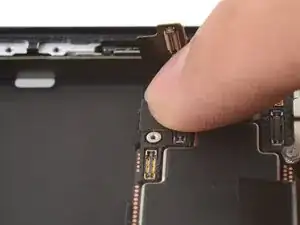
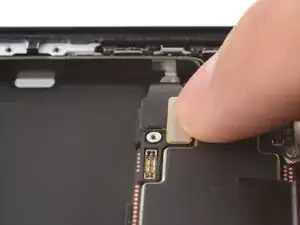
Use your finger to press and connect the two USB-C port assembly press connectors (one's underneath the other) to the logic board.
-
To reassemble your device, follow these instructions in reverse order.
