Introdução

  1. F2fcDO2fHJnSXvcJ
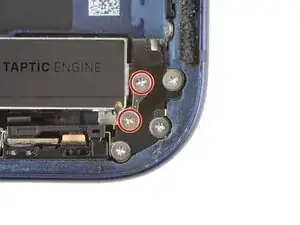
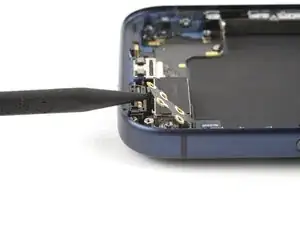
    • Use a JIS 00 screwdriver to remove the two 2.0 mm‑long screws securing the ground clip.

  2. pjljFXsffkCXSXOf
    pjljFXsffkCXSXOf
    ZJDEllnwyr32H1me
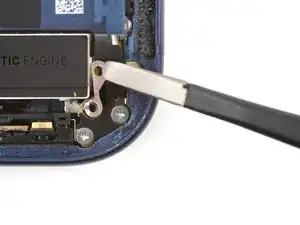
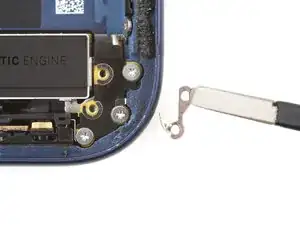
    • Use tweezers to remove the ground clip.

    • The clip is delicate and easy to lose. Store it in a safe place for reassembly.

  3. DWXxCsNWyef3QuPH
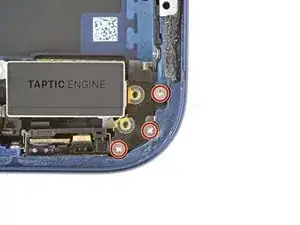
    • Use a JIS 00 screwdriver to remove the three 2.0 mm‑long screws securing the flex antenna.

  4. LqC1HBIiXFso3VmT
    LqC1HBIiXFso3VmT
    M1OTCTcBVfUxIEDC
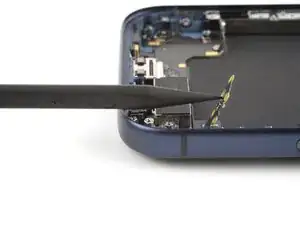
    • Use your fingers or a spudger to swing the flex antenna out of the way to access the screws beneath it.

  5. 6QkwnnAGhZpRtUTl
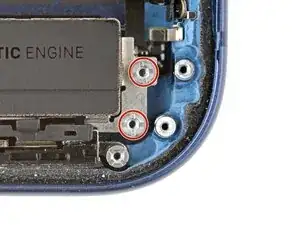
    • Use a standoff screwdriver to remove the two 4.0 mm‑long screws securing the Taptic Engine.

  6. GjsQHcWkyPRhvtpZ
    GjsQHcWkyPRhvtpZ
    5WsaPUkpLKMPvt4w
    SZKOHHQ1istVmtOc
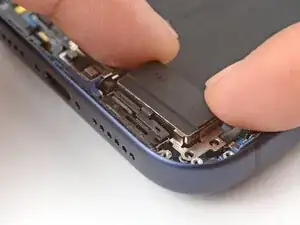
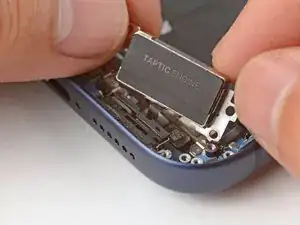
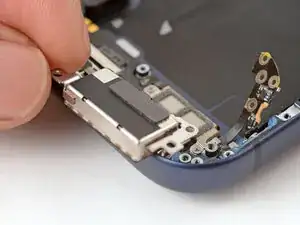
    • Use your fingers to flip the Taptic Engine out of its recess and onto the edge of the iPhone.

    • Hold onto the Taptic Engine during the next step to prevent straining its cable.

  7. UcVflLFRajStaQdk
    UcVflLFRajStaQdk
    DGjBoUDUGGiSObRE
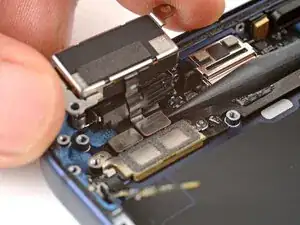
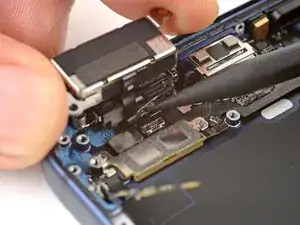
    • Use the point of a spudger to pry up the Taptic Engine press connector and disconnect it.

  8. yZAvIt2oByfG3ExA
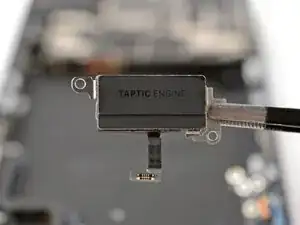
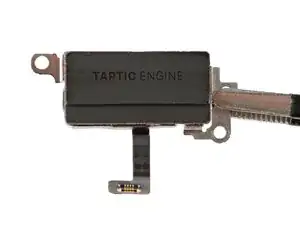
    • Remove the Taptic Engine.

Conclusão

To reassemble your device, follow these instructions in reverse order.

Arthur Shi

Membro desde: 03/01/18

326111 Reputação

0 comentários