Introdução


-
-
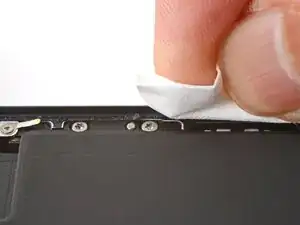
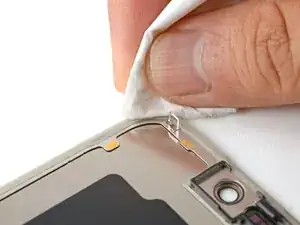
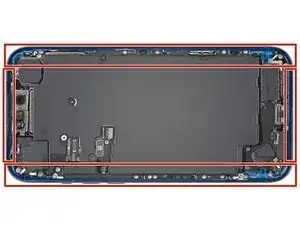
Use a lint-free cloth or a coffee filter to wipe in one direction along the perimeter of the frame to clean the adhesive residue.
-
-
-
If you're reusing your screen, apply a few drops of highly-concentrated isopropyl alcohol (over 90%) to a microfiber or lint-free cloth and wipe around the perimeter to prepare the surface for new adhesive.
-
-
-
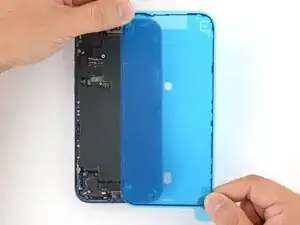
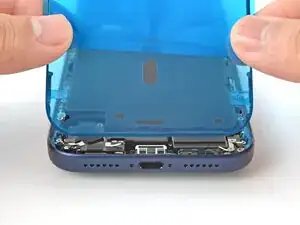
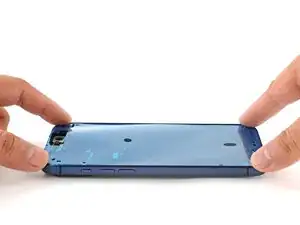
Without peeling any liners, lay the adhesive sheet over the frame to determine its proper orientation.
-
-
-
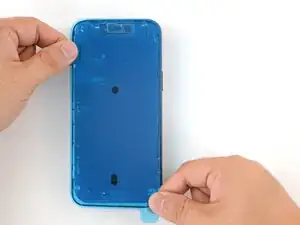
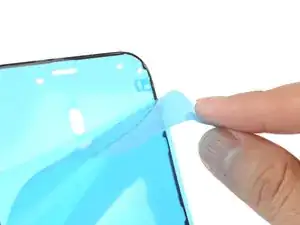
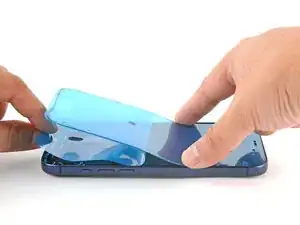
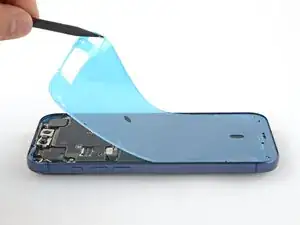
Grab the tab in the corner of the adhesive sheet and peel the liner to expose a third of the adhesive.
-
-
-
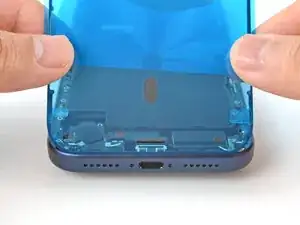
Carefully align the exposed edge of the adhesive strip with the corresponding edge of the iPhone's frame.
-
When it's correctly aligned, gently press the exposed adhesive strip onto the frame.
-
-
-
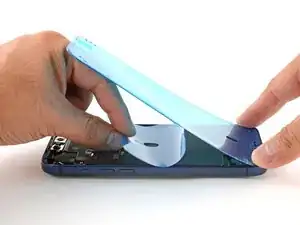
Use the pull tab to peel off the large front liner from the adhesive. The pull tab is often in a corner of the liner.
-
-
-
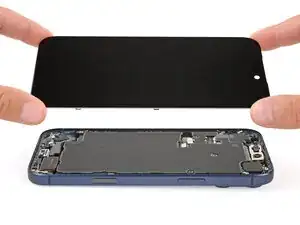
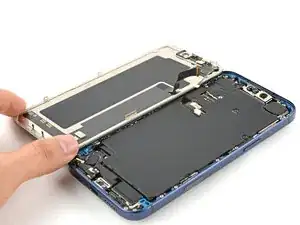
Set the iPhone screen next to the frame such that the screen cables can comfortably reach the logic board.
-
-
-
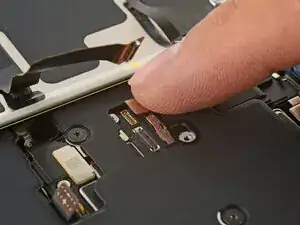
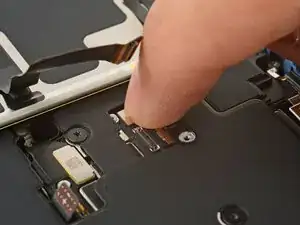
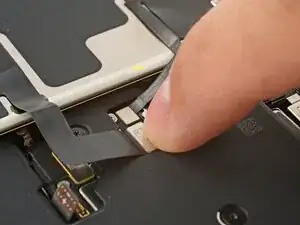
Use your finger or the flat end of a spudger to press and connect the two screen connectors onto the logic board.
-
-
-
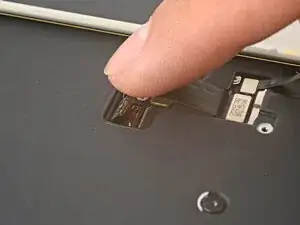
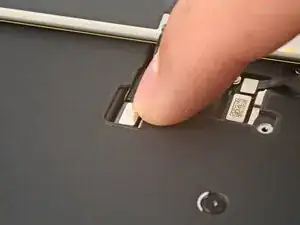
Use your finger or the flat end of a spudger to press and connect the battery connector onto the logic board.
-
-
-
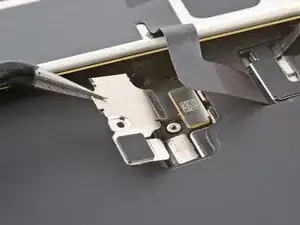
Tuck the top edge of the battery connector cover under the cutout lip.
-
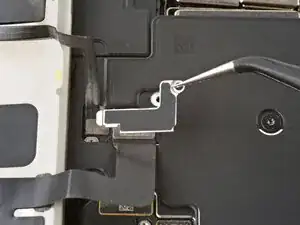
Align the cover by its screw hole and lay it in place.
-
-
-
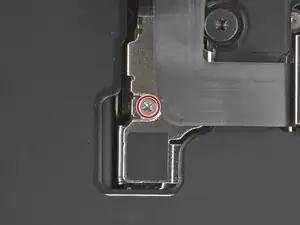
Use a JIS 00 screwdriver to install the 1.2 mm‑long screw to secure the battery connector cover.
-
-
-
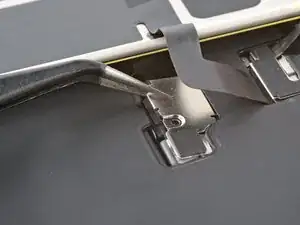
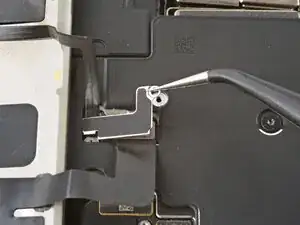
Tuck the left edge of the screen connector cover under the cutout lip.
-
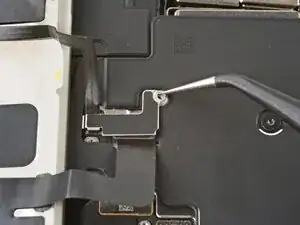
Align the cover by its screw hole and lay it in place.
-
-
-
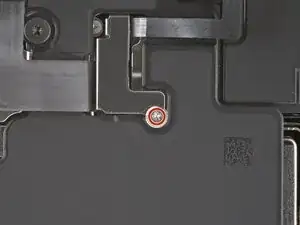
Use a JIS 00 screwdriver to install the 1.2 mm‑long screw to secure the screen connector cover.
-
-
-
With one hand hold the screen steady.
-
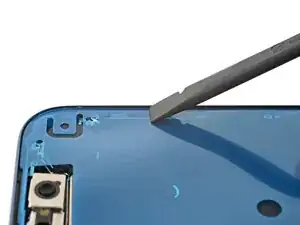
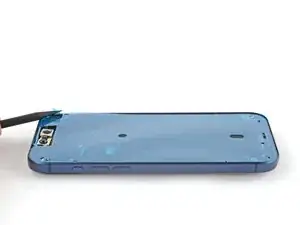
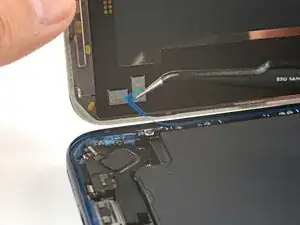
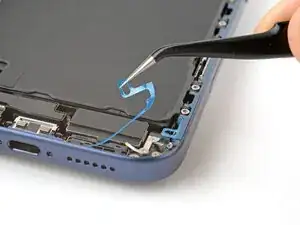
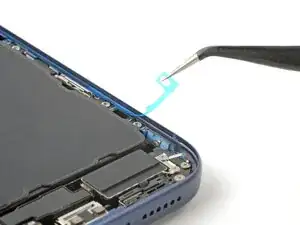
Use your fingers or a spudger to peel away all perimeter liners, exposing the adhesive.
-
Check the internals for any stray liners and remove them. There should be no liners remaining.
-
-
-
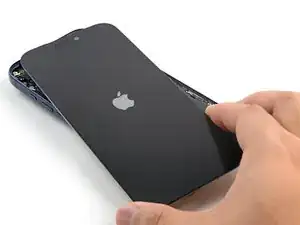
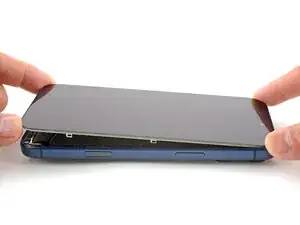
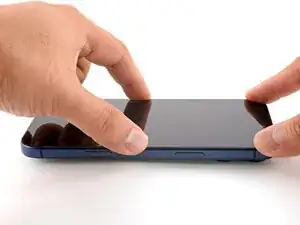
Lower the screen onto the frame, beginning with the top edge.
-
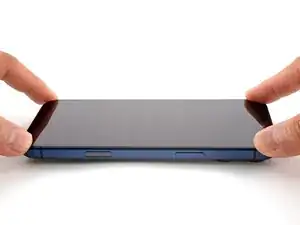
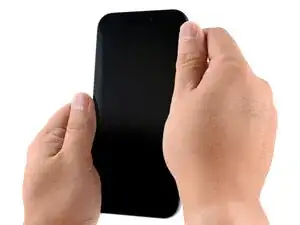
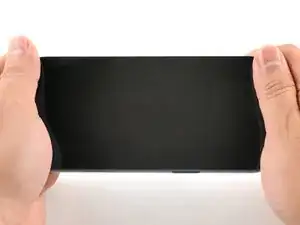
Press along the edges of the iPhone until the screen sits flush against the frame.
-
-
-
Use a hair dryer, heat gun, or an iOpener to heat the screen perimeter until it's slightly too hot to touch.
-
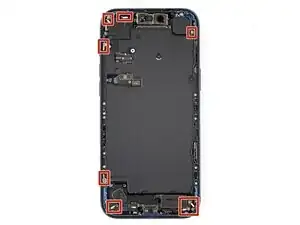
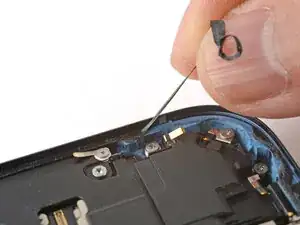
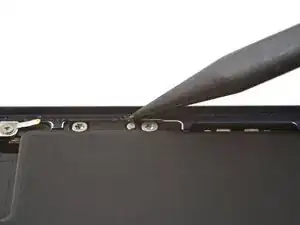
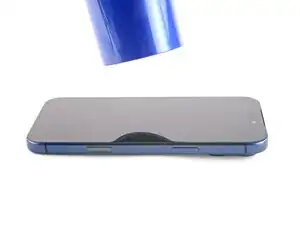
To reassemble your device, follow these instructions in reverse order.
