Introdução

This includes safety precautions, cracked glass information, and pentalobe screw removal

  1. JwaVsGuyCnhMXAug
    JwaVsGuyCnhMXAug
    K6oUyZ5JWwfDsMmM
    • Let your iPhone's battery drain below 25% before starting this repair—a charged lithium‑ion battery may catch fire if damaged.

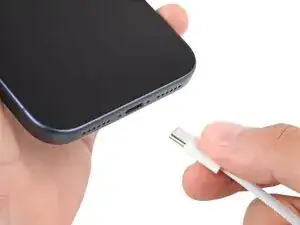
    • Unplug all cables from your phone.

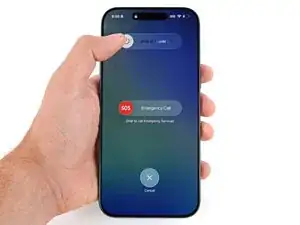
    • Hold the power and either volume button and slide to power off your phone.

  2. rQ2ZIKd6CLEgOpZM
    rQ2ZIKd6CLEgOpZM
    M31LuSxc2V4TKLZU
    nqYtVUKd3E5pDqPP
    • Glass shards can complicate disassembly—or worse, cause injury. If your phone is cracked, follow this step.

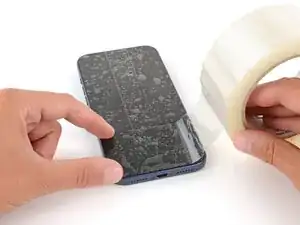
    • Apply strips of packing tape to the cracked glass until it's completely covered—this will help keep the glass contained and allow the suction cup to stick.

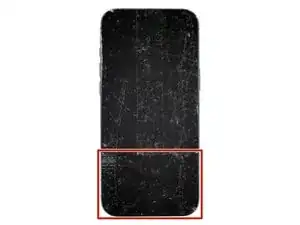
    • Make sure there's a single strip of tape (not overlapping) across the bottom edge, big enough for a suction cup to fit on.

    • Only cover the glass itself—don't stick any tape to the frame.

    • Consider wearing safety glasses to protect your eyes from any glass shaken free during the repair.

  3. rfjGySSoZXYHqFV4
    rfjGySSoZXYHqFV4
    TLfGlEY34P4LaLWe
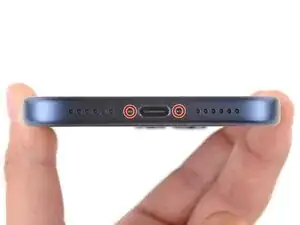
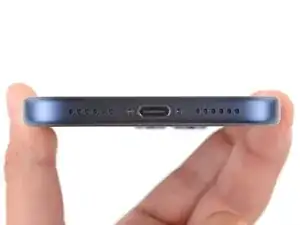
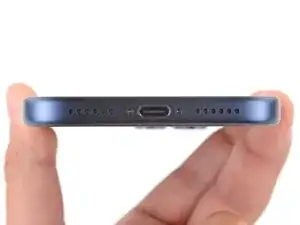
    • Use a P2 pentalobe screwdriver to remove the two 7.5 mm‑long screws on either side of the charging port.

Spencer Day

Membro desde: 14/09/22

165254 Reputação

0 comentários