Introdução

Intermediate logic board disassembly steps.

This can either conclude with the logic board removal or with LiDAR removal.

  1. pBLOGwO6JpJDchPN
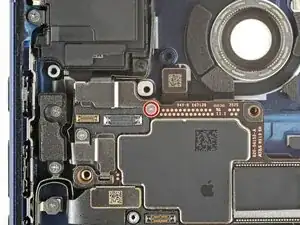
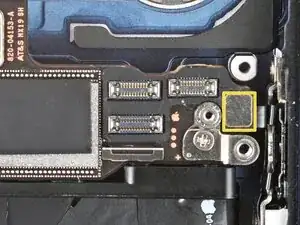
    • Use a tri-point Y000 screwdriver to remove the 1.0 mm‑long screw securing the front camera connector cover.

  2. YOT51GNADDUNdA2l
    YOT51GNADDUNdA2l
    kgdJluC1AEBWWjTI
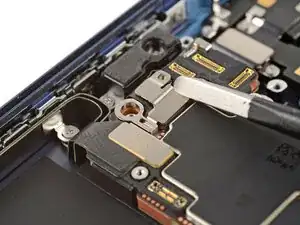
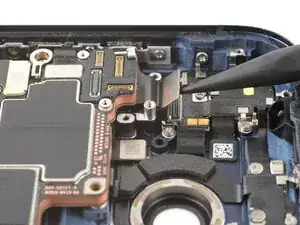
    • Use tweezers to unhook and remove the front camera connector cover.

  3. TsyeSC2oAWEjKgoM
    TsyeSC2oAWEjKgoM
    HoFBwLxGhToGcIh2
    sYWDhXMu6YRhKisv
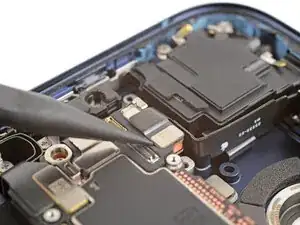
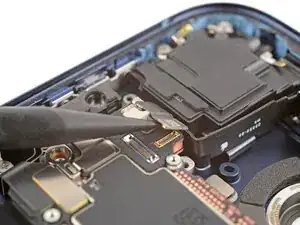
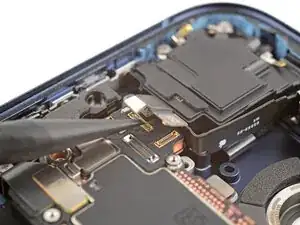
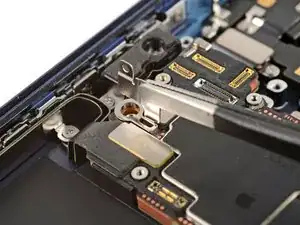
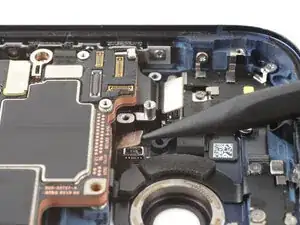
    • Use the point of a spudger to pry up and disconnect the two front camera connectors (one's under the other) from the logic board.

  4. Ztm4paZVLWC1Ccq2
    Ztm4paZVLWC1Ccq2
    W1qBGgdHtTNtPs4t
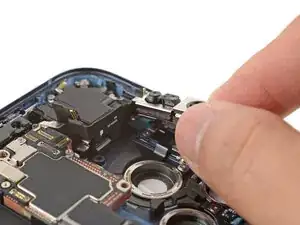
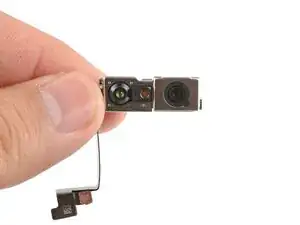
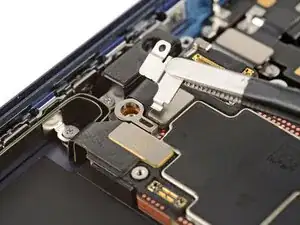
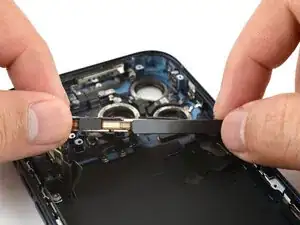
    • Lift and remove the front camera assembly from its recess.

  5. dAGCqvVRYUH4WxhL
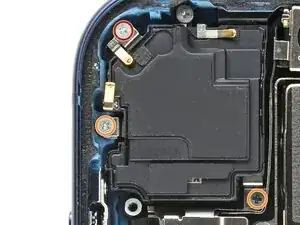
    • Use a JIS 00 screwdriver to remove the three screws securing the top speaker:

    • One 2.1 mm‑long screw

    • Two 2.4 mm‑long screws

  6. gfMUgSrHRcoxiqkG
    gfMUgSrHRcoxiqkG
    TmhEYYk1rPeqND5s
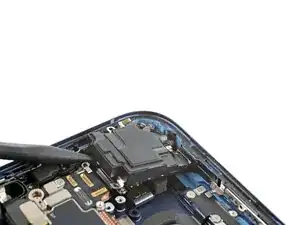
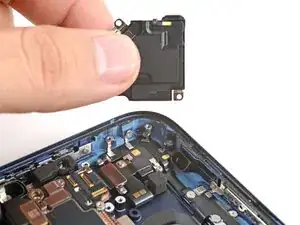
    • Use the point of a spudger to pry up and loosen the top speaker.

    • Remove the top speaker.

  7. X54ropQMYUlYy2ui
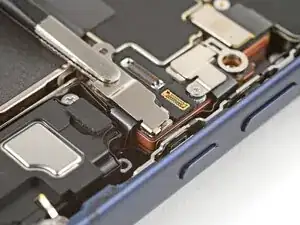
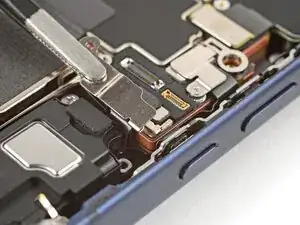
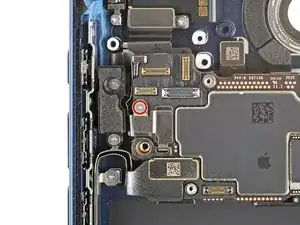
    • Use a tri-point Y000 screwdriver to remove the 1.0 mm‑long screw securing the button connector cover.

  8. p3dNHj2hATNq4uMa
    p3dNHj2hATNq4uMa
    DnlOqtxGV2DqvXTa
    ikXXNDxF2COCZDFf
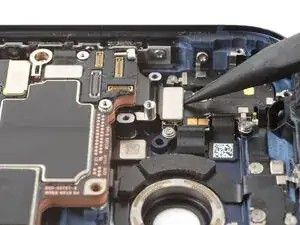
    • Use tweezers to unlatch the button connector cover from the logic board and remove it.

  9. jEExy3UTovROmFpS
    jEExy3UTovROmFpS
    VoHC3GSCAsmUhCMa
    TaaCTFAow3MJVeq4
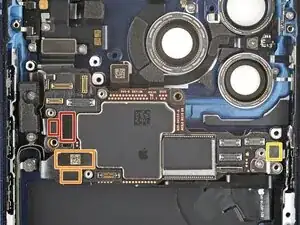
    • Use the point of a spudger to pry up and disconnect the two press connectors along the top edge of the logic board.

  10. smm3xAZyIsmT3tHL
    smm3xAZyIsmT3tHL
    1NbODqAgquiPEAJB
    OOLKh4NduHTsYv1c
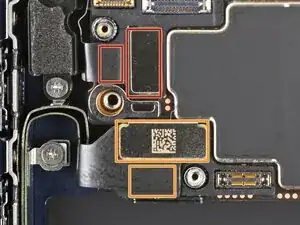
    • Use the point of a spudger to pry up and disconnect five press connectors on the logic board:

    • Two button board connectors (one's underneath the other)

    • Two USB-C port assembly connectors (one's underneath the other)

    • One power button connector

  11. TMbvvmDamCyOadlr
    TMbvvmDamCyOadlr
    KUn3XfcCru3ELLDU
    2OkYuF5jMFGpTcfN
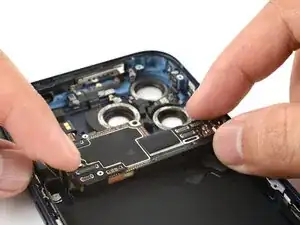
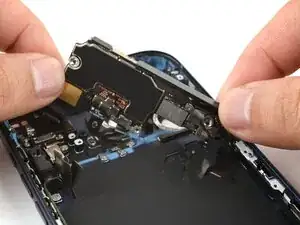
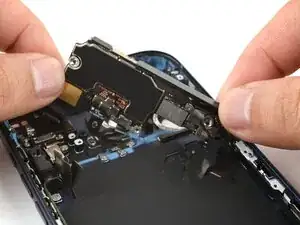
    • Don't attempt to remove the logic board. It's still attached to the frame by the underside flex cable(s).

    • Use your fingers to carefully tilt the bottom left corner of the logic board up until it stands vertical.

    • Shift the logic board as needed to maintain slack on the underside flex cable(s).

Conclusão

To reassemble your device, follow these instructions in reverse order.

Arthur Shi

Membro desde: 03/01/18

326111 Reputação

0 comentários