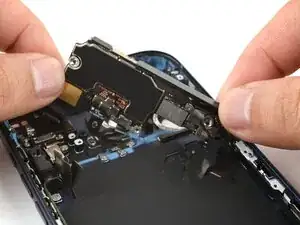
Introdução


-
-
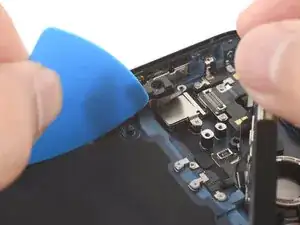
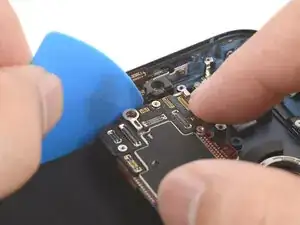
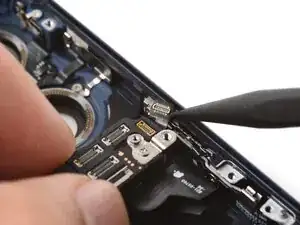
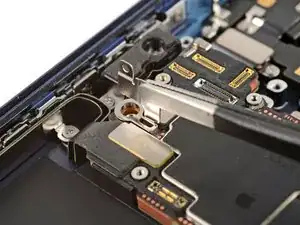
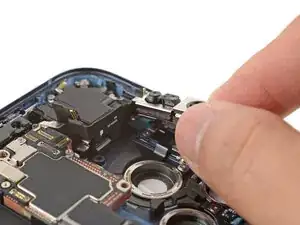
Use an opening pick to hold the flex cables along the left edge of the iPhone to prevent them from being trapped underneath the logic board.
-
Swing the logic board down in place, making sure no flex cables are trapped along the left and bottom edges.
-
-
-
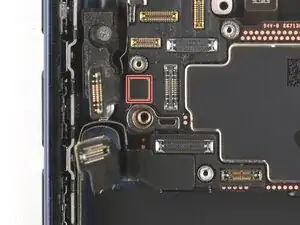
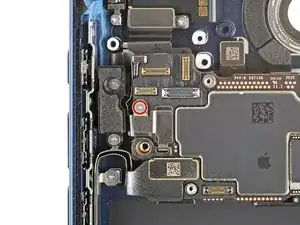
Check the right edge of the logic board to make sure the power button connector wasn't trapped underneath the logic board.
-
-
-
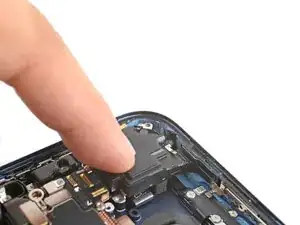
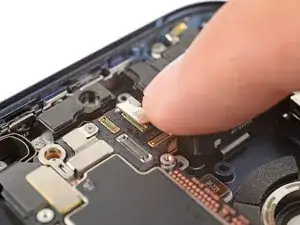
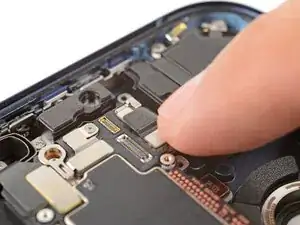
Use your finger to press and connect the small button connector on the left side of the logic board.
-
-
-
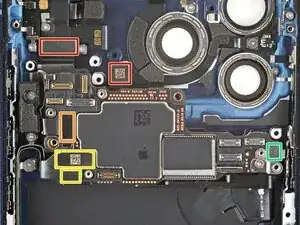
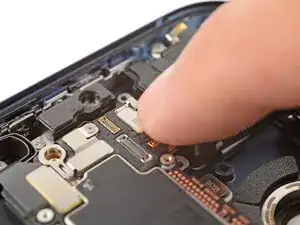
Use your finger to press and attach the six press connectors:
-
Two connectors along the top edge of the logic board
-
One remaining button board connector
-
Two USB-C port assembly connectors (one on top of the other)
-
One power button connector
-
-
-
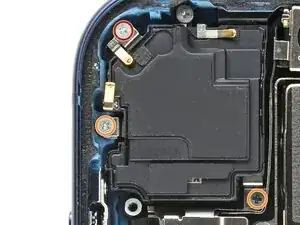
Use a JIS 00 screwdriver to install the three top speaker screws:
-
Two 2.4 mm‑long screws
-
One 2.1 mm‑long screw
-
-
-
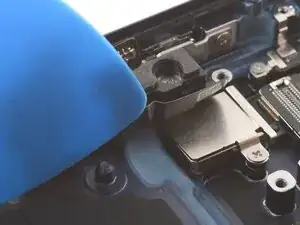
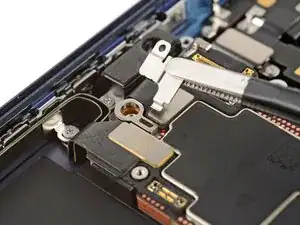
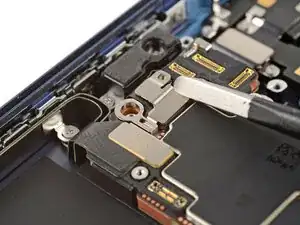
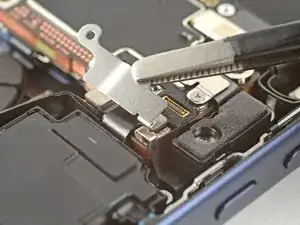
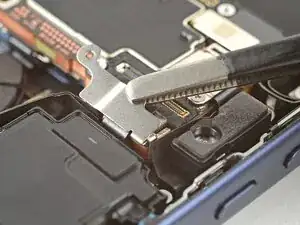
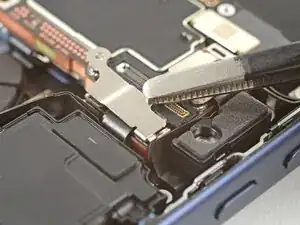
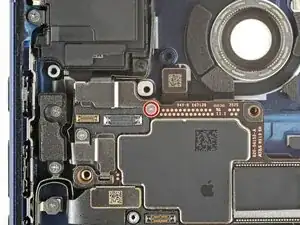
Hook the small latch in the corner of the camera connector cover onto the logic board and set it in place.
-
To reassemble your device, follow these instructions in reverse order.
