Introdução
Ferramentas


-
-
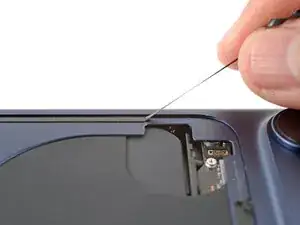
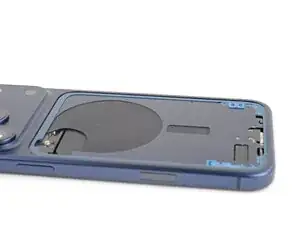
Use blunt-nose tweezers or your fingers to remove large pieces of adhesive from the frame.
-
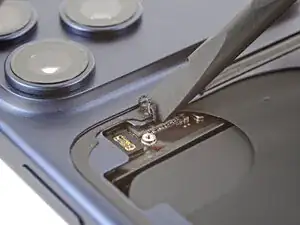
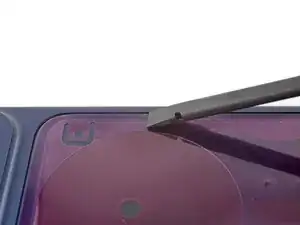
Use a spudger to scrape the adhesive residue off the frame.
-
-
-
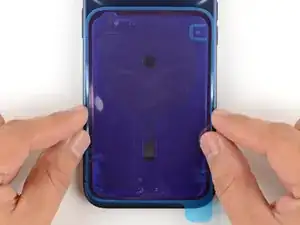
Without peeling any liners, lay the adhesive sheet over the frame to determine its proper orientation.
-
-
-
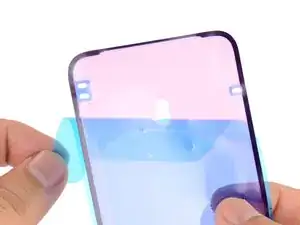
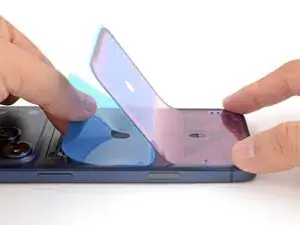
Grab the tab in the corner of the adhesive sheet and peel the liner to expose a third of the adhesive.
-
-
-
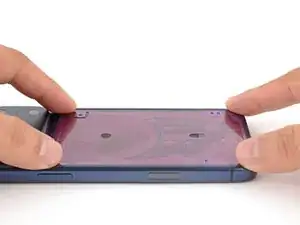
Carefully align and press the exposed edge of the adhesive strip onto the frame.
-
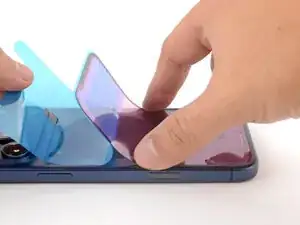
Continue peeling away the liner from the adhesive, gently pressing the adhesive into place.
-
-
-
Use the pull tab to peel off the large front liner from the adhesive—the pull tab is often in a corner of the liner.
-
-
-
Position the back glass so you can comfortably reconnect it.
-
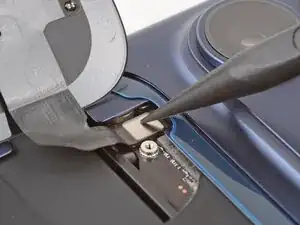
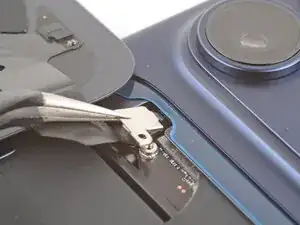
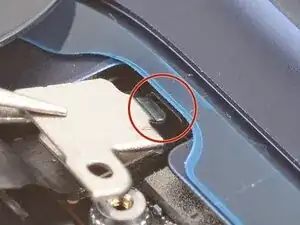
Use your finger or a spudger to press and connect the back glass press connector onto the logic board.
-
-
-
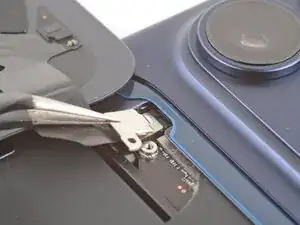
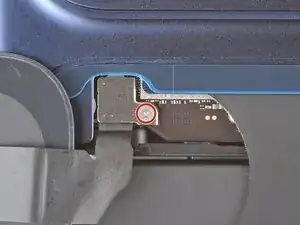
Use a tri‑point Y000 screwdriver to install the 1.0 mm‑long screw to secure the connector cover.
-
-
-
Use one hand to hold the back glass up. Be careful not to strain the cable.
-
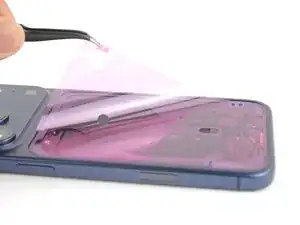
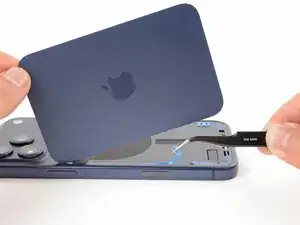
Use your fingers or tweezers to peel away all remaining liners, exposing the perimeter adhesive.
-
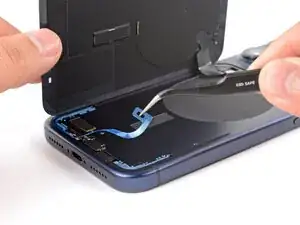
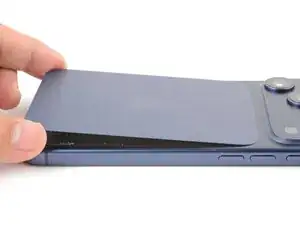
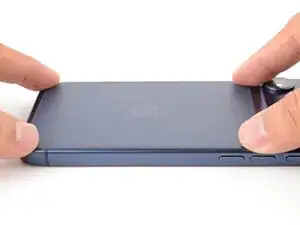
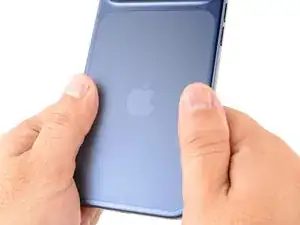
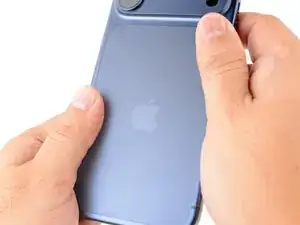
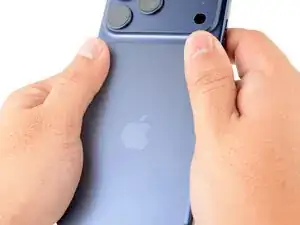
To reassemble your device, follow these instructions in reverse order.
