Introdução

  1. sWyi2PxrqYRUY4QY
    sWyi2PxrqYRUY4QY
    uPnsOWUybYSHAMeO
    vpOsJCyjHHSJlXcy
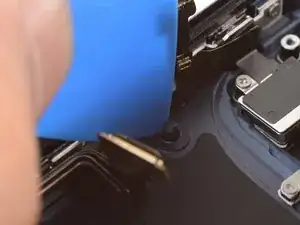
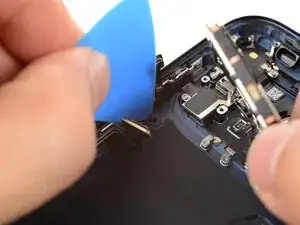
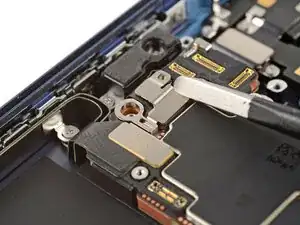
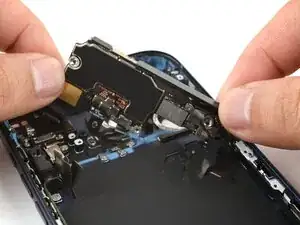
    • Use an opening pick to hold the flex cables along the left edge of the iPhone to prevent them from being trapped underneath the logic board.

    • Swing the logic board down in place, making sure no flex cables are trapped along the left and bottom edges.

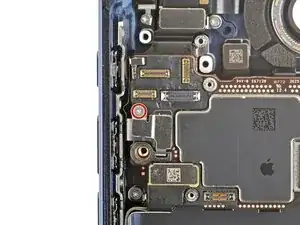
  2. VjAkEJiCHONBM3Ty
    • Check the right edge of the logic board to make sure the power button connector wasn't trapped underneath the logic board.

  3. mAkdJlxIhAirRfZj
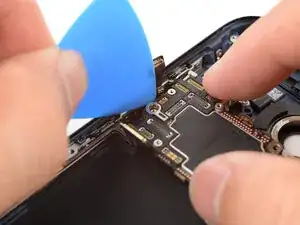
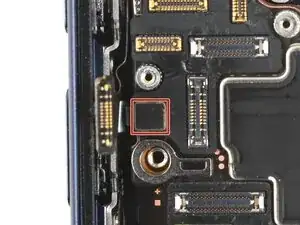
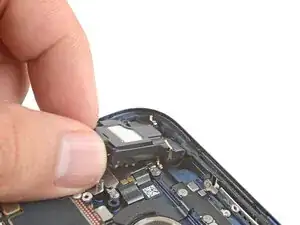
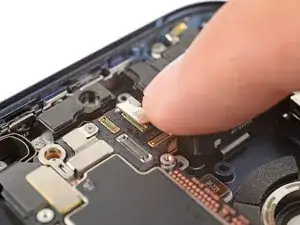
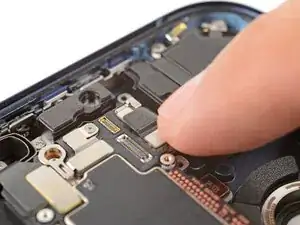
    • Use your finger to press and connect the small button connector on the left side of the logic board.

    • Stop if the connector feels like it won't reach. The button cable has a bend that often catches underneath the logic board. Lift the logic board, free the cable bend, and try again.

  4. bArZdERWXGQPMAqL
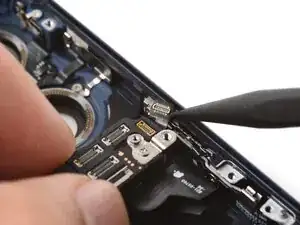
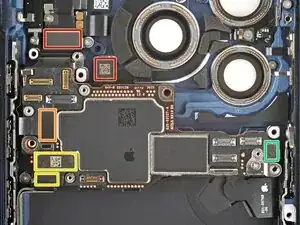
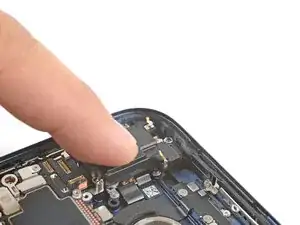
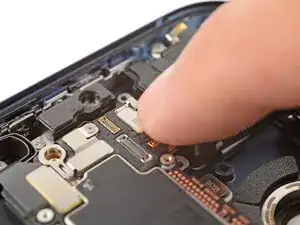
    • Use your finger to press and attach the six press connectors:

    • Two connectors along the top edge of the logic board

    • One remaining button board connector

    • Two USB-C port assembly connectors (one on top of the other)

    • One power button connector

  5. IHLxqbKMrAXdjbdT
    IHLxqbKMrAXdjbdT
    DnlOqtxGV2DqvXTa
    p3dNHj2hATNq4uMa
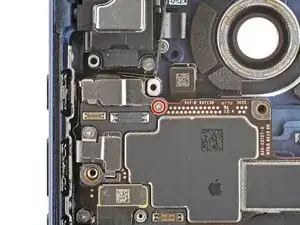
    • Latch the end of the button connector cover onto the logic board.

  6. LHnpohvKkGHhvApv
    • Use a tri-point Y000 screwdriver to install the 1.0 mm‑long button connector screw.

  7. BZs6li2SOeSpswhh
    BZs6li2SOeSpswhh
    wYWsFUSHZFt6xo1U
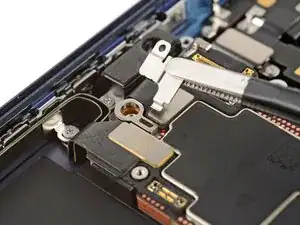
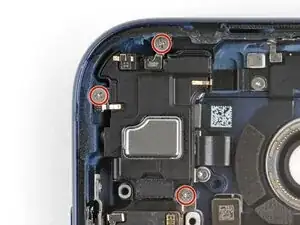
    • Align the top edge of the top speaker with the iPhone.

    • Lay the speaker in its recess.

  8. GAEE1pAiUDiM5FeF
    • Use a JIS 00 screwdriver to install the three 2.2 mm‑long top speaker screws.

  9. Ztm4paZVLWC1Ccq2
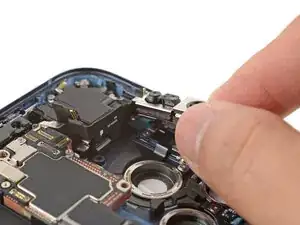
    • Lay the front camera assembly in its recess.

  10. G6RtWGVwUNaKvNWr
    G6RtWGVwUNaKvNWr
    kHuQgNQcWAFPgpJs
    PrjlpMIPBnCAiYbV
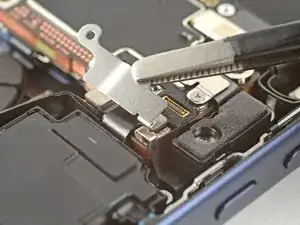
    • Use your fingers to press and connect the two front camera assembly connectors.

  11. KMW4beN2PY5GdpFy
    KMW4beN2PY5GdpFy
    REthOVH3TldmSZtk
    oaKKrHAZoXrCQQXC
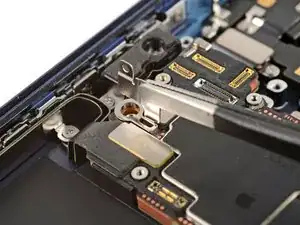
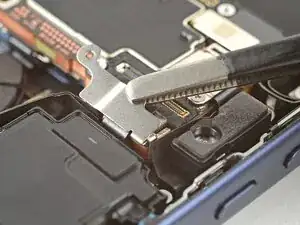
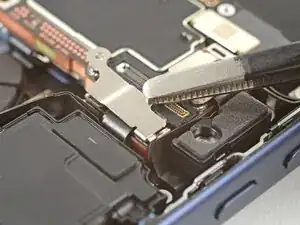
    • Hook the small latch in the corner of the camera connector cover onto the logic board and set it in place.

  12. CQFANdcMsTBXMtgQ
    • Use a tri-point Y000 screwdriver to install the 1.0 mm‑long front camera connector screw.

Conclusão

To reassemble your device, follow these instructions in reverse order.

Arthur Shi

Membro desde: 03/01/18

326111 Reputação

0 comentários