Introdução
Ferramentas


-
-
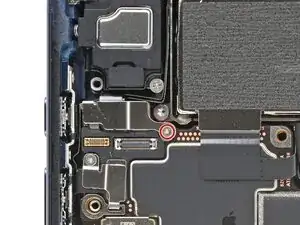
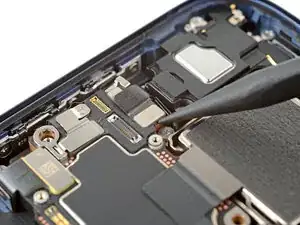
Use a tri-point Y000 screwdriver to remove the 1.0 mm‑long screw securing the front camera connector cover.
-
-
-
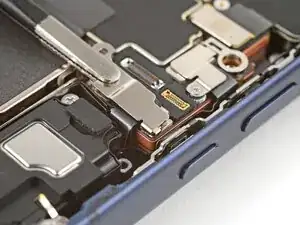
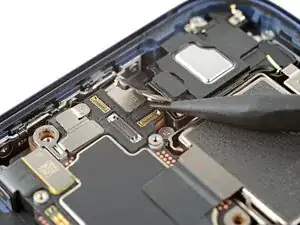
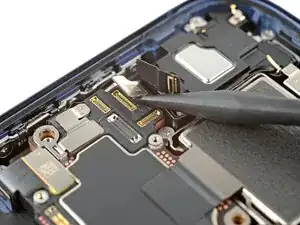
Use the point of a spudger to pry up and disconnect the two front camera connectors (one's under the other) from the logic board.
-
-
-
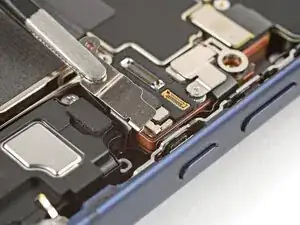
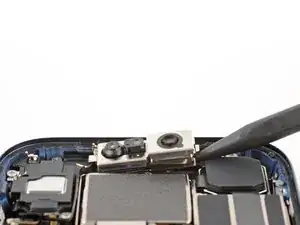
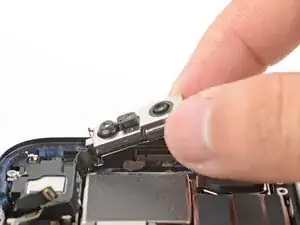
Use the point of a spudger to pry up the right edge of the front camera assembly.
-
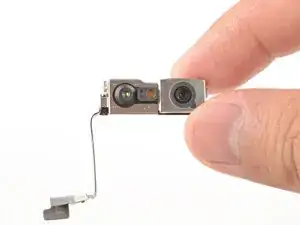
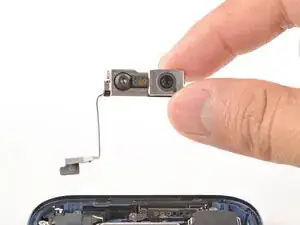
Lift and remove the front camera assembly from its recess.
-
Conclusão
To reassemble your device, follow these instructions in reverse order.
