Introdução

Reassembly steps to install the Taptic Engine in the iPhone 16 Pro.

  1. BqEQNZMTwDSFB5YT
    BqEQNZMTwDSFB5YT
    DQOMSHEcNEVeglnX
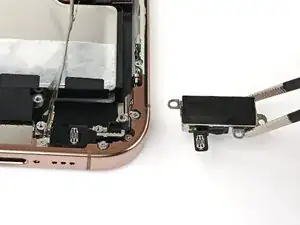
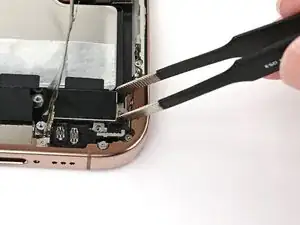
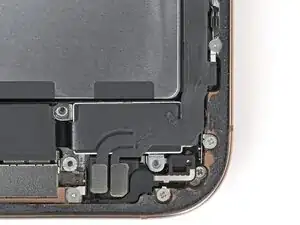
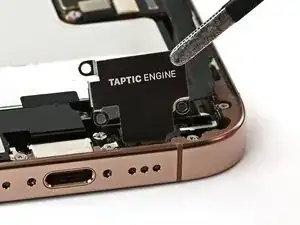
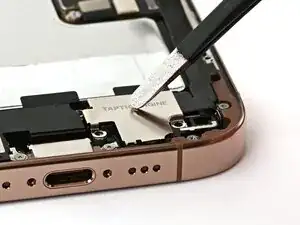
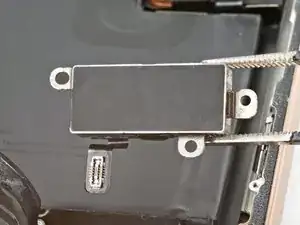
    • Use blunt-nose tweezers or your fingers to align the Taptic Engine with its screw posts and place it in the frame.

  2. iZCJDo2TBmXnyjEe
    iZCJDo2TBmXnyjEe
    HZlgrjoPayUSC5xj
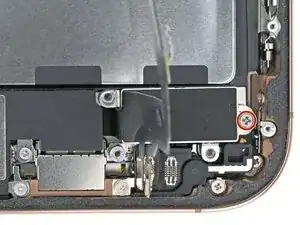
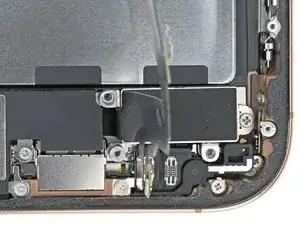
    • Use a Phillips screwdriver to install the 1.9 mm‑long screw securing the Taptic Engine, located on its right edge.

  3. YZjgRSYYKW6HsAUP
    YZjgRSYYKW6HsAUP
    Tkv2gt4QpfcKBSPJ
    eFEmCxJiTxyJGWGk
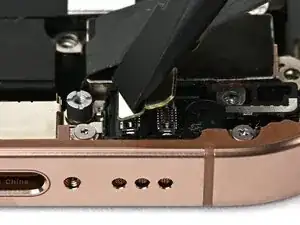
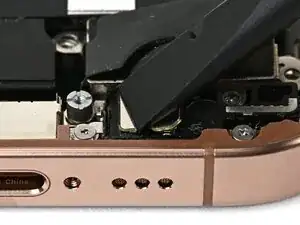
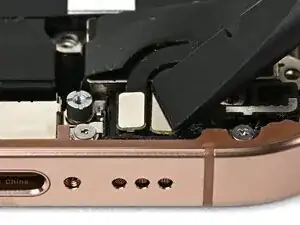
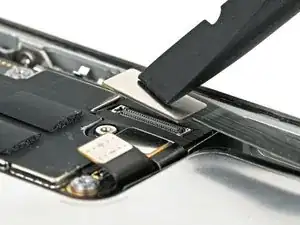
    • Use your finger or a spudger to connect the two lower assembly press connectors.

    • These press connectors can be tricky. Align each connector over its socket and press down—first on one side, then the other—until it clicks into place. Don't try to force them. If you're having trouble, reposition them and try again.

  4. TtKLHCB3BFVF1jOY
    TtKLHCB3BFVF1jOY
    iw3AJwiBwMO1wHwh
    • Use a tri-point Y000 screwdriver to install the 1.0 mm‑long screw securing the lower assembly cable.

  5. MQ2KVDL34IjC1CJr
    MQ2KVDL34IjC1CJr
    nM3vVKiZRMhDaHk1
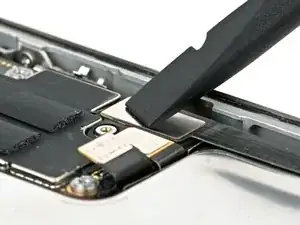
    • Use your finger or a spudger to connect the lower assembly cable press connector, located in the bottom-right corner of the logic board.

  6. W3rZKONf5xAdi2TV
    W3rZKONf5xAdi2TV
    xx5ZUQtZFUOFh1iB
    lsGrOsmkRJnMKj1D
  7. LQfpRT3Zy6jjpdE4
    LQfpRT3Zy6jjpdE4
    MtACinFwHsoYNU5y
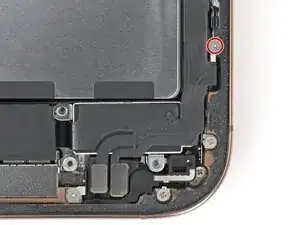
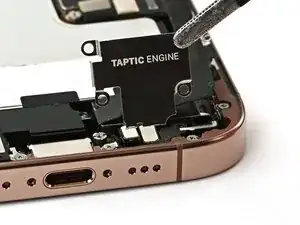
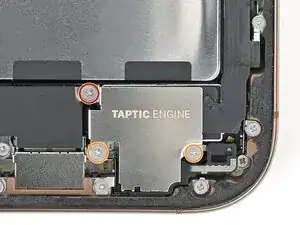
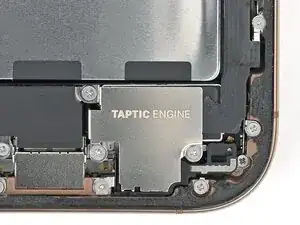
    • Use a Phillips screwdriver to install the three screws securing the Taptic Engine cover:

    • One 3.0 mm‑long screw

    • Two 1.7 mm‑long screws

Nick Schultz

Membro desde: 24/03/24

45909 Reputação

0 comentários