Introdução
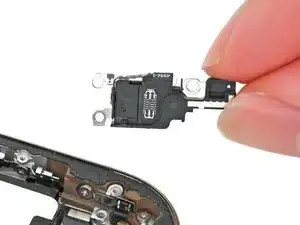
Prerequisite guide to remove the microphone in an iPhone 16 Pro.
Ferramentas


-
-
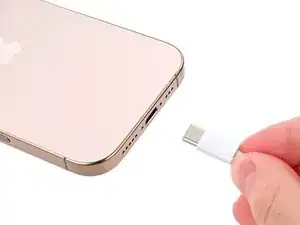
Unplug any cables from the phone.
-
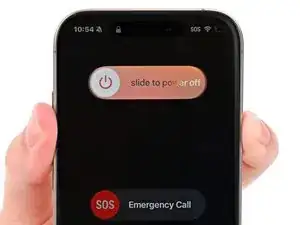
Hold the power and either volume buttons and slide to power off the phone.
-
-
-
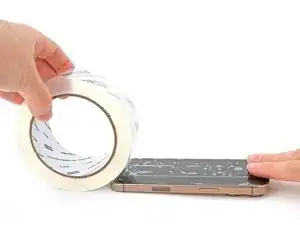
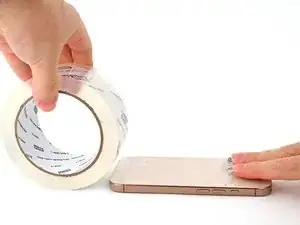
If the screen or back glass is badly cracked, lay overlapping strips of packing tape over the glass to protect yourself and make disassembly easier.
-
-
-
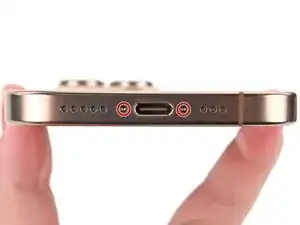
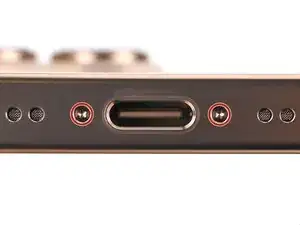
Use a P2 pentalobe screwdriver to remove the two 7.4 mm‑long screws on either side of the USB-C port.
-
-
-
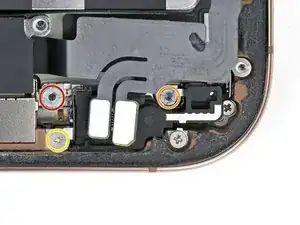
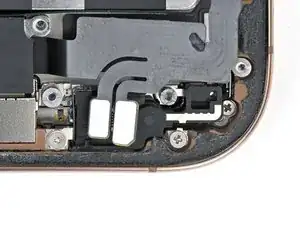
Remove the three screws securing the microphone:
-
One 3.6 mm‑long standoff screw
-
One 2.9 mm‑long standoff screw
-
One 1.3 mm‑long tri-point Y000 screw
-
-
-
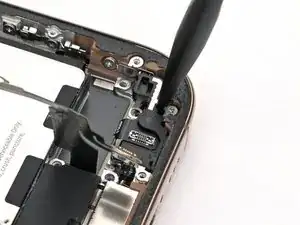
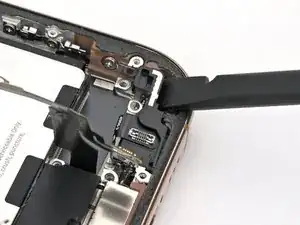
Use the flat end of a spudger to pry up the microphone until you can grab it with your fingers or tweezers.
-
-
-
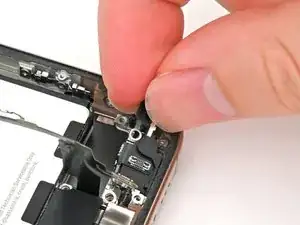
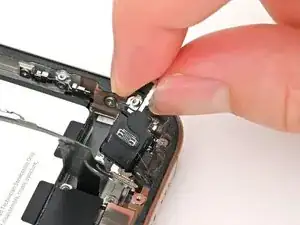
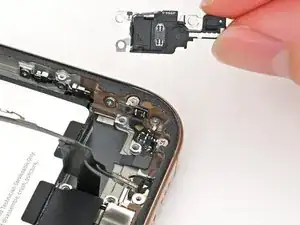
Pull the microphone towards the battery to separate it from its adhesive gasket holding it to the frame.
-
Remove the microphone.
-


To reassemble your iPhone, follow these instructions in reverse order.
Take your e-waste to an R2 or e-Stewards certified recycler.
Repair didn’t go as planned? Try some basic troubleshooting, or ask our iPhone 16 Pro Answers community for help.

Wilson Demosthène
Demosthène Wilson -