Introdução
Reassembly steps to install the logic board in the iPhone 16 Pro.
Ferramentas


-
-
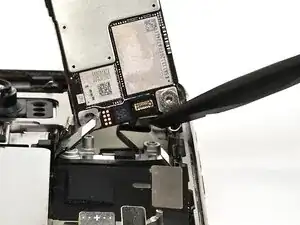
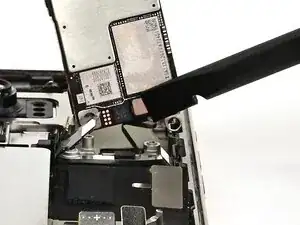
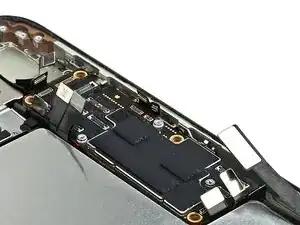
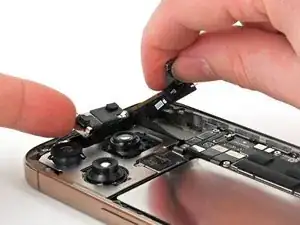
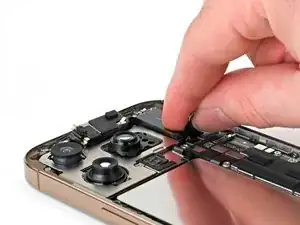
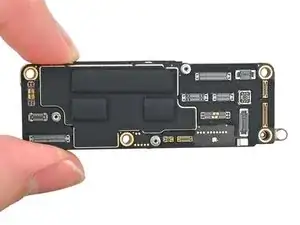
Hold the logic board above the phone so the socket on the underside of the board is close to the front sensor cable.
-
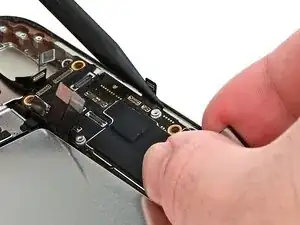
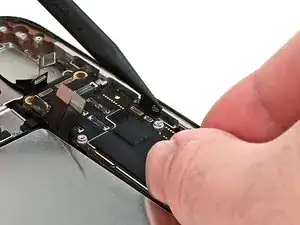
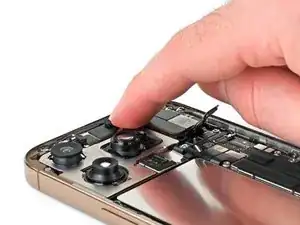
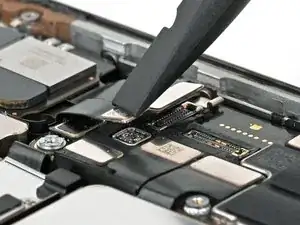
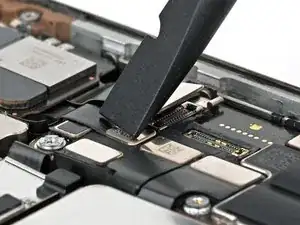
Use your finger or a spudger to press the front sensor cable connector into its socket on the logic board until it clicks into place. Don't try to force the connector into place. If you're having trouble, reposition it and try again.
-
-
-
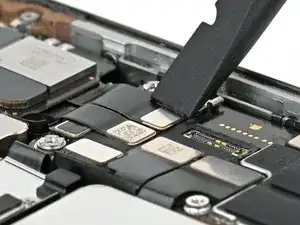
Use your fingers or a spudger to gently hold all the loose press connectors out of the way so you can lay the logic board in place.
-
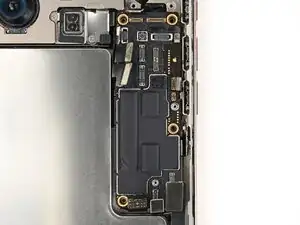
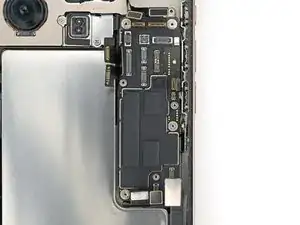
Lay the logic board in its recess.
-
-
-
Make sure the logic board rests in place against its screw posts. The posts will properly align the board to the display connector underneath it.
-
-
-
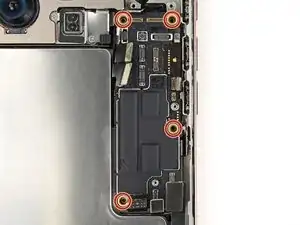
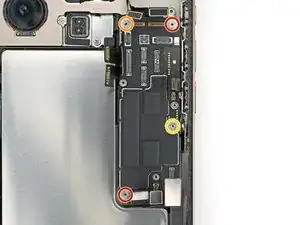
Use a standoff screwdriver to install the four screws securing the logic board:
-
Two 4.5 mm‑long screws
-
One 3.4 mm‑long screw
-
One 4.2 mm‑long screw
-
-
-
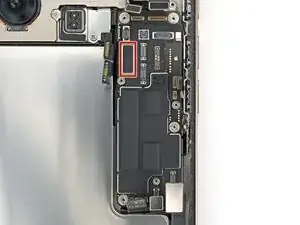
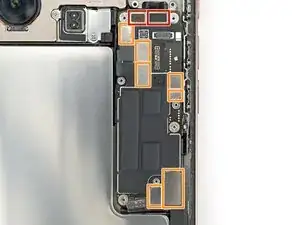
Use your finger or a spudger to connect the press connectors to the top of the logic board:
-
Three black connectors
-
Seven silver connectors
-
-
-
Insert the top edge of the earpiece speaker into its cutout at a downward angle before pressing it flat to the frame.
-
-
-
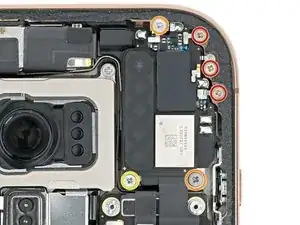
Use a Phillips screwdriver to install the six screws securing the earpiece speaker:
-
Three 1.2 mm‑long screws
-
Two 1.8 mm‑long screws
-
One 1.7 mm‑long screw
-
-
-
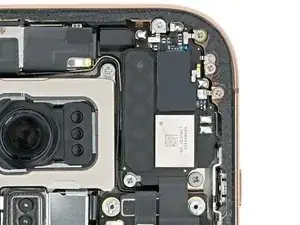
Use your finger or a spudger to connect the earpiece speaker and 5G mmWave antenna (US only) press connectors, located on the top right corner of the logic board.
-