Introdução


-
-
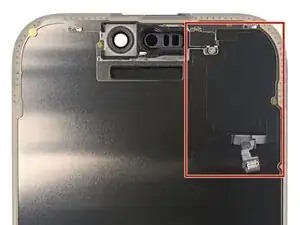
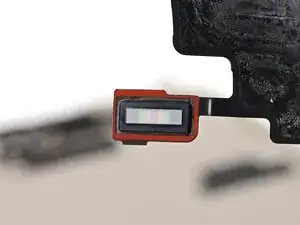
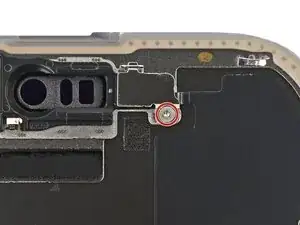
The ambient light sensor is located behind the screen, next to the cut‑out for the Face ID sensors.
-
Check if the replacement screen comes with one installed. If it does, click here to skip the next twelve steps.
-
-
-
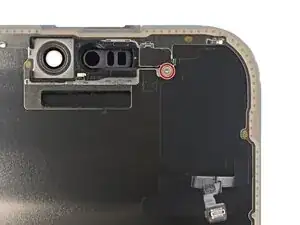
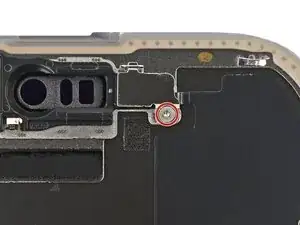
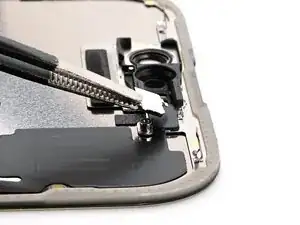
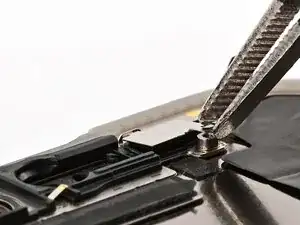
Use a Phillips screwdriver to remove the 1 mm‑long screw securing the bracket on the ambient light sensor.
-
-
-
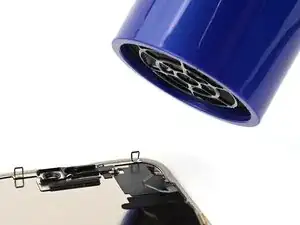
Use a hair dryer, heat gun, or iOpener to soften the adhesive under the ambient light sensor and ambient light sensor cable.
-
-
-
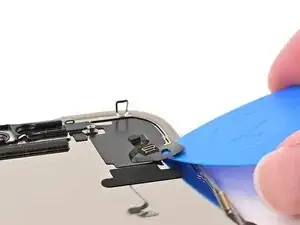
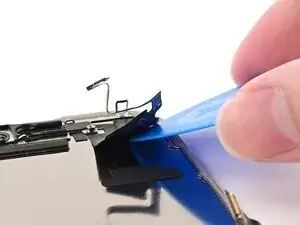
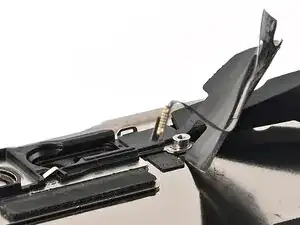
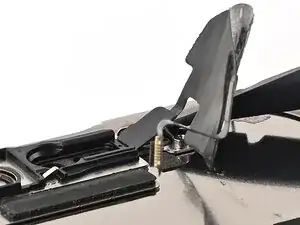
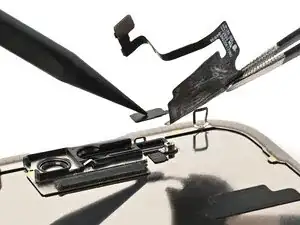
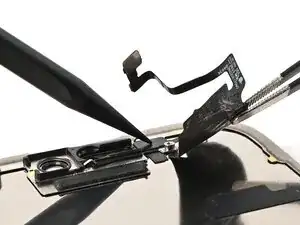
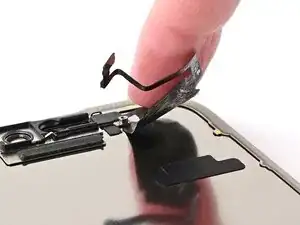
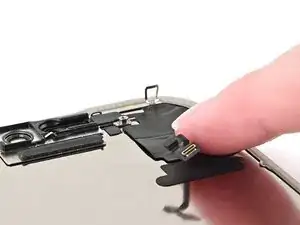
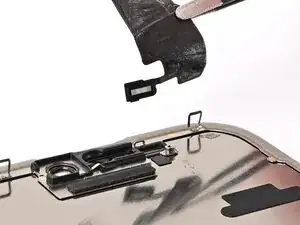
Slowly slide an opening pick under the ambient light sensor cable, starting under the connector at the bottom and working upwards until the cable is free from the screen.
-
-
-
Use a hair dryer, heat gun, or iOpener to soften the adhesive under the ambient light sensor itself.
-
-
-
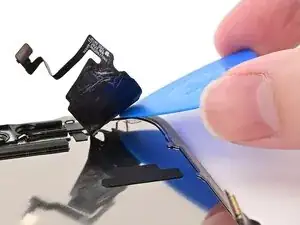
Use the flat end of a spudger to slowly pry up the ambient light sensor from the side with the protruding cable.
-
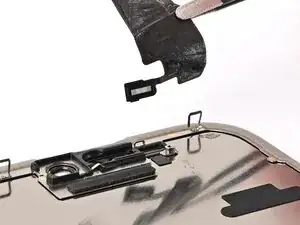
Remove the ambient light sensor.
-
-
-
Use tweezers to reposition any adhesive that may have covered the ambient light sensor during removal. The adhesive should form a border around the raised rectangle.
-
-
-
Align the ambient light sensor with its recess in the back of the screen.
-
Use a spudger or your finger to press the ambient light sensor into its recess.
-
-
-
Use a hair dryer, heat gun, or iOpener to soften the adhesive under the ambient light sensor and its cable. It only needs to be warm—not hot.
-
-
-
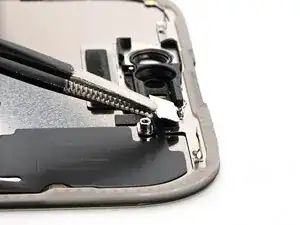
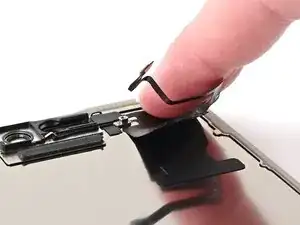
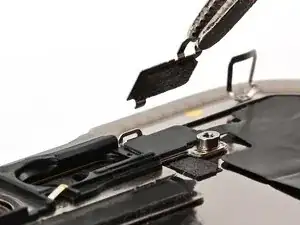
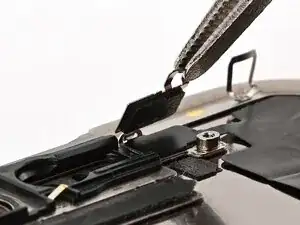
Use tweezers or your fingers to hook the ambient light sensor bracket over the back of the sensor and set it into place.
-
-
-
Use a Phillips screwdriver to install the 1 mm‑long screw securing the bracket on the ambient light sensor.
-