Introdução
Reassembly steps to install the 5G mmWave antenna in the iPhone 16 Pro. This antenna is only in US iPhone 16 Pro models (A3084).


-
-
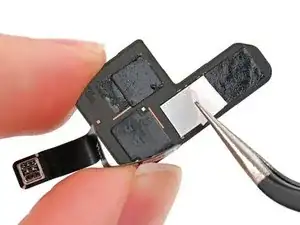
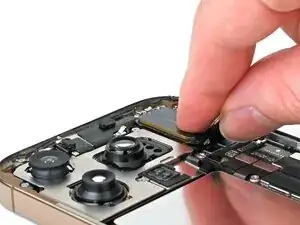
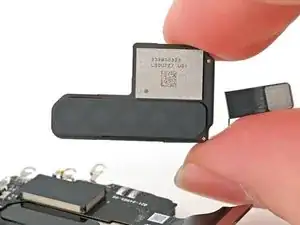
Use tweezers or your fingers to remove the liners from the adhesive.
-
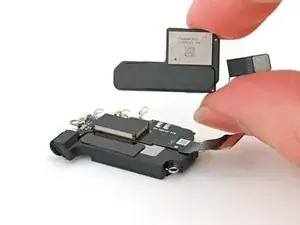
Press the antenna onto the earpiece speaker to adhere it.
-
-
-
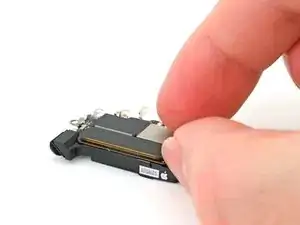
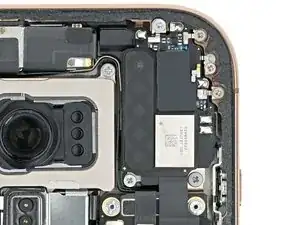
Insert the gasket at the top edge of the earpiece speaker into its cutout at a downward angle then press it flat to the frame.
-
-
-
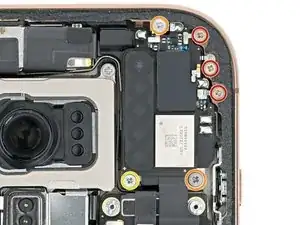
Use a Phillips screwdriver to install the six screws securing the earpiece speaker:
-
Three 1.2 mm‑long screws
-
Two 1.8 mm‑long screws
-
One 1.7 mm‑long screw
-
-
-
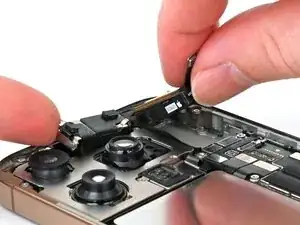
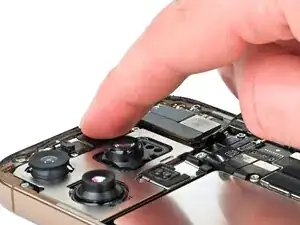
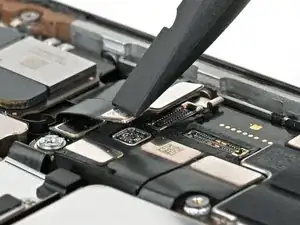
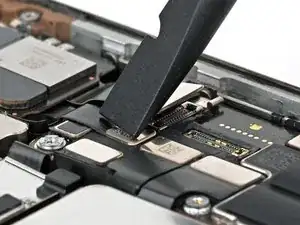
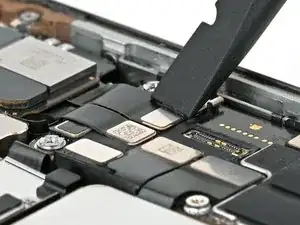
Use your finger or a spudger to connect the earpiece speaker and 5G mmWave antenna (US only) press connectors, located on the top right corner of the logic board.
-