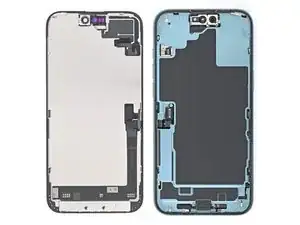
Introdução


-
-
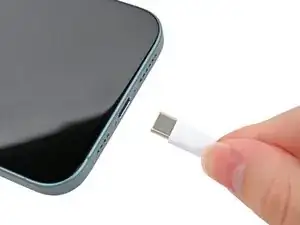
Unplug any cables from your phone.
-
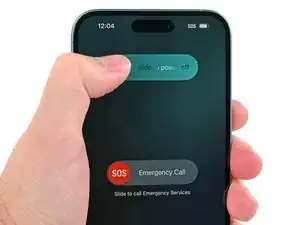
Hold the power and either volume buttons and slide to power off your phone.
-
-
-
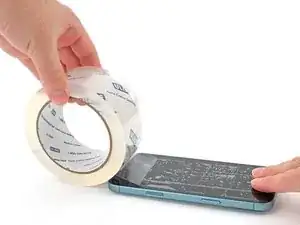
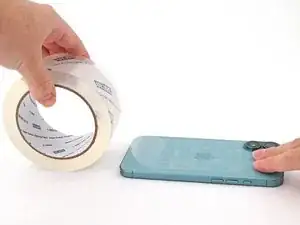
If your screen or back glass is badly cracked, lay overlapping strips of packing tape over the glass to protect yourself and make disassembly easier.
-
-
-
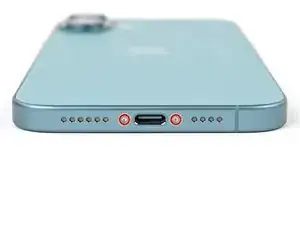
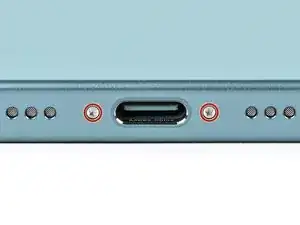
Use a P2 pentalobe driver to remove the two 7.7 mm-long screws on either side of the USB-C port.
-
-
-
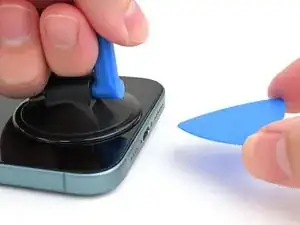
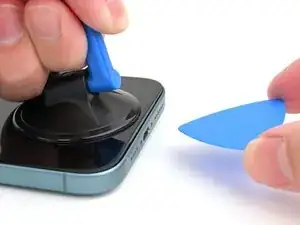
Apply a suction handle to the bottom edge of the screen, above the USB-C port.
-
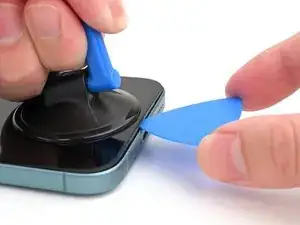
Pull up on the handle with a strong, steady force to create a gap between the screen and the frame.
-
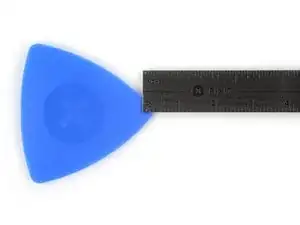
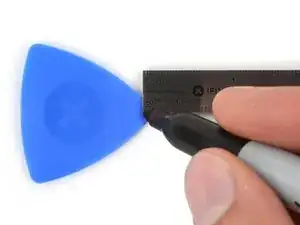
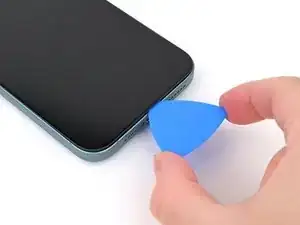
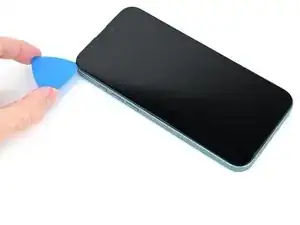
Insert the tip of an opening pick into the gap.
-
-
-
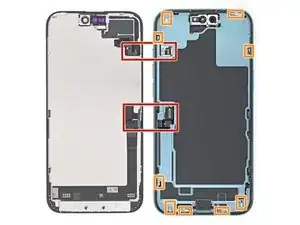
Two delicate cables connecting the screen to the phone—one just above the Action button and the other about halfway between the volume down button and the bottom of the phone.
-
Multiple spring contacts around the perimeter of the phone.
-
-
-
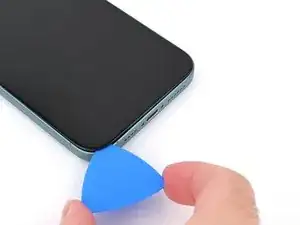
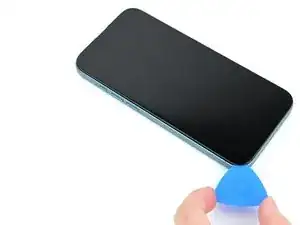
Slide your pick back and forth along the bottom edge to separate the adhesive.
-
Leave your pick inserted in the bottom right corner to prevent the adhesive from resealing.
-
-
-
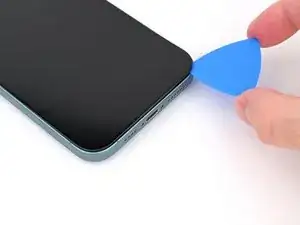
Slide your opening pick around the bottom right corner and up the right edge of the screen to separate the adhesive and release the metal clip.
-
-
-
Continue sliding your pick around the top right corner and across the top edge to separate the adhesive and release the two metal clips.
-
-
-
Slide the opening pick down the left edge of the screen to separate the remaining adhesive and release the last two metal clips.
-
-
-
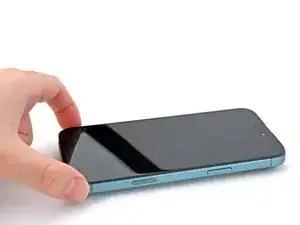
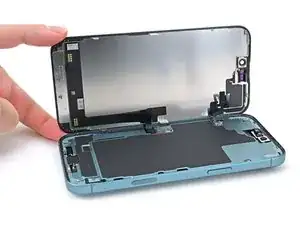
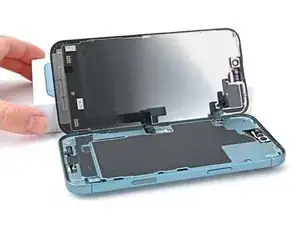
Swing open the screen over the left edge of the phone and support it with a clean, sturdy object.
-
-
-
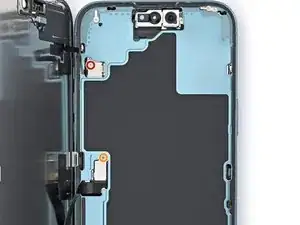
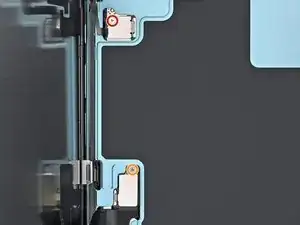
Use a tri-point Y000 driver to remove the 0.9 mm‑long screw securing the front sensor connector cover.
-
Use a tri-point Y000 driver to remove the 1 mm‑long screw securing the screen connector cover.
-
-
-
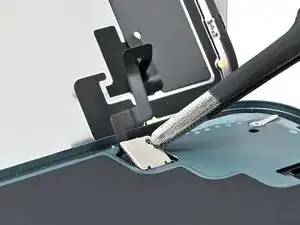
Use tweezers or your fingers to lift the front sensor cover to a 90-degree angle and unhook it from its slot in the logic board.
-
Lift the cover out of its slot and remove it.
-
Repeat this process for the screen connector cover.
-
-
-
Use the tip of a spudger to pry up and disconnect the screen press connector.
-
Repeat this process for the front sensor press connector.
-
-
-
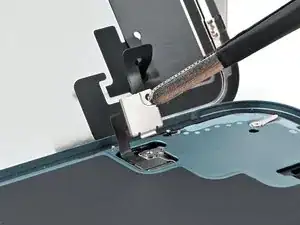
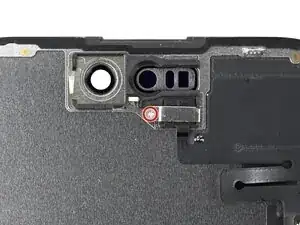
Use a Phillips screwdriver to remove the 1.3 mm‑long screw securing the ambient light sensor bracket.
-
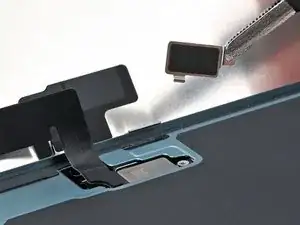
Use a pair of tweezers or your fingers to lift and remove the ambient light sensor bracket.
-
-
-
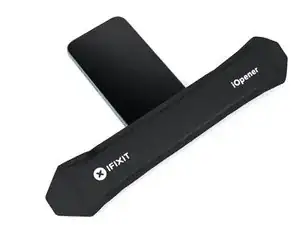
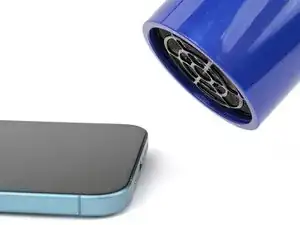
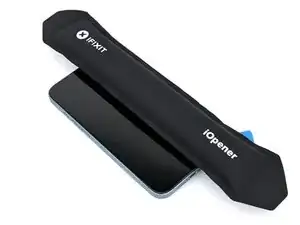
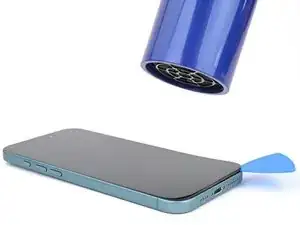
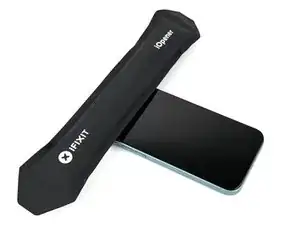
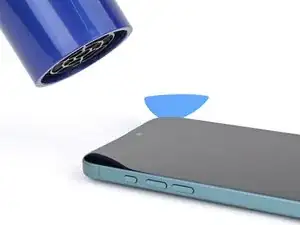
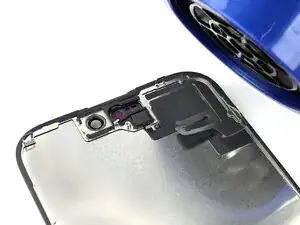
Use a hair dryer, heat gun, or heated iOpener to soften the adhesive under the ambient light sensor and ambient light sensor cable.
-
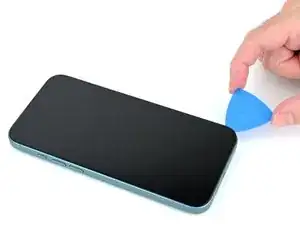
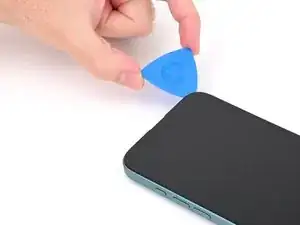
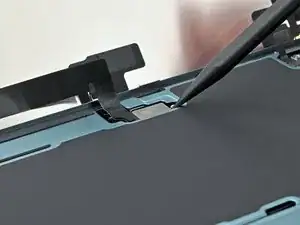
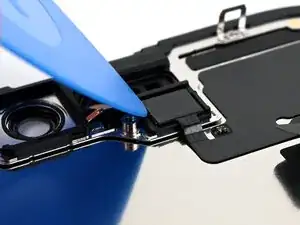
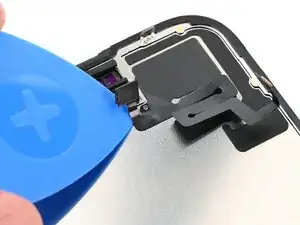
Use an opening pick to pry up the ambient light sensor.
-
-
-
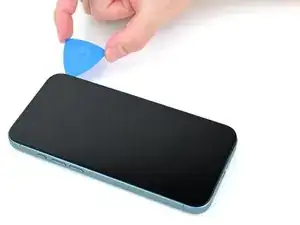
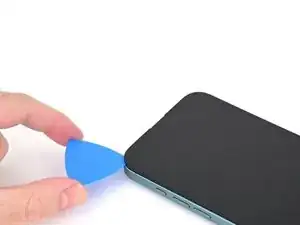
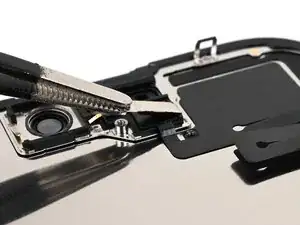
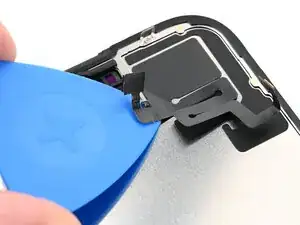
Gently slide an opening pick under the ambient light sensor cable, starting near the sensor and moving towards to the opposite corner.
-
-
-
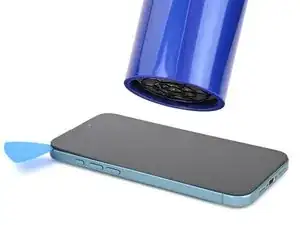
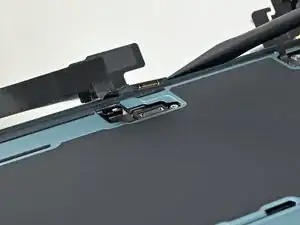
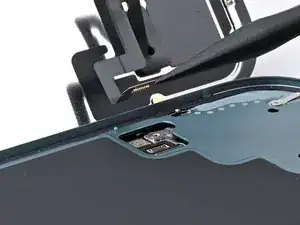
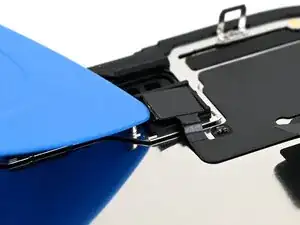
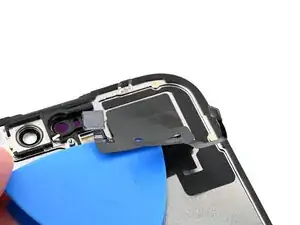
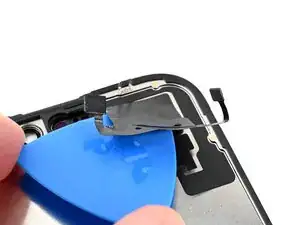
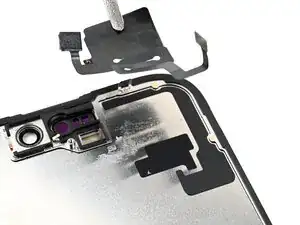
Continue slowly sliding the opening pick under the ambient light sensor cable until the cable is free from the screen.
-
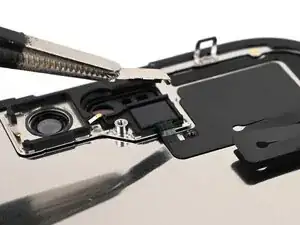
Use a pair of tweezers to lift the ambient light sensor off of the screen.
-

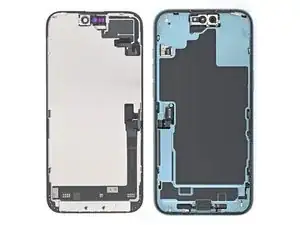

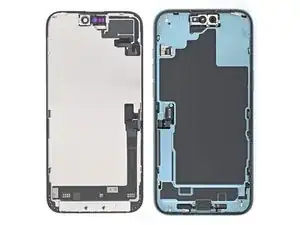
To reassemble your phone, follow this guide to reapply adhesive and install your screen.
After your repair, calibrate a genuine replacement screen using Apple's Repair Assistant. Navigate to Settings → General → About → Parts & Service History, tap Restart & Finish Repair, and follow the onscreen prompts.
Take your e-waste to an R2 or e-Stewards certified recycler.
Repair didn’t go as planned? Try some basic troubleshooting, or ask our iPhone 16 Plus Answers Community for help.
