Introdução

Reassembly steps for the earpiece speaker in the iPhone 16 Plus.

  1. HbAccI4iQ3dllPtU
    HbAccI4iQ3dllPtU
    LtnZtDekO5RP2EJW
    NoeOnA1lqMfxnYl6
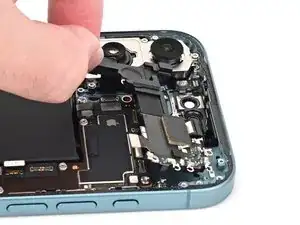
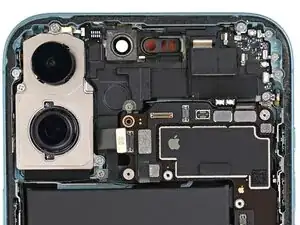
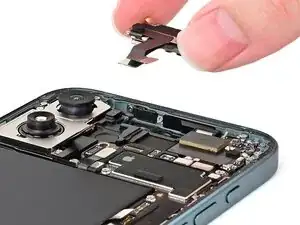
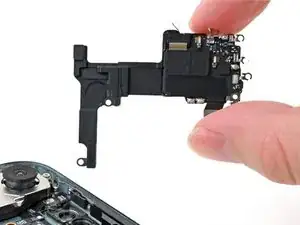
    • Align the earpiece speaker with its recess in the phone.

    • Insert the top edge of the earpiece speaker into its cutout at a downward angle, then press it flat to the frame.

    • Ensure the earpiece speaker's rubber gasket is fully seated in its cutout.

  2. oWDCOqIG1FAJTRXV
    oWDCOqIG1FAJTRXV
    UEMMTkIrUtOuFG2E
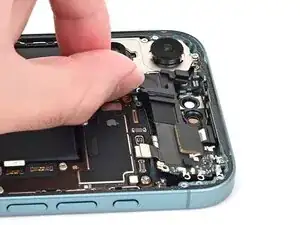
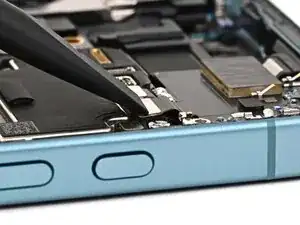
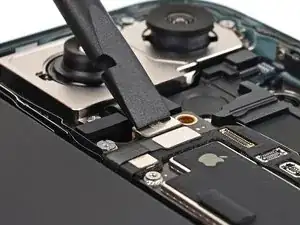
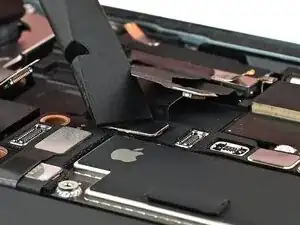
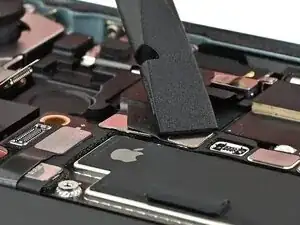
    • Use your finger or a spudger to connect the earpiece speaker press connector.

    • To re-attach press connectors like this one, carefully align and press down until it clicks into place. Don't try to force the connector into place—if you're having trouble, reposition it and try again.

  3. k4eVgNrMpdm3oKMU
    k4eVgNrMpdm3oKMU
    EWA4K62L2gw2dOSw
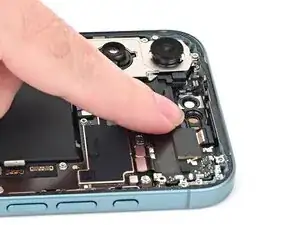
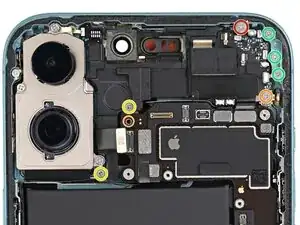
    • Use a Phillips screwdriver to install the seven screws securing the earpiece speaker:

    • One 2.1 mm‑long screw

    • One 2.0 mm‑long screw

    • Two 1.7 mm‑long screws

    • Three 1.35 mm‑long screws

  4. j2XdiJnR4g6OpqNU
    j2XdiJnR4g6OpqNU
    bVommWJqCMmLmHlo
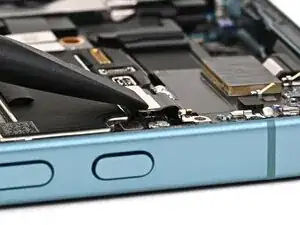
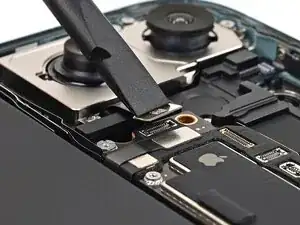
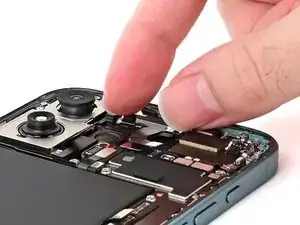
    • Use your finger or a spudger to connect the rear camera press connector, located on the left edge of the board.

  5. XnLNXyVTbWZBggBY
    XnLNXyVTbWZBggBY
    lCAkBlJMauWQnfeY
    • We recommend using a dust blower to remove any dust from the camera lenses and their cut-out before installation.

    • Set the front camera assembly into its recess.

  6. ILOlsVLAALUKVUsD
    ILOlsVLAALUKVUsD
    gLlqrWkikqYk5VmM
    gBt2HJNytZeUctmR
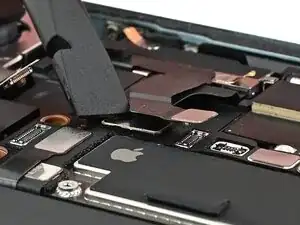
    • Use your finger or a spudger to connect the two front camera assembly press connectors, located on the top left corner of the logic board.

    • The second press connector is above the first.

Nick Schultz

Membro desde: 24/03/24

45909 Reputação

0 comentários