Introdução


-
-
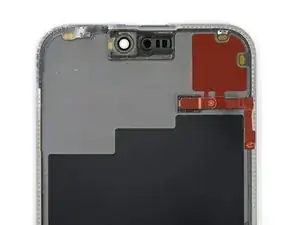
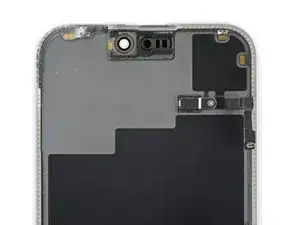
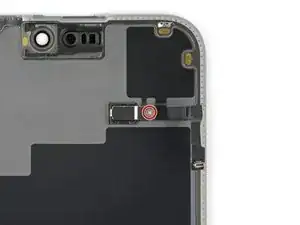
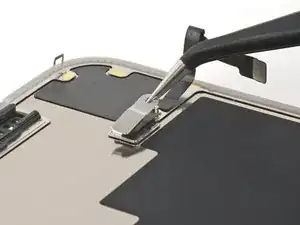
Use a Phillips #000 driver to remove the 1.4 mm screw securing the ambient light sensor cover.
-
-
-
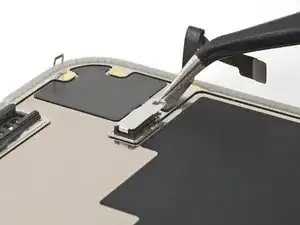
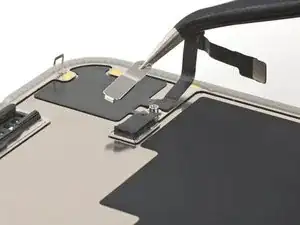
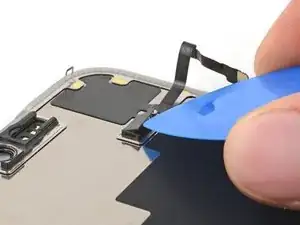
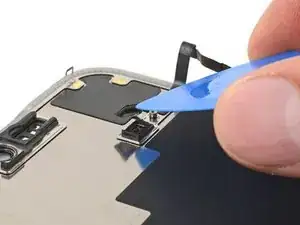
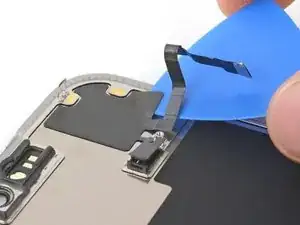
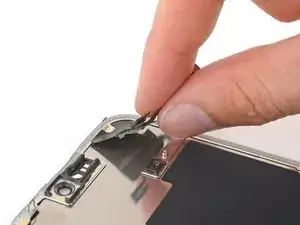
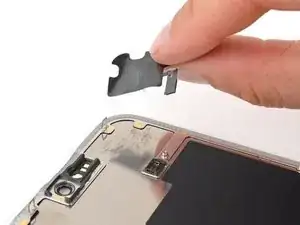
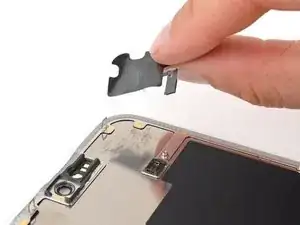
Use the tip of an opening pick to pry up the edge of the ambient light sensor out of its black plastic enclosure.
-
-
-
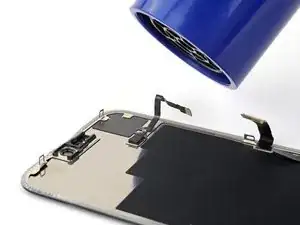
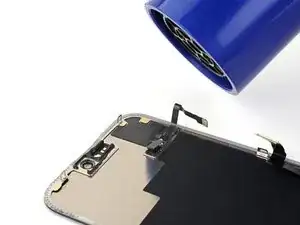
By this point, your sensor likely cooled down. Apply more heat until the entire glued down component is warm to the touch.
-
-
-
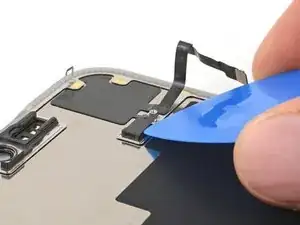
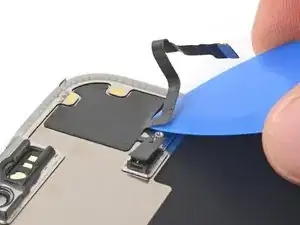
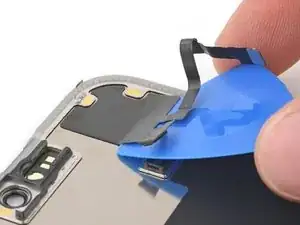
Insert the tip of your opening pick underneath the press connector cable.
-
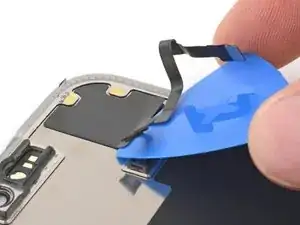
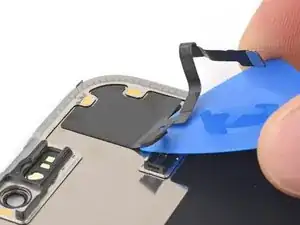
Slide your pick back and forth underneath both cables to separate the lower section of adhesive.
-
-
-
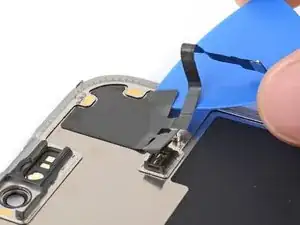
Use the flat end of your pick to slide back and forth underneath the sensor until you've separated roughly half of it from the screen.
-