Introdução
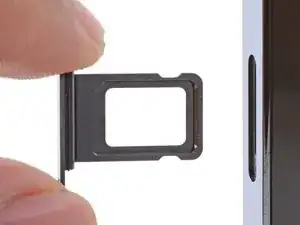
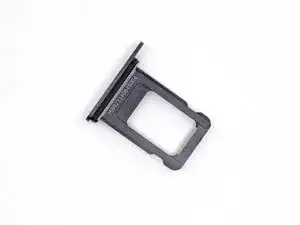
Use this guide to remove or replace the SIM card in your iPhone 13 Pro Max. This guide is for the physical SIM card only; the embedded SIM (eSIM) is silicon-based and cannot be removed.
Ferramentas


-
-
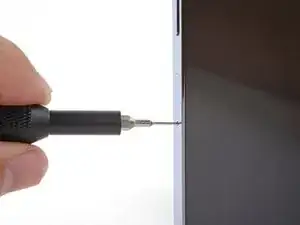
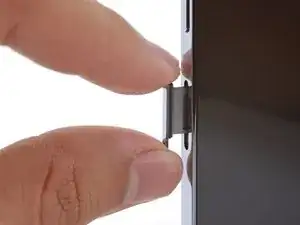
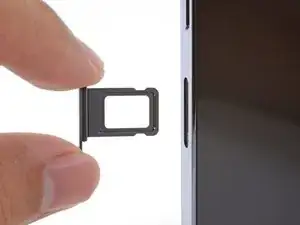
Insert a SIM card eject tool into the small hole in the SIM card tray, located on the volume button edge of the iPhone.
-
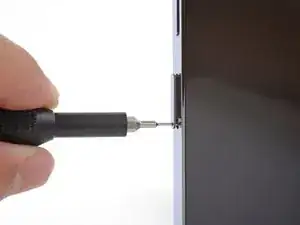
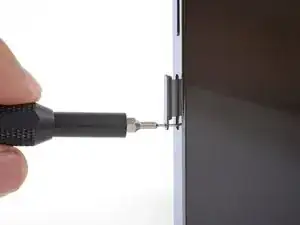
Press firmly to eject the tray.
-
Conclusão
To reassemble your device, follow these instructions in reverse order.

2 comentários
Merci enormément pour ce tutoriel très utile, depuis le temps que je cherchais la procédure !
يطلع لي في خلوي هناك تحديث مطلوب لاستخدام البيانات الخلوية على. هذا الايفون وش حل المشكلة
Shahad -