Introdução

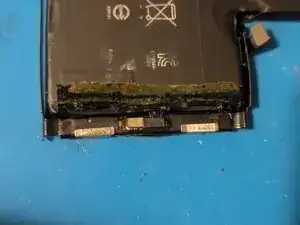
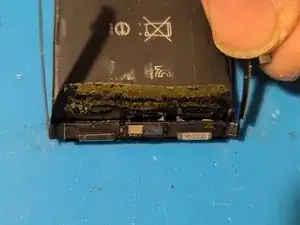
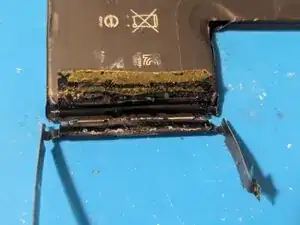
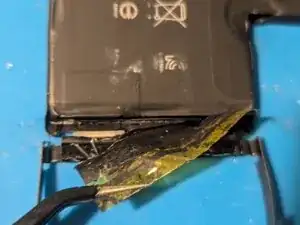
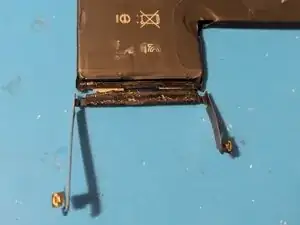
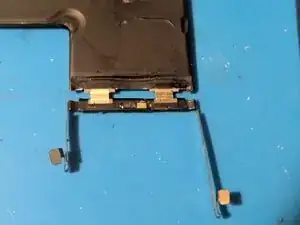
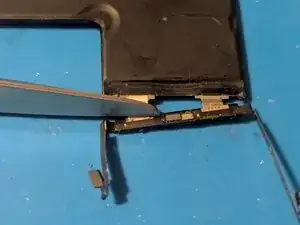
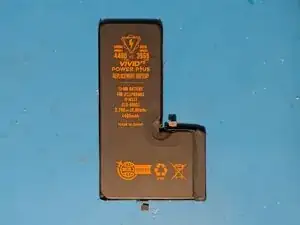
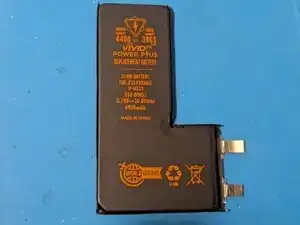
To avoid the dreaded Important Battery Message caused by using an aftermarket battery in your iPhone, you can instead transplant the battery's BMS, or Battery Management System, from the original battery to a replacement battery cell; i.e., a battery sold without the BMS attached.

This guide will show you how to disassemble the old battery and install the BMS onto a new battery cell, restoring the full capacity of the battery while avoiding the error message.

Note that the downside to this procedure is that the BMS carries the health information, so even though the battery will effectively be brand new, your phone will still show the original battery health information. On batteries prior to the iPhone 11, you could use a device programmer to reset the health percentage and cycle count, but Apple decided they didn't want people doing that any more, and started encrypting the information such that it can no longer be reprogrammed.

  1. y5hX3u6QM1MDCP3Z
    y5hX3u6QM1MDCP3Z
    VkYFCKZAK3kjoqdi
    bNrJYFphfLlOMEAV
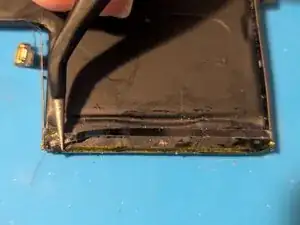
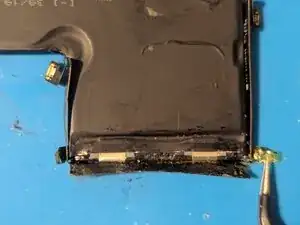
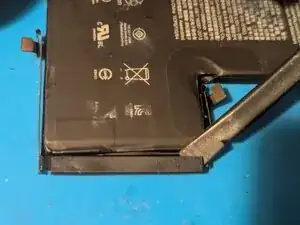
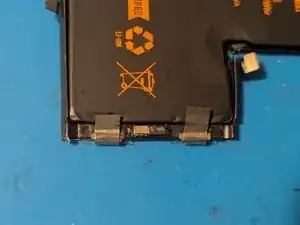
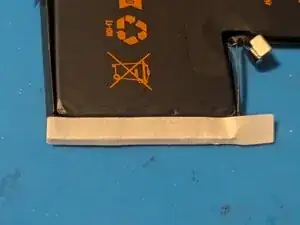
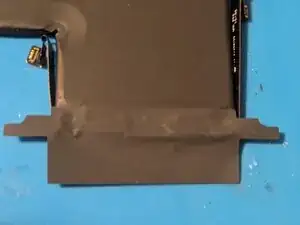
    • Start out by removing the tape covering the BMS.

  2. rbW1bFPREXeFU4sH
    rbW1bFPREXeFU4sH
    mhFoYBHrJCesVo5D
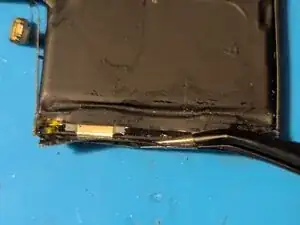
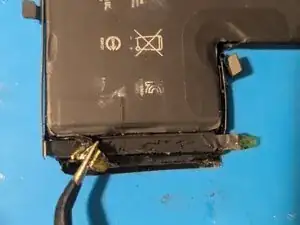
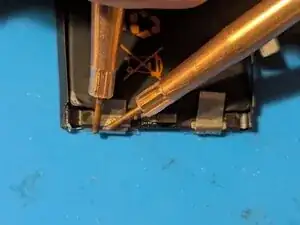
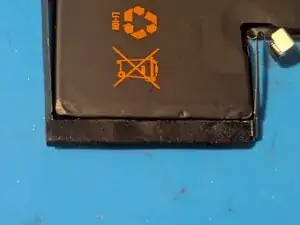
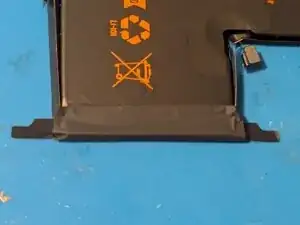
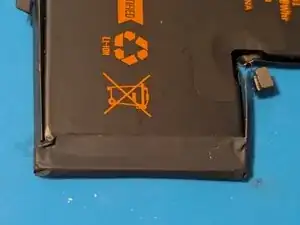
    • Open the flaps on the sides.

  3. isoXSWhlJZNbHxei
    isoXSWhlJZNbHxei
    UeuIjSQjvUKl3gFo
    K2SWlEIiD1GaQPlN
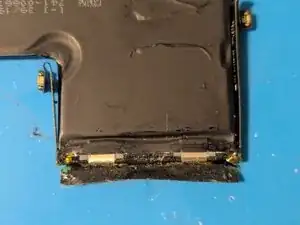
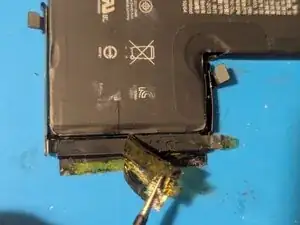
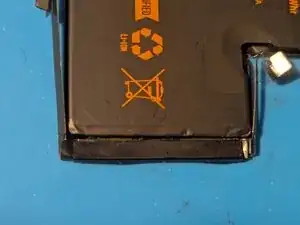
    • Flip the battery over and peel the tape off.

  4. XIIhZFcPde6VZGa4
    XIIhZFcPde6VZGa4
    5JdOVAEr4QlCi5vq
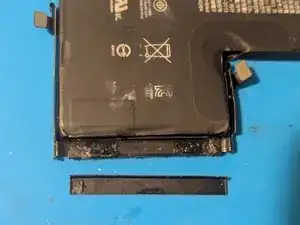
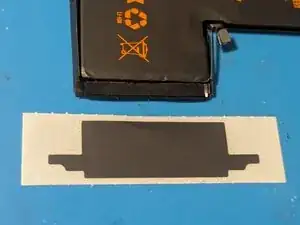
    • Remove the plastic cover.

  5. pKH4k4koA1PTnfJ4
    pKH4k4koA1PTnfJ4
    nZyLO4JKXPYDI1H5
    rGYuDmOKn432Q45r
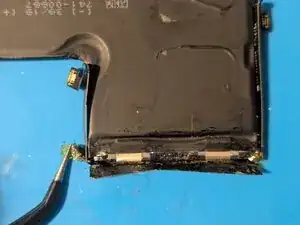
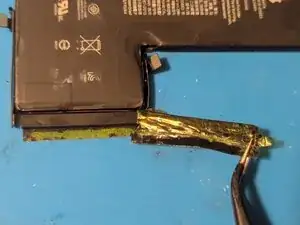
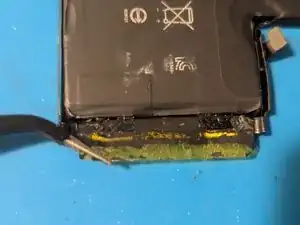
    • Unwrap the BMS.

  6. wf6jAUUMvoFLKJDM
    wf6jAUUMvoFLKJDM
    WWrg6VqNvCmsVcpO
    CyhHUkFbk4duKVP5
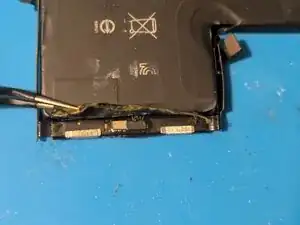
    • Unfold the BMS.

  7. ZIN2QuXSZTH4tGHD
    ZIN2QuXSZTH4tGHD
    toJGRPwBvGHPxTeP
    • Finish removing the tape.

  8. gFxfVEK2eaqsqT36
    • Flip the battery over; you should be able to see the anode and cathode terminal strips of the battery.

  9. 1d4ZPHAk1NslqN6w
    1d4ZPHAk1NslqN6w
    W4NeVSw6Yex1TL3X
    WoR2MYuTrSMBaS26
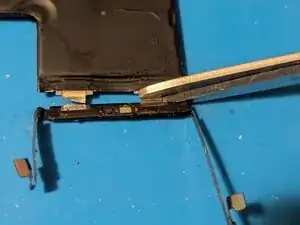
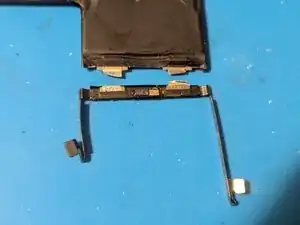
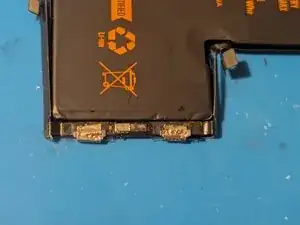
    • Cut the terminal strips to remove the BMS.

    • Ceramic scissors are preferred here, but normal scissors can be used if you exercise caution. Under no circumstances should you try to sever both terminals with one cut; doing so will short the terminals and could potentially cause the battery to explode. Instead, cut one terminal at a time, from the side, not across the cell.

    • Please dispose of the old battery safely and in an ecologically friendly manner.

  10. IRK5GUWm3gS2vEjM
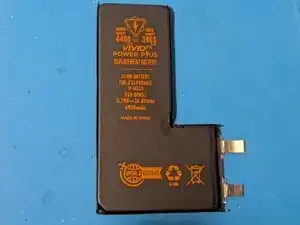
    • The new battery cell.

  11. UISVHM6gfCJXfsK6
    UISVHM6gfCJXfsK6
    qMHSCoWMMJNkl4SC
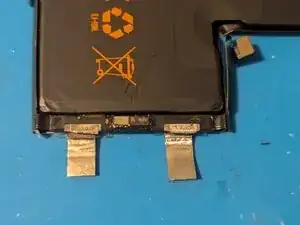
    • After trimming any excess terminals from the BMS contacts, place the BMS on the battery cell.

    • Fold the terminal strips over onto the contacts on the BMS.

  12. vThnGhCuXhyakYNn
    vThnGhCuXhyakYNn
    lhkRNhFYwsRIGNc4
    JmmsJDmRTGLuLrUR
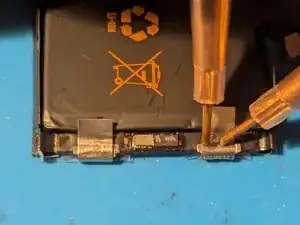
    • Spot weld the terminals to the BMS.

    • Trim the excess terminal strips.

    • Spot welding is by far the preferred method of attaching the terminal strips. However, they can be soldered carefully as long as you minimize the amount of heat transferred from the terminal strips into the battery cell itself.

  13. yQMqBxZhYAZXDjyN
    yQMqBxZhYAZXDjyN
    QtCatINdFJKHFX1r
    AIjTfT3B6hbZSyg6
    • Place the double-sided tape over the BMS.

    • Peel off the protective paper.

    • Stick on the plastic cover.

  14. CKo1AH6OweWtNjjS
    • Here's the outer covering sticker.

  15. uCjbcCi2kgiEECmP
    uCjbcCi2kgiEECmP
    Z1cuZitSLAMGGTLI
    HrGjLVfq32nKbIOY
    • Flip the battery over and place the sticker on the back as shown.

    • Return to the front side and fold the top over the plastic cover.

    • Fold up the sides.

  16. 5ZYS2rZwKUUMjQcG
    • The battery has been rebuilt.

Conclusão

To reassemble your device, follow these instructions in reverse order.

Jerry Wheeler

Membro desde: 21/03/22

91090 Reputação

0 comentários