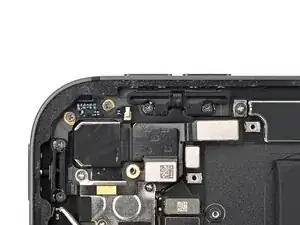
Introdução


-
-
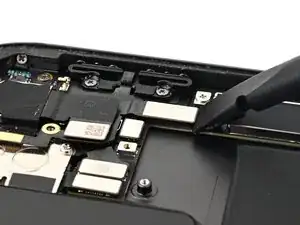
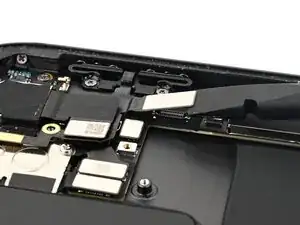
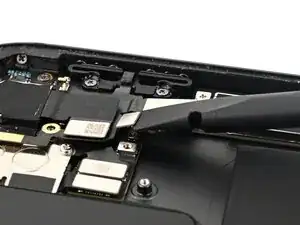
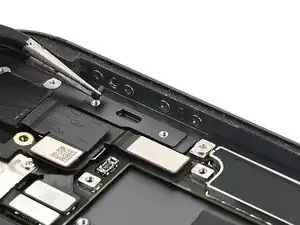
Use the flat end of a spudger to disconnect the lock button press connector, then the volume button press connector.
-
-
-
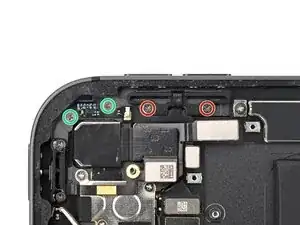
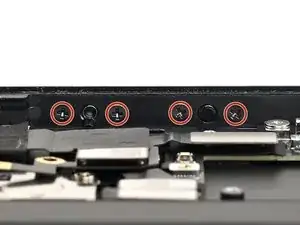
Use a JCIS or JIS 00 screwdriver to remove four screws securing the volume buttons:
-
Two 2.0 mm‑long screws securing the volume buttons bracket
-
Two 1.4 mm‑long screws securing the volume buttons ribbon cable
-
-
-
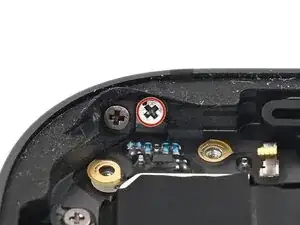
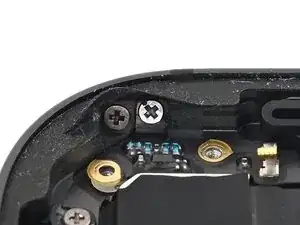
Use a JCIS or JIS 00 screwdriver to remove the 1.4 mm‑long screw securing the volume buttons ribbon cable to the side of the iPad frame.
-
-
-
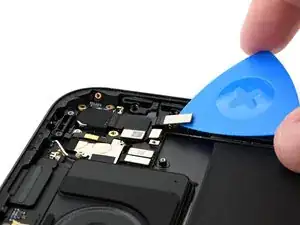
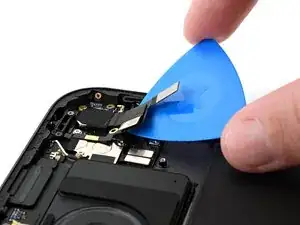
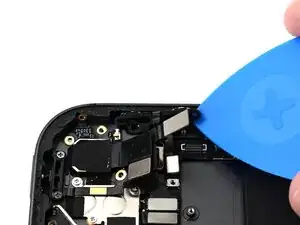
Use an opening pick to slice the adhesive under the lock button ribbon cable.
-
Lift the lock button ribbon cable out of the way.
-
-
-
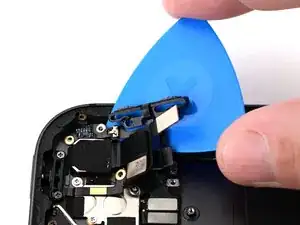
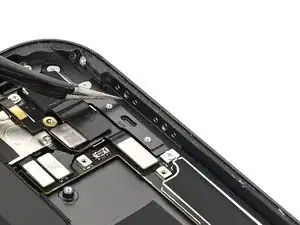
Slide an opening pick under the volume buttons ribbon cable and between the volume button bracket and the frame.
-
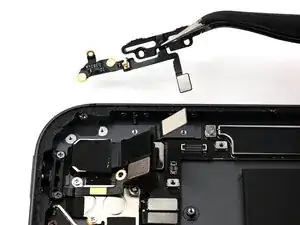
Once the ribbon cable and bracket are loose, lift them out of the iPad.
-
-
-
Use a JCIS or JIS 00 screwdriver to remove the four 1.6 mm‑long screws securing the volume button caps.
-
-
-
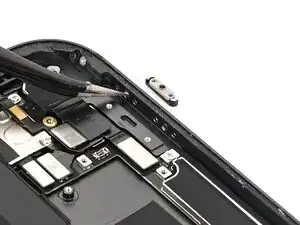
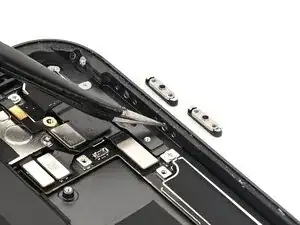
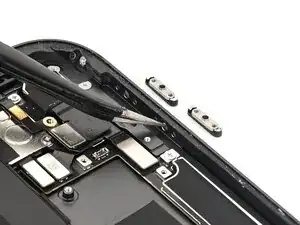
Slide the tip of a pair of angled tweezers through the plunger hole to push the volume button retaining brackets and caps out of the iPad frame.
-