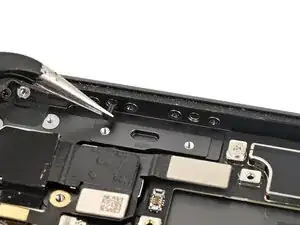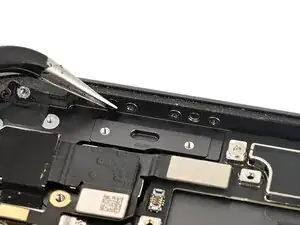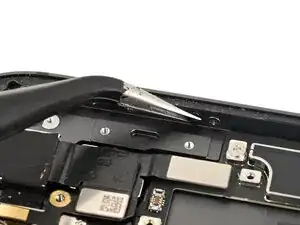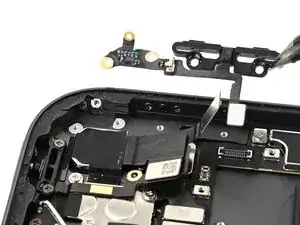
Introdução


-
-
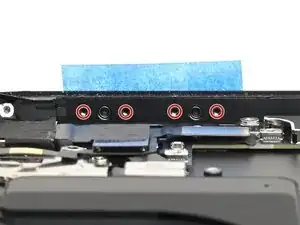
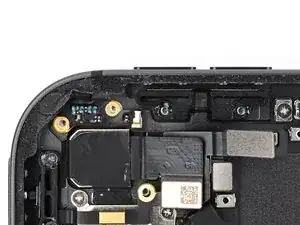
Place a piece of tape over the volume button caps to keep them in place while you work.
-
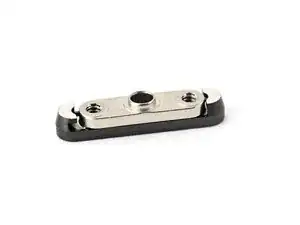
Use a JCIS or JIS 00 screwdriver to install the four 1.6 mm‑long screws securing the volume button retaining brackets.
-
Remove the tape.
-
-
-
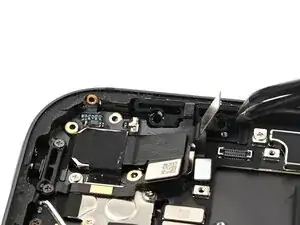
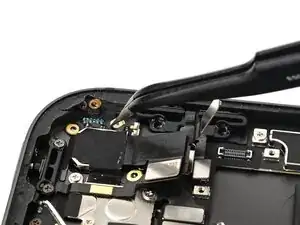
Place the volume button ribbon cable into its place in the iPad. Be careful not to knock either plunger out.
-
Gently press the ribbon cable into place, making sure all of the screw holes align with their wells.
-
-
-
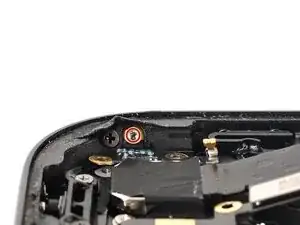
Use a JCIS or JIS 00 screwdriver to install the 1.6 mm‑long screws securing the volume button ribbon cable to the side of the iPad frame.
-
-
-
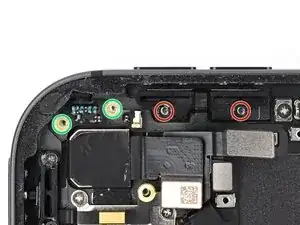
Use a JCIS or JIS 00 screwdriver to install four screws securing the volume buttons:
-
Two 2.0 mm‑long screws securing the volume buttons bracket
-
Two 1.4 mm‑long screws securing the volume buttons ribbon cable
-
-
-
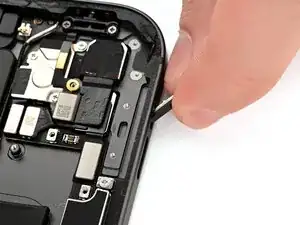
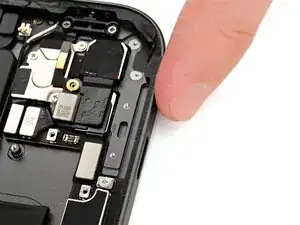
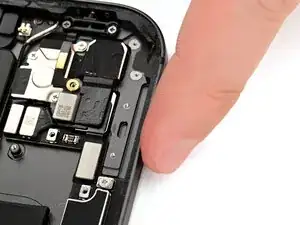
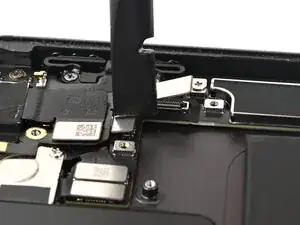
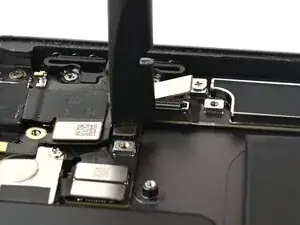
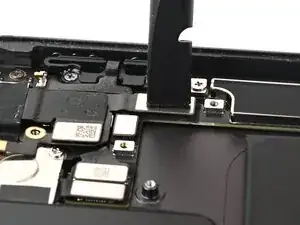
Use your finger or the flat end of a spudger to connect the volume button press connector, then the lock button press connector.
-