Introdução


-
-
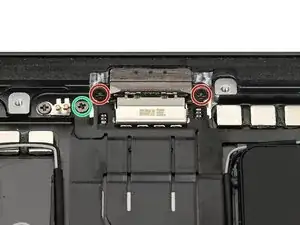
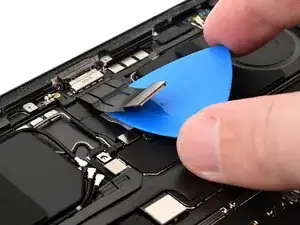
Use a JCIS or JIS 00 screwdriver to remove the three screws securing the USB-C charging port:
-
Two 2.0 mm‑long screws securing the port to the frame of the iPad
-
One 1.4 mm‑long screw securing the ribbon cable to the iPad
-
-
-
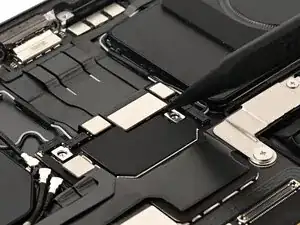
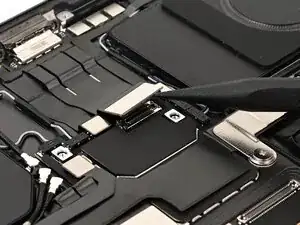
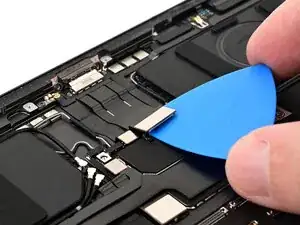
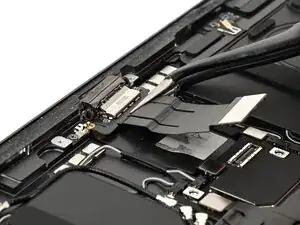
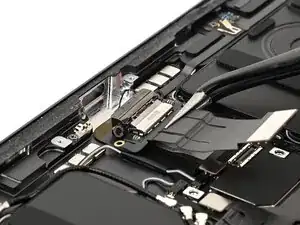
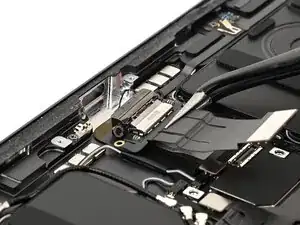
Use tweezers to pull the USB-C charging port away from frame, towards the center of the iPad, and remove it.
-