Introdução

  1. lKAQ2oob4gTKxOOX
    lKAQ2oob4gTKxOOX
    ar5ZoyEHw3YdDiST
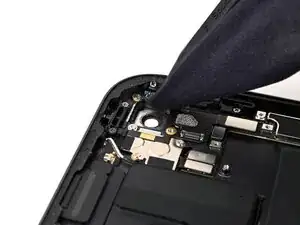
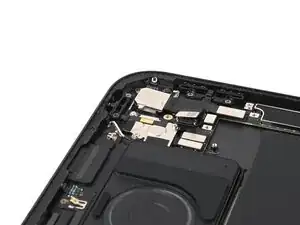
    • If any camera adhesive stayed on the frame, you'll need to clean it before installing a new camera.

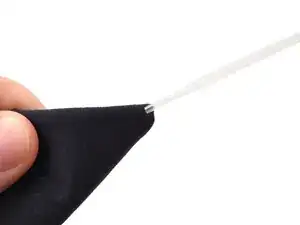
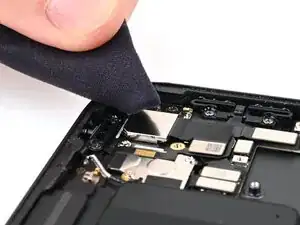
    • Wrap a microfiber or lint-free cloth around a spudger and apply some high-concentration (>90%) isopropyl alcohol to the cloth.

    • Clean the camera housing, being careful not to scratch the lens.

  2. eUfeVEvnIIwCnbHA
    eUfeVEvnIIwCnbHA
    Ybn3Fk52poBYoFJb
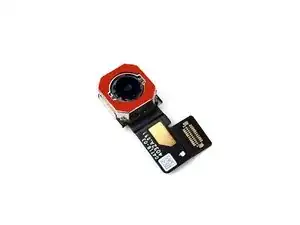
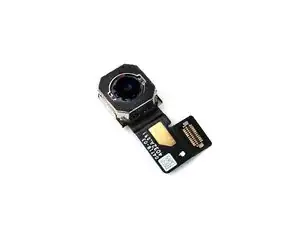
    • The new camera should have new adhesive on it or with it.

    • If the adhesive isn't already on the camera, apply the new adhesive to the camera around the lens, making sure to match the notches in the adhesive with the notches in the camera.

    • Remove any liners.

  3. qCmqXNh611Jh4DQA
    qCmqXNh611Jh4DQA
    g5s6KgJdHt2WlZYA
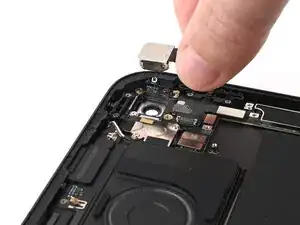
    • Gently set the camera into the housing, but don't press it down yet.

  4. 5MtOdBJU4snxwE1S
    5MtOdBJU4snxwE1S
    cZKyMUZ2a2OaP3ZU
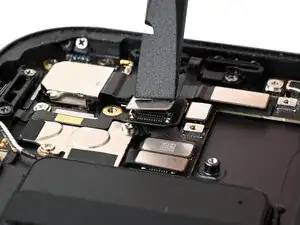
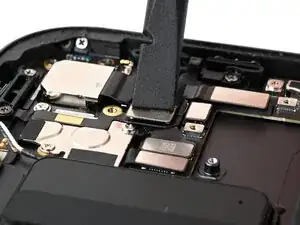
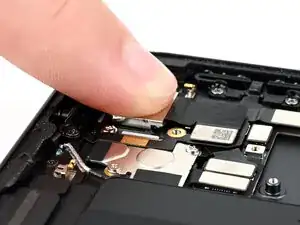
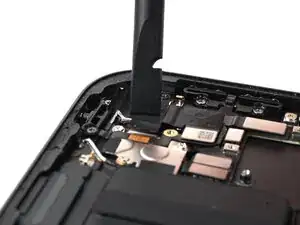
    • Use the flat end of a spudger or your finger to connect the camera press connector.

  5. kZUNbPAgRiK6QAhP
    kZUNbPAgRiK6QAhP
    ZghywKnXo5llADJb
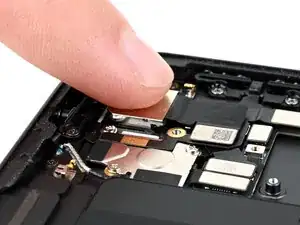
    • Firmly press the camera into place for ten seconds to let the adhesive bond.

  6. nxLZTEKMUvCWoNjV
    nxLZTEKMUvCWoNjV
    DSgBLXRFPjXV5bJS
    • If your replacement camera includes a grounding sticker, skip the next two steps.

    • Use a microfiber or lint-free cloth and high-concentration (>90%) isopropyl alcohol to clean the back of the camera.

    • Do this even for a new camera to help the sticker stick.

    • Let the camera dry completely.

  7. NwZbjVsIbdKuumqe
    NwZbjVsIbdKuumqe
    PQpeWIHLRCHYZBDC
    JpbDLHJPeDESk63D
    • If the new camera has a grounding sticker attached, skip this step, but be sure to remove any liners that might be present.

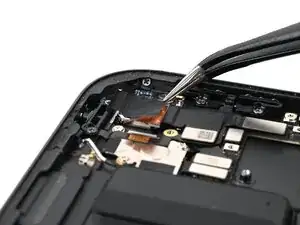
    • Use tweezers or your fingers to place the grounding sticker over the camera. The tabs should extend past the camera's left and bottom edges.

    • Use a spudger or your fingers to press down the grounding sticker, including its tabs on the sides of the camera.

Nick Schultz

Membro desde: 24/03/24

45909 Reputação

0 comentários