Introdução


-
-
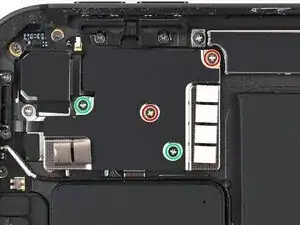
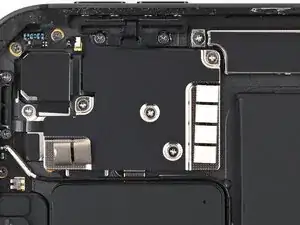
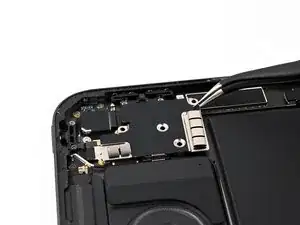
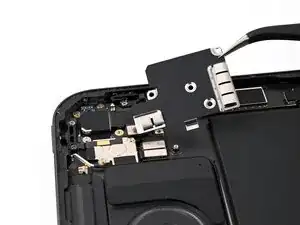
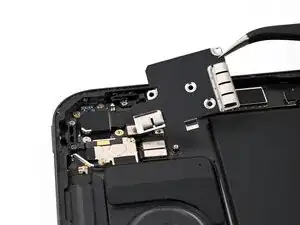
Use a JCIS or JIS 00 screwdriver to remove the four screws securing the rear camera cover:
-
Two 1.4 mm‑long screws, one near the center and one in the top-right corner
-
Two 1.6 mm‑long screws, one near the middle of the left edge and one near the bottom-right corner
-