Introdução
Ferramentas

-
-
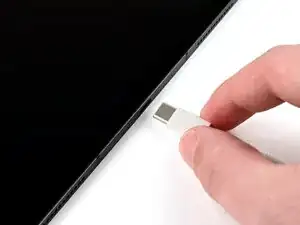
Disconnect all cables and accessories from the iPad.
-
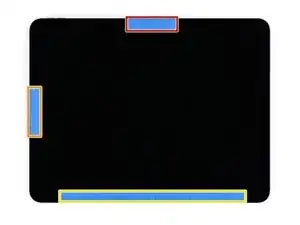
Place masking tape over the following areas of the display:
-
The TrueDepth camera near the middle of the top edge
-
The ambient light sensor near the middle of the left edge
-
The bottom edge, where there are delicate ribbon cables under edge of the display
-
If your screen is badly cracked, cover it with a layer of packing tape to help the suction cup stick and prevent shards of glass from coming off.
-