Introdução


-
-
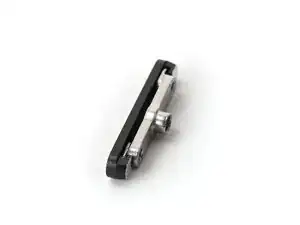
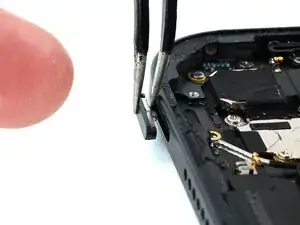
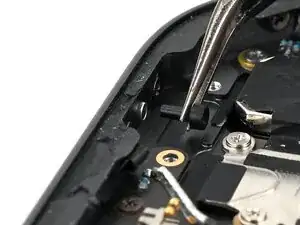
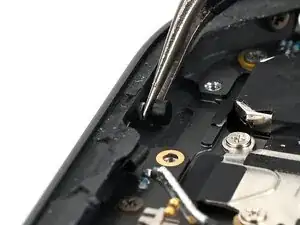
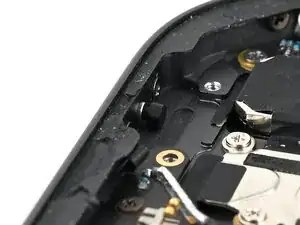
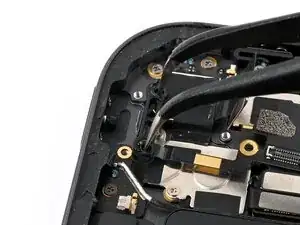
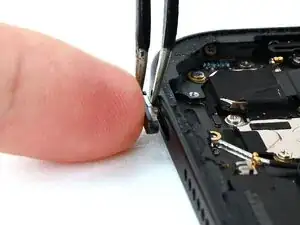
Use a pair of tweezers to hold the lock button cap and retaining clip in place over the opening in the iPad frame.
-
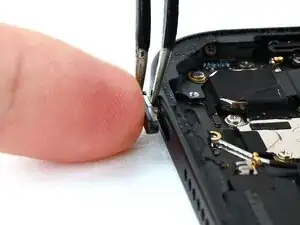
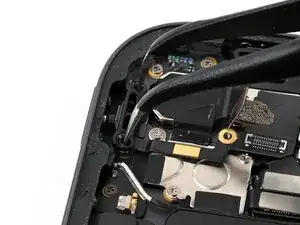
Use your finger to press the lock button cap, retaining clip, and tweezers against the frame.
-
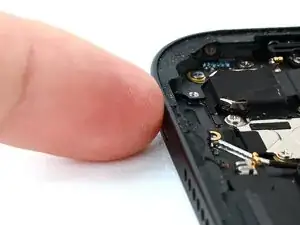
Remove the tweezers and press the lock button cap and retaining clip into the frame.
-
-
-
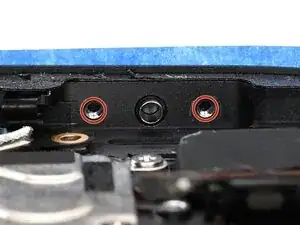
Use a JIS 00 screwdriver to install the two 1.6 mm‑long screws securing the lock button retaining clip.
-
-
-
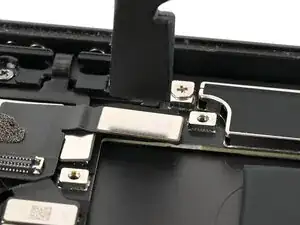
Use tweezers or your fingers to place the lock button bracket over its screw wells.
-
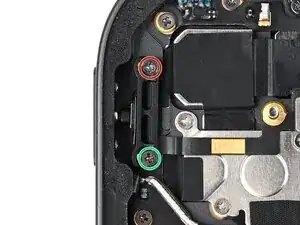
Use a JIS 00 screwdriver to install the two screws securing the lock button bracket:
-
One 2.0 mm‑long screw securing the top of the bracket.
-
One 2.5 mm‑long screw securing the bottom of the bracket.
-
-
-
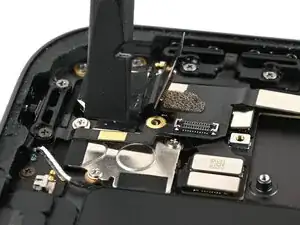
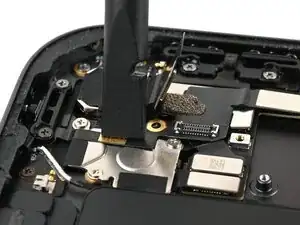
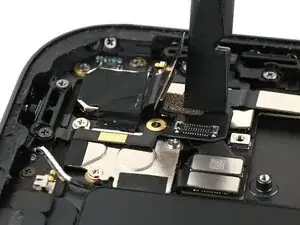
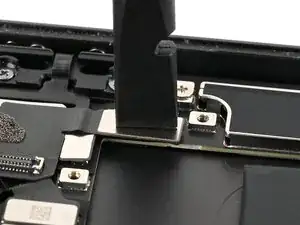
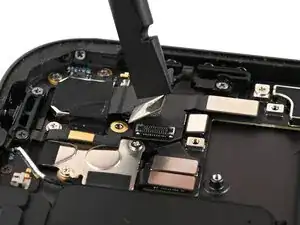
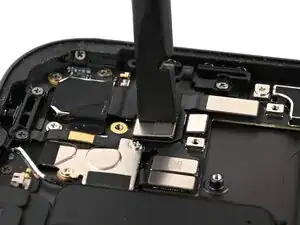
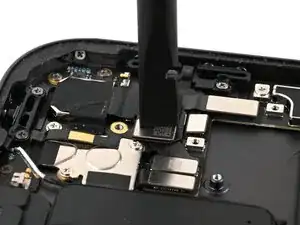
Use the flat end of a spudger or your finger to connect the rear camera press connector to the lock button ribbon cable.
-