Introdução


-
-
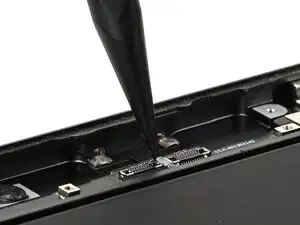
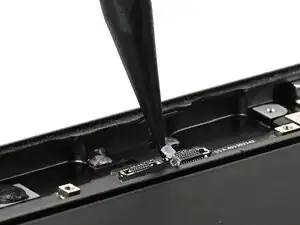
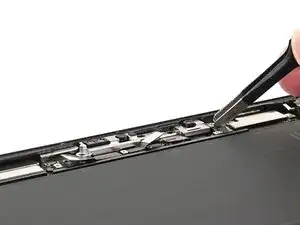
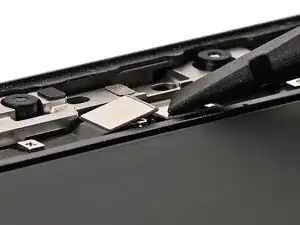
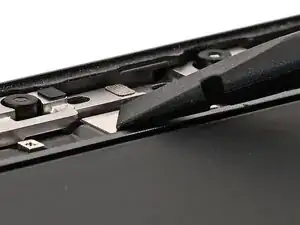
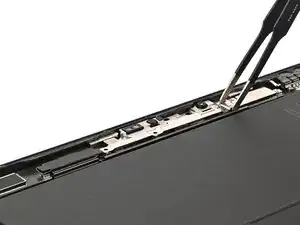
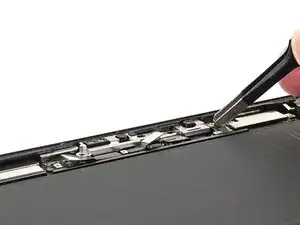
Use the point of a spudger to lift any residual adhesive from between and around the front camera press connector sockets.
-
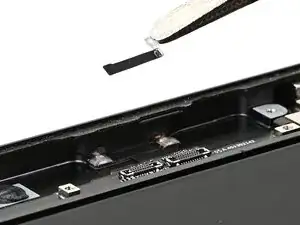
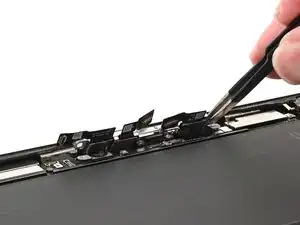
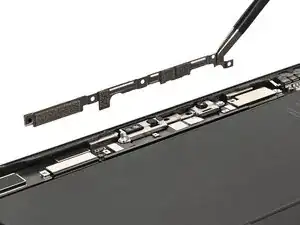
Use tweezers to remove the residual adhesive.
-
-
-
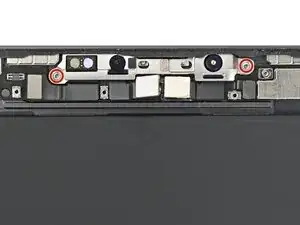
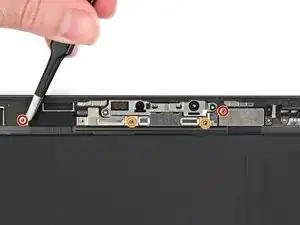
Use a JCIS or JIS 00 screwdriver to install the two 2.0 mm‑long screws securing the front camera module.
-
-
-
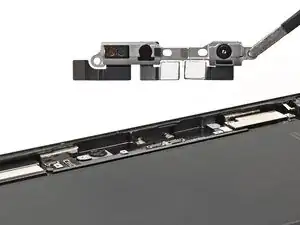
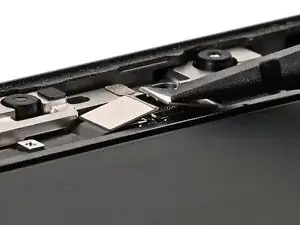
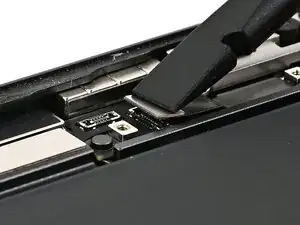
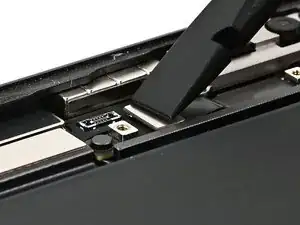
Use the flat end of a spudger or your finger to connect the front camera module's two central press connectors.
-
-
-
Use a JCIS or JIS 00 screwdriver to install the four screws securing the front camera bracket:
-
Two 2.0 mm‑long screws on either edge.
-
Two 1.3 mm‑long screws in the center of the bracket.
-
-
-
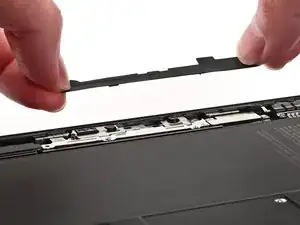
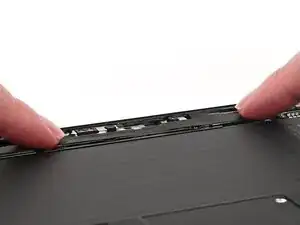
Align the black rubber cover over the front camera module's bracket.
-
Press the cover onto the front camera module's bracket. Be careful not to touch the camera lenses.
-
Use an heated iOpener, hair dryer, or heat gun to soften the adhesive securing cover and help it bond.
-