Introdução

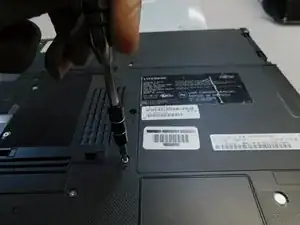
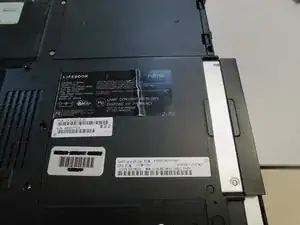
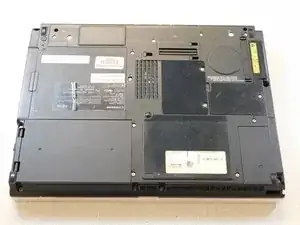
The goal of this guide is to show how to replace the optical drive on the Fujitsu LifeBook T1010.

  1. JEvtgvuKNJeZrHDA
    • Turn device to the back side.

  2. FvU514XMYwuvZPVl
    • Remove the two Phillips #0 screws from securing the optical drive.

    How to fix blue screen

    Lawrence Mensah -

  3. tSiIv2dGERNKPX4m
    • Pull out the optical drive.

Conclusão

To reassemble your device, follow these instructions in reverse order.

Chitara Smith

Membro desde: 24/01/18

620 Reputação

0 comentários