Introdução
Introduction:
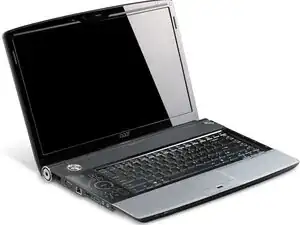
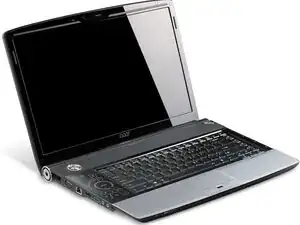
This guide will show you how to perform a repair or component replacement on the Acer Aspire 6920 series LF1. Released in 2008, this laptop is known for its multimedia features and Gemstone Blue design.
Specifications:
Display: 16-inch CineCrystal LCD
Processor: Intel Core 2 Duo
Graphics: NVIDIA GeForce 9500M GS
RAM: Up to 4GB DDR2
Special Features: CineDash touch-sensitive media console
Warning: Before starting any work, ensure the laptop is unplugged and the battery is removed to avoid electrical damage.
-
-
Turn the laptop over so the bottom is facing up. Locate the two battery release latches. Slide the left latch to the "unlocked" position. Slide and hold the right release latch while pulling the battery out.
-
To reassemble your device, follow these instructions in reverse order.
