Introdução
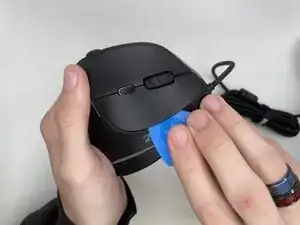
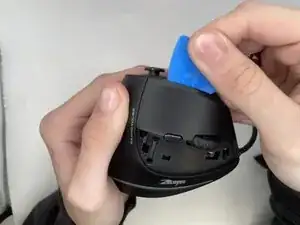
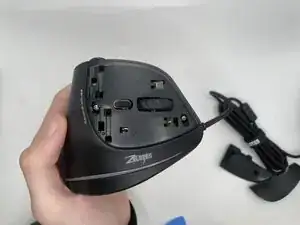
Buttons unresponsive when pressed, this guide will help you replace them and get your mouse working.
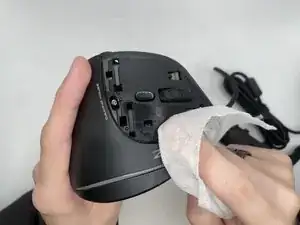
The buttons can stop responding due to many factors including, but not limited to, debris buildup under them or the button being broken.
Before beginning, unplug the mouse from your computer and work on a clean and static-free surface.
Ferramentas

Conclusão
To reassemble your device, follow these instructions in reverse order.