Introdução
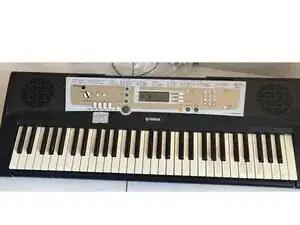
Some keys are not working and noise in the right speaker
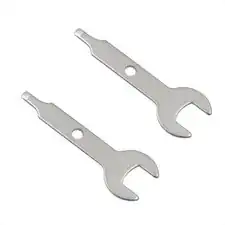
Ferramentas


Peças
-
-
Attention: unauthorized repair like this is prohibited by Yamaha company.
-
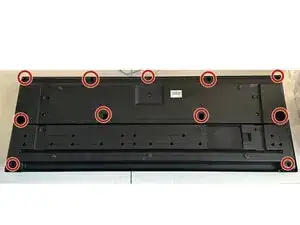
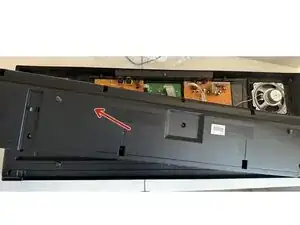
Unscrew the back screws
-
-
-
Now pull out the case half that covers PCB section
-
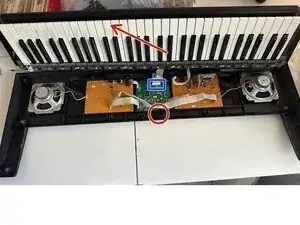
Unscrew the central screw (showed with red circle) and pull out the keyboard. Disconnect blue socket by PUSHING INSIDE on the sliding part of it, not pulling it up.
-
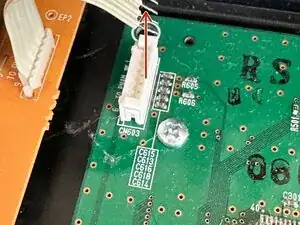
Another LCD (green) board sockets should be pulled up to release the wires.
-
-
-
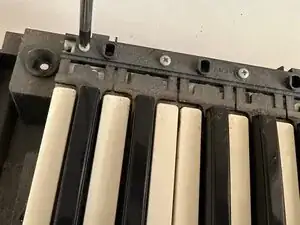
Unscrew all of the screws of keyboard section
-
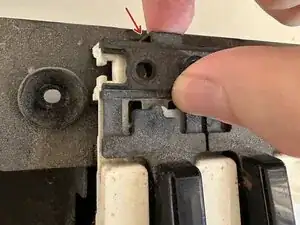
Push to the plastic part to release the upper keyboard block from the main frame
-
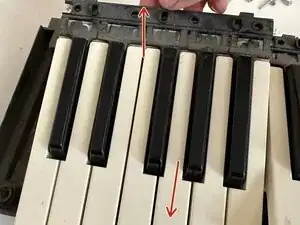
Pull this part up and next slide it all to release the bottom.
-
-
-
Keyboard is working bad because of dust and terrible conditions of the rubbers. Remove all screws (with white and black hats) to release the board.
-
After removing the rubbers, clean the board by wiping with a slightly damp cloth without solvents. Try to not wet the bottom felt.
-
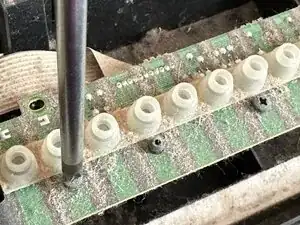
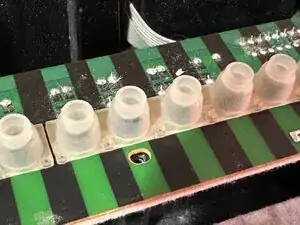
After cleaning apply a replacement rubbers, by pulling it with fingers from other side, or by pushing it inside with a blunt needle from the top part.
-
Test the keyboard to make sure all keys work and no dust is left on the pads.
-
-
-
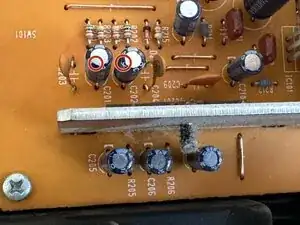
The source of the noise is unknown. Let's test the BA5417 main output amplifier. Short circuit the Left and Right sound input (not power) capacitors to the GND. Noise is disappeared, that means amplifier is working fine and trouble is somewhere in the circuit before.
-
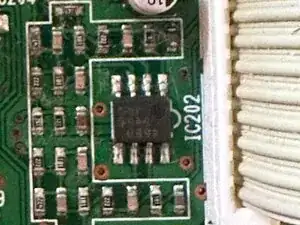
Tracing led me to the 4580 OP AMP on the lcd board, that comes before main amplifier. Looks like it is producing noise sound.
-
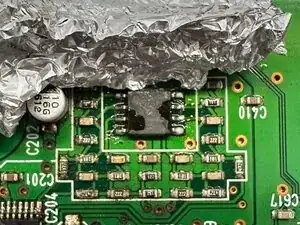
Reflow this IC with soldering hot air fan.
-
Noise in the right channel is gone.
-
To reassemble your device, follow these instructions in reverse order.