Introdução

Prerequisite-only guide used for the "How to Open and Clean..." guide.

  1. 2chijEcayFGpFZ4t
    2chijEcayFGpFZ4t
    VR1l1SPyvCuJNGU2
    2QMDwFdiWNy2AQ2I
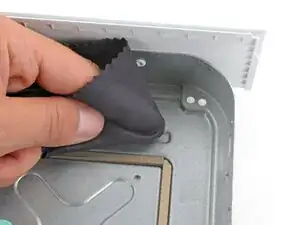
    • When cleaning the metal chassis, be very careful not to damage any thermal putty.

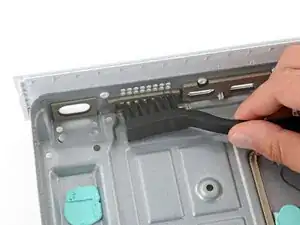
    • Use a cleaning brush or clean toothbrush to thoroughly clean all the port cutouts.

    • Lightly dip a clean cloth in soapy water and use it to remove any grime from the metal chassis.

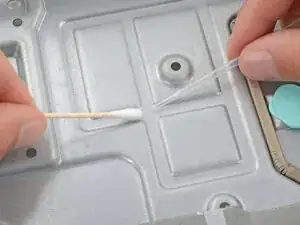
    • For particularly tough spots, use a cotton swab and isopropyl to clean the area.

    • While your device is disassembled, thoroughly check all internal surfaces for dirt or grime and clean them accordingly.

    • If you damaged any of the thermal putty on the chassis, power supply, or motherboard, remove and replace the putty.

Spencer Day

Membro desde: 14/09/22

165254 Reputação

0 comentários