Introdução

This guide will help you replace your Xbox Controller's buttons and D-pad in case they break or need cleaning.

  1. wWbtAHJw5hNZPiPI
    wWbtAHJw5hNZPiPI
    RQZxECM2H1YY3GVE
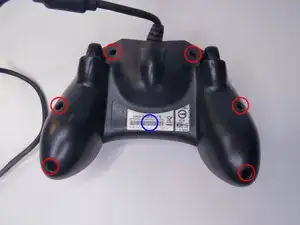
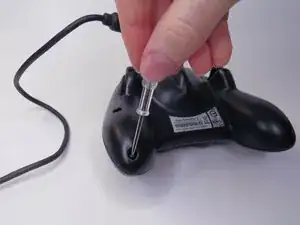
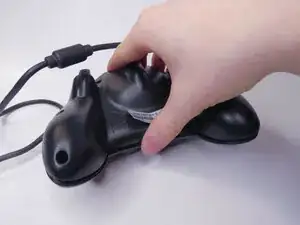
    • Remove the six visible 8mm Phillips screws with a #1 Phillips screwdriver.

  2. xwyFIZEDkWNmHlvm
    xwyFIZEDkWNmHlvm
    Wst32bXIR2WuXUTQ
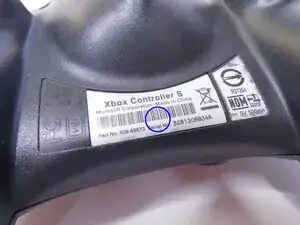
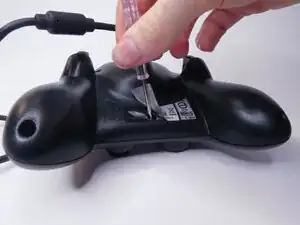
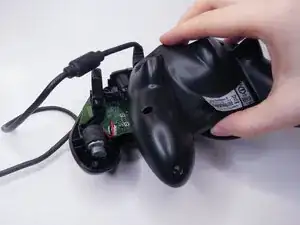
    • Peel back the barcode sticker to reveal the seventh Phillips screw and remove it.

  3. BePFGq3O4EAn2KPV
    BePFGq3O4EAn2KPV
    Jlh5IjAuMZpPMC4e
    GZCyodS5ZK4KuGl2
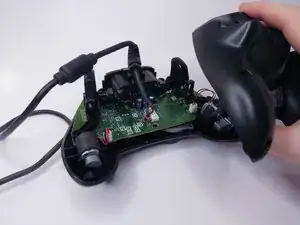
    • Carefully lift the backplate off of the controller.

    • Make sure to hold the frontplate to prevent the buttons from falling out.

  4. QpIEZpRpZfuu6OlB
    QpIEZpRpZfuu6OlB
    2D6m4YDQPATyLkvj
    NRluYhuUPKWAKhqG
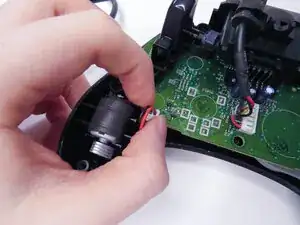
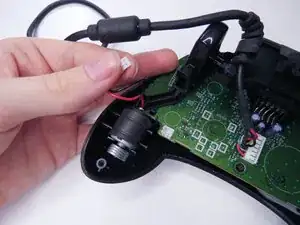
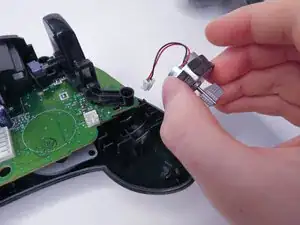
    • Unplug the two vibration motors and lift them out of the case, being sure not to pull on the wires.

  5. yGJlBK5vvCCrJX3U
    yGJlBK5vvCCrJX3U
    W6jSi3ZFSBIiGJVC
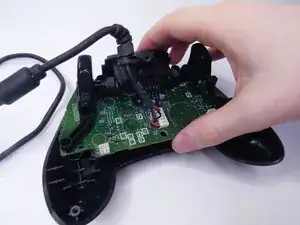
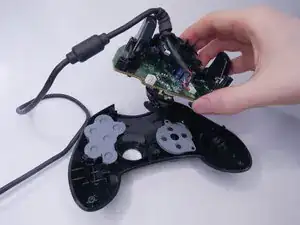
    • Lift the logic board out of the controller.

  6. hfCE2K4FGVcCoPFx
    hfCE2K4FGVcCoPFx
    B5rJUObAnLYsvp5M
    1RHPjk1gZnOTMZEN
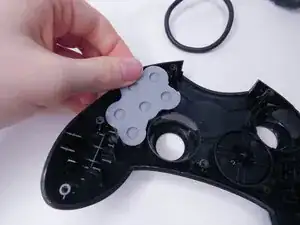
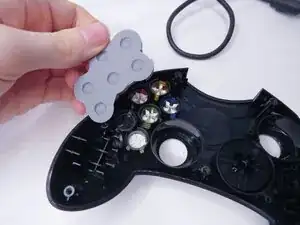
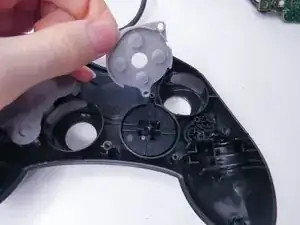
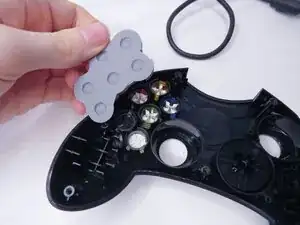
    • Remove the rubber pads.

  7. CjWHsfbx4FuugLQS
    CjWHsfbx4FuugLQS
    OYD5JUPlcDHT3tEp
    UZnJXqosjHsJGXEM
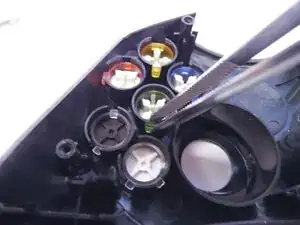
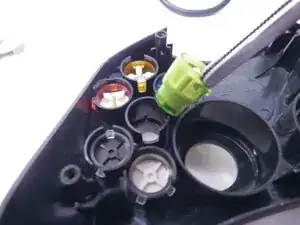
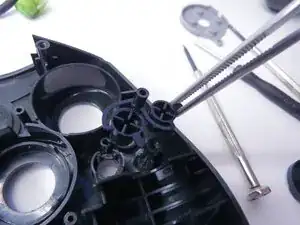
    • Remove the A, B, X, Y, White, and Black buttons with a pair of tweezers.

    • Remove the Back and Start buttons.

    • When putting the buttons back in, make sure to align the notches with the case.

  8. lZCGVsxP1QXJOUM5
    lZCGVsxP1QXJOUM5
    fR4wdUS6uqPnAUoL
    qPONjH1uLXG6GZGb
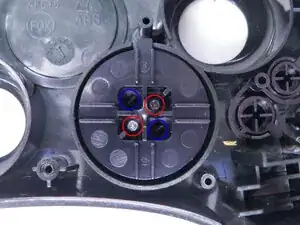
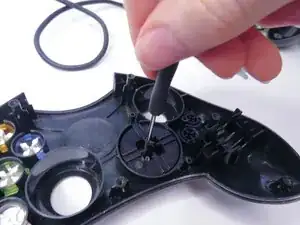
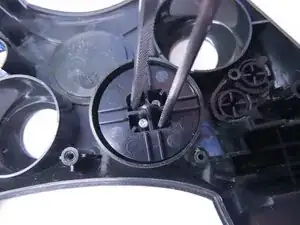
    • Unscrew the the two 7mm Phillips screws.

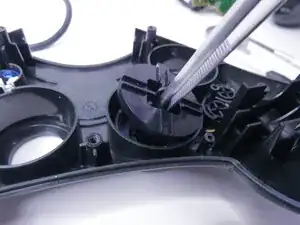
    • Separate the D-pad by pushing the two clips in with a pair of tweezers.

  9. JmI4bibMilIBSYA2
    • Separate the two halves of the D-pad.

    • The front half of the D-pad will fall when you take the back half out, be sure to catch it.

Conclusão

To reassemble your device, follow these instructions in reverse order, being careful to line everything back up.

burntpizza

Membro desde: 18/11/25

169 Reputação

0 comentários