Introdução

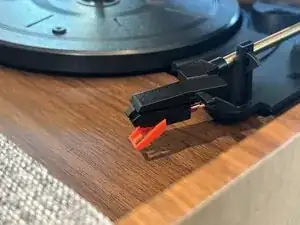
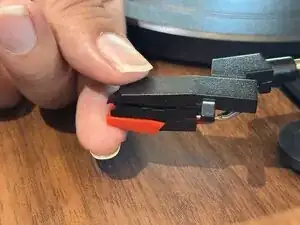
If your Victrola Century Record Player (model VTA-820SB) is skipping while playing a record (even after cleaning it), you may need to replace the stylus, also known as the record needle. Follow this guide to help you replace the Victrola LC1 stylus in your record player.

The needle is a vital part of a working record player. When the stylus isn't working, it can lead to several issues, such as skipping, or it could even damage your records.

Before you begin, make sure to turn off your record player and unplug the power cord to prevent damage. Place the record player on a stable work surface when following this guide.

  1. Cj3tMLBHiIPGYyGS
    Cj3tMLBHiIPGYyGS
    1l2hUrtoSQXsKSYQ
    wMsc4kxRwRPmVTtg
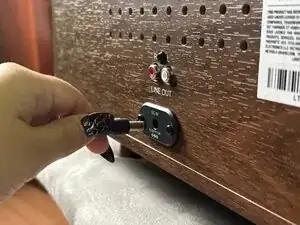
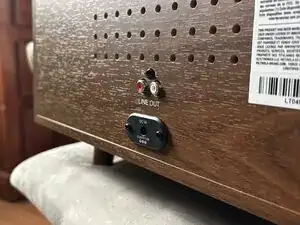
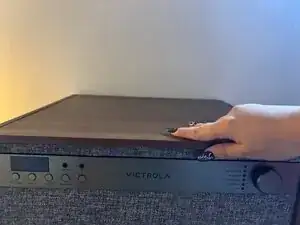
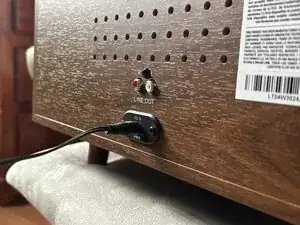
    • Disconnect all cables.

    • MAKE SURE THE RECORD PLAYER IS TURNED OFF.

  2. TDwGNtbNEO4NxrQh
    TDwGNtbNEO4NxrQh
    bfHtiDMruebEBfiw
    PZeDEZyRFV6eZgNq
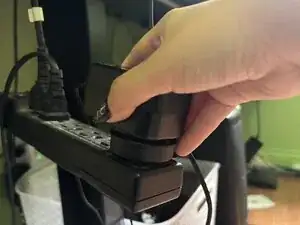
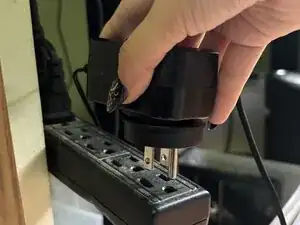
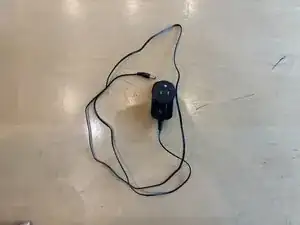
    • Unplug the power cable.

    • MAKE SURE THE POWER IS OFF.

  3. KTqiL4GppvRNaaW3
    KTqiL4GppvRNaaW3
    KDDscLQjq1OrsGOr
    UXTvx4cMpFWuXJUm
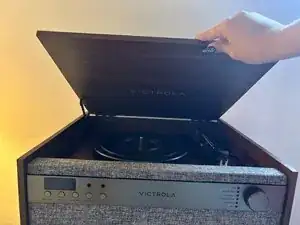
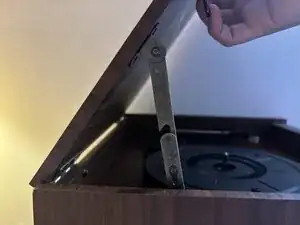
    • Open the top of the record player.

  4. UZ1ZYGj3f1V4d1M6
    UZ1ZYGj3f1V4d1M6
    AMLiqFUcDruAgdga
    XMlOrpdmTZjXAlBW
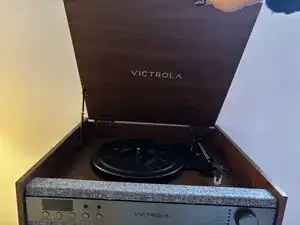
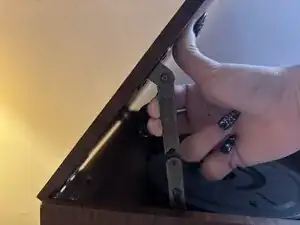
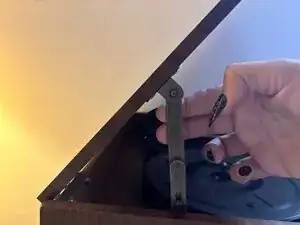
    • Pull the hinge forward to lock it in place so the lid stays open.

    • Do not put your fingers in the hole—you could get pinched.

  5. OuFoFhAMZDqb6nRq
    OuFoFhAMZDqb6nRq
    TKPVsiO5Xr4l5Agf
    VOll4CSgpphJfDf3
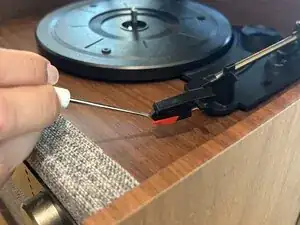
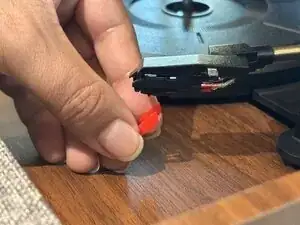
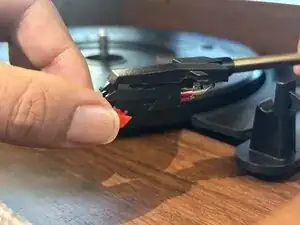
    • Use a spudger to push down on the red cartridge.

    • Pull off the cartridge and stylus.

  6. jfTgN5tXcVHQCPVA
    jfTgN5tXcVHQCPVA
    6TYI1U1VeVATVFLH
    mVoDNNTMrMuKZYXa
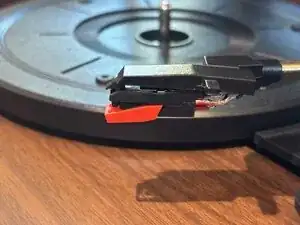
    • Slide the new cartridge into the headshell and gently press until it clicks into place.

Conclusão

To reassemble your device, follow these instructions in reverse order.
Sofia

Membro desde: 30/09/25

133 Reputação

0 comentários