Introdução
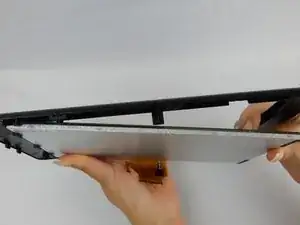
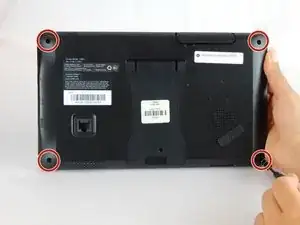
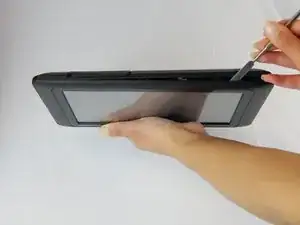
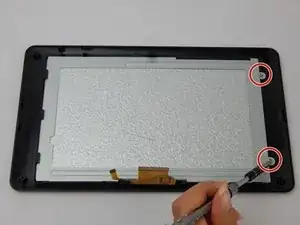
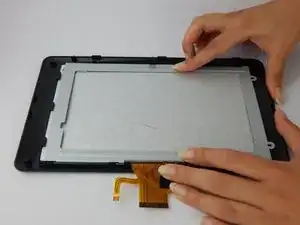
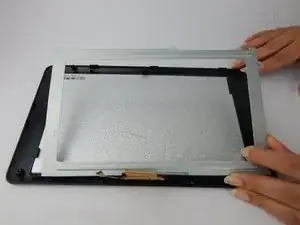
Separate the case in order to remove casing holding the touchscreen in place. Replace the touchscreen.
Ferramentas

-
-
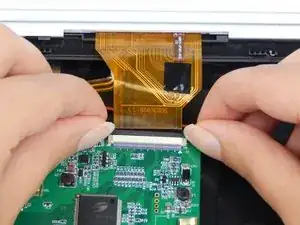
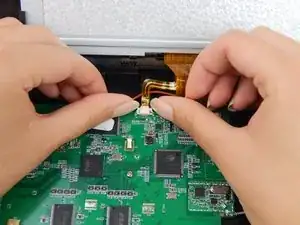
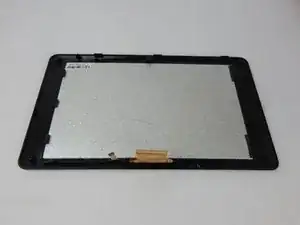
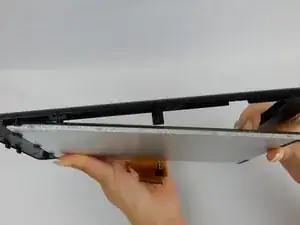
In both pictures, disconnect the zero insertion force (ZIF) connector from the motherboard using your fingernail by sliding up on the male end of the connector to loosen it.
-
Conclusão
To reassemble your device, follow these instructions in reverse order.

4 comentários
would the steps be the same for the g755 screen?
Would steps be the same for the G755?
Where do u buy the screen?
Ian -