Introdução
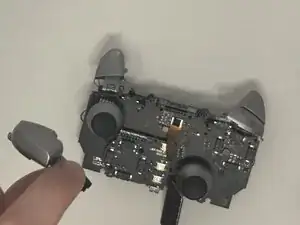
The bumpers on the Turtle Beach Stealth Ultra controller (model number TBS-0710-05) are essential for the controller's usability. They are responsible for registering user input and sending that to the video game console. In order to replace them, you first need to disassemble the controller. As you do, be cautious not to damage the screen or motherboard. Follow these steps to fix it.
Additional Resources:
Stealth Ultra Controller Support Site
Video on Turtle Beach Stealth Ultra Disassembly and Reassembly
Ferramentas


-
-
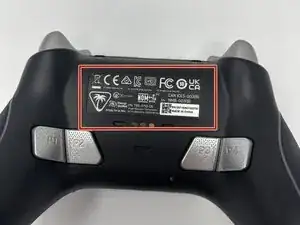
Remove the sticker on the back of the plate.
-
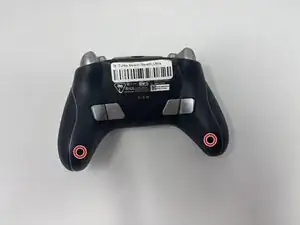
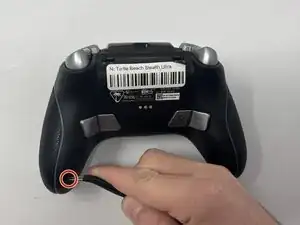
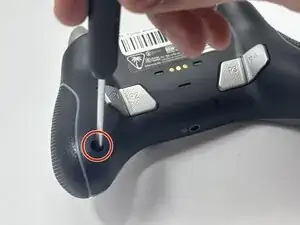
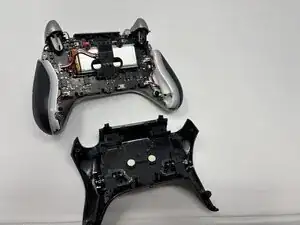
Remove the 10 mm screws from the back plate using a Phillips #00 screwdriver.
-
-
-
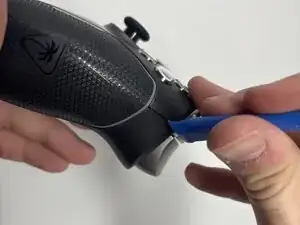
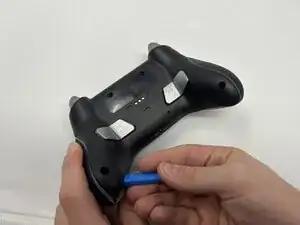
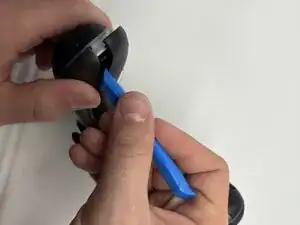
Use an iFixit opening tool to pry the front button plate and analog stick plate off.
-
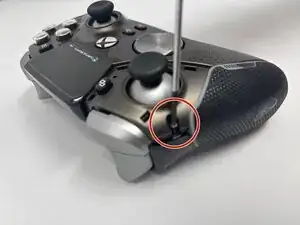
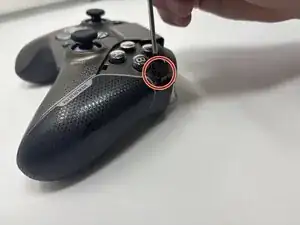
Use a Phillips #00 screwdriver to remove the screws from the front plate on both sides of the controller.
-
-
-
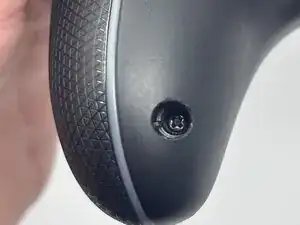
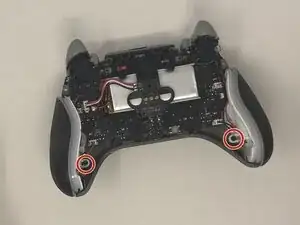
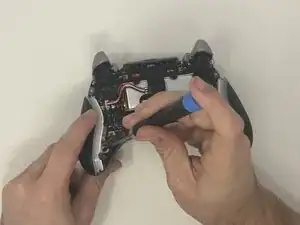
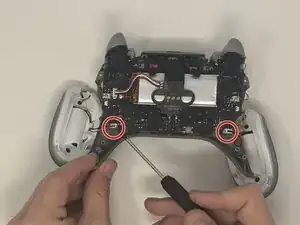
Use a Phillips #00 screwdriver to remove the 10 mm screws connecting the handles to the controller frame.
-
-
-
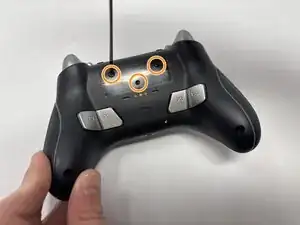
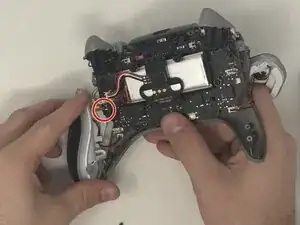
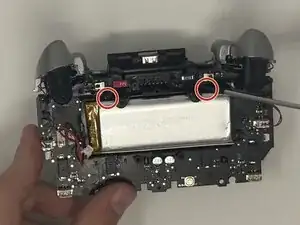
Remove the two 10 mm screws from the motherboard that keep the screen attached using a Phillips #00 screwdriver.
-
-
-
Flip the motherboard over to the front side.
-
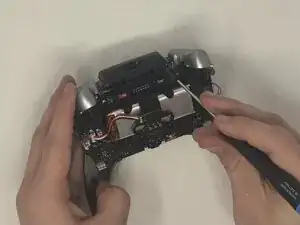
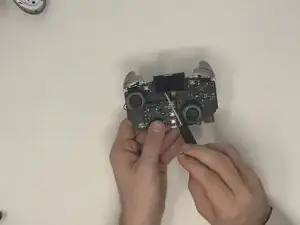
Use an opening tool to gently pull the LCD screen off of the motherboard.
-
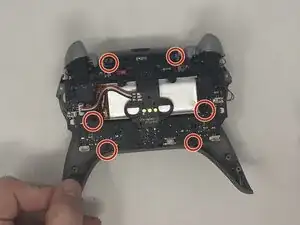
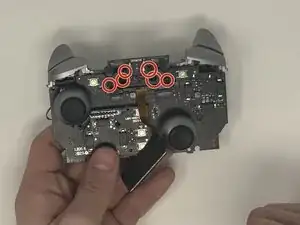
Remove the six 10 mm screws from the motherboard.
-
-
-
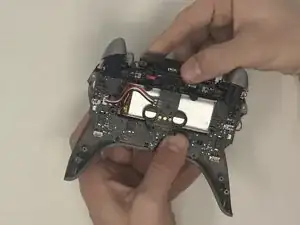
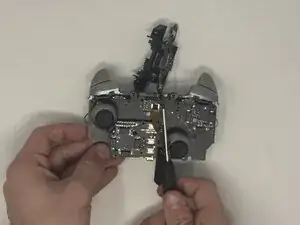
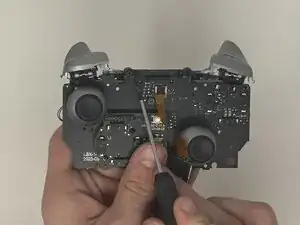
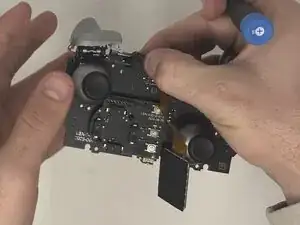
Pull the latch down that connects the bumper buttons to the motherboard.
-
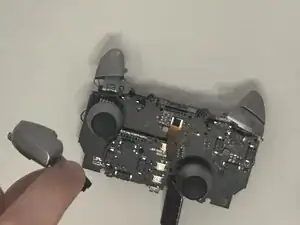
Pop the bumper buttons off.
-
To reassemble your device, follow these instructions in reverse order.