Introdução

The battery in the Turtle Beach Stealth Ultra controller (model number TBS-0710-05) is responsible for holding the controller's charge and allowing users to play wirelessly. In order to replace it, you first need to disassemble the controller. As you do, be cautious not to damage the screen or motherboard. Follow these steps to fix it.

Additional Resources:

Stealth Ultra Controller Support Site

Video on Turtle Beach Stealth Ultra Disassembly and Reassembly

  1. BjPBce6KTCHxUWEU
    BjPBce6KTCHxUWEU
    VkbDPvjs3oScloHb
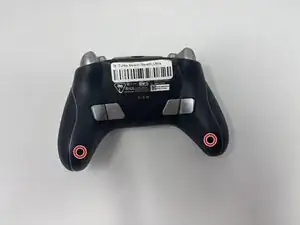
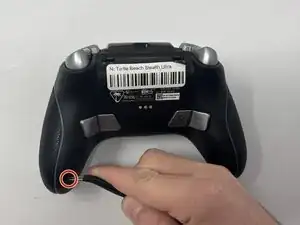
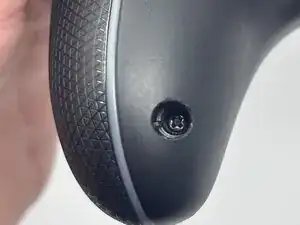
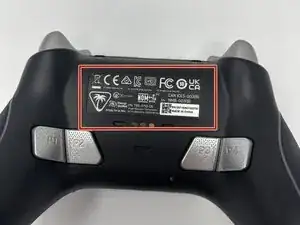
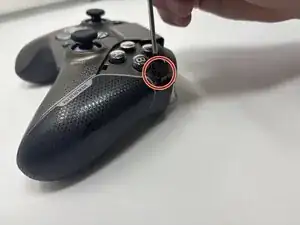
    • Use tweezers to pull out rubber pieces in front of the screws.

  2. Ki6HZPYFrO1YoBS6
    Ki6HZPYFrO1YoBS6
    abUkMsPBQF5usQ1Y
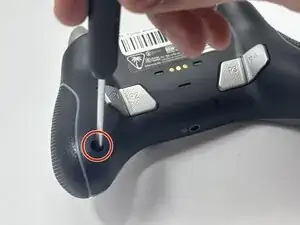
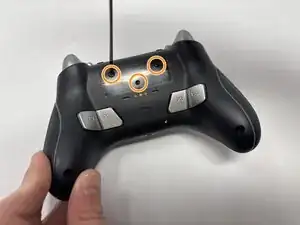
    • Remove the 10 mm screws using a Phillips #00 screwdriver.

  3. PDPJcWKZpPBmSJ1m
    PDPJcWKZpPBmSJ1m
    IxGDckItnarFGowT
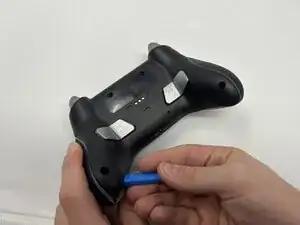
    • Remove the sticker on the back of the plate.

    • Remove the 10 mm screws from the back plate using a Phillips #00 screwdriver.

  4. dZXLkQjJiT5QLKFF
    dZXLkQjJiT5QLKFF
    1LjISq1q1UZiN6c2
    uPDucbsc1MidU1NJ
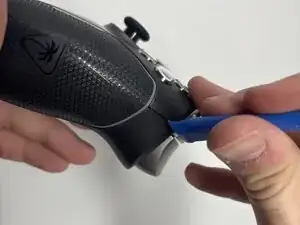
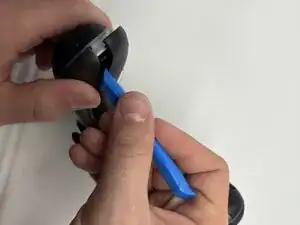
    • Use an iFixit opening tool to pry the front button plate and analog stick plate off.

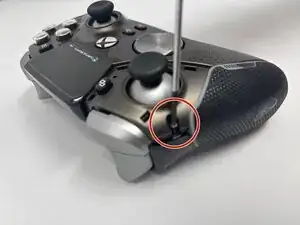
    • Use a Phillips #00 screwdriver to remove the screws from the front plate on both sides of the controller.

    • Be cautious not to break the LCD screen while you move the opening tool around.

  5. LPAcSvPZvQgaWltn
    LPAcSvPZvQgaWltn
    melULWCbUHylftIA
    O1tJrTaWeV5gXApj
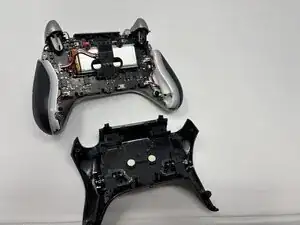
    • Use an opening tool to detach the front plate from the back.

    • You may need to work the opening tool all the way around the seam between the two plates.

  6. F4pSAwGx3PdmG4yK
    F4pSAwGx3PdmG4yK
    A5KRVEO3ivMq5nES
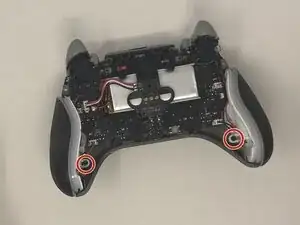
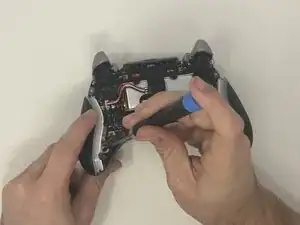
    • Use a Phillips #00 screwdriver to remove the 10 mm screws connecting the handles to the controller frame.

  7. niwTgfwIjfXGO3Bk
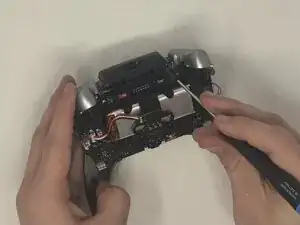
    • Detach the cables from the motherboard.

  8. rdjmJayYJwWsxLYG
    • Remove the yellow ribbon cable from the handle.

  9. 2ePviZSPfHbaIVpx
    2ePviZSPfHbaIVpx
    fRZXOOVxMwFAsTU1
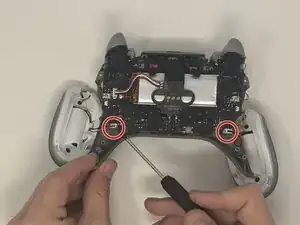
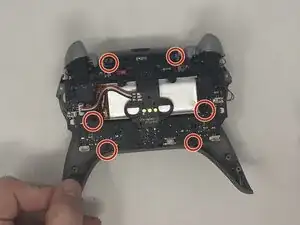
    • Remove the six 10 mm screws connected to the motherboard using a Phillips #00 screwdriver.

  10. vvLInbYwnSTBNm5E
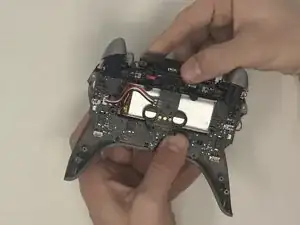
    • Gently pull the motherboard away from the frame.

  11. adeDAhDyIKX66oNT
    adeDAhDyIKX66oNT
    U3t2y5DTvAa25vCn
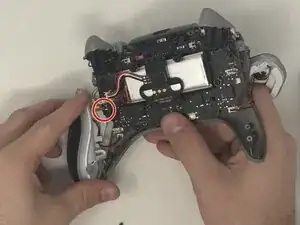
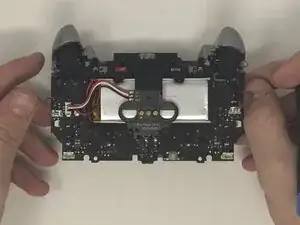
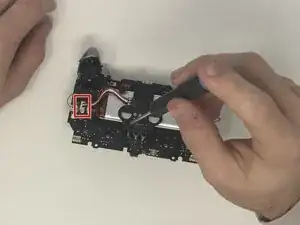
    • Use the Phillips #00 screwdriver to remove the 10 mm screws from the black battery bracket.

    • Pull the battery bracket off of the battery.

    • Detach the cable connector from the motherboard.

  12. Yb3jfaWSYYV2bfan
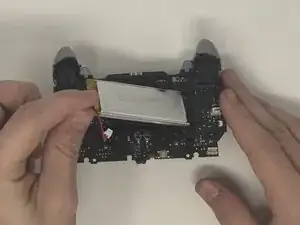
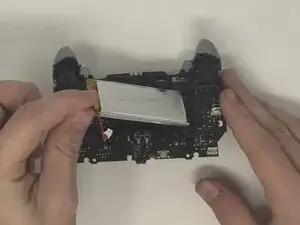
    • Pull the battery off of the motherboard.

Conclusão

To reassemble your device, follow these instructions in reverse order.

Dominic Dodge

Membro desde: 09/09/25

799 Reputação

0 comentários