Introdução
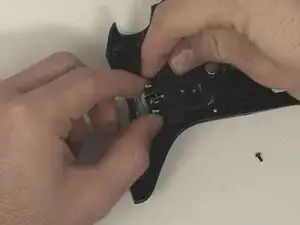
The back buttons, sometimes known as paddle buttons, of the Turtle Beach Stealth Ultra controller (model number TBS-0710-05) are essential for the controller's usability. They allow users to reprogram custom inputs into them for a unique experience. In order to replace them, you first need to disassemble the controller. As you do, be cautious not to damage the screen or motherboard. Follow these steps to fix it.
Additional Resources:
Stealth Ultra Controller Support Site
Video on Turtle Beach Stealth Ultra Disassembly and Reassembly
Ferramentas


-
-
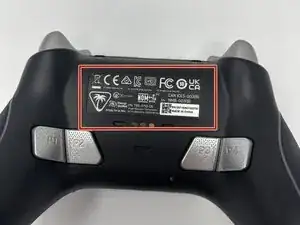
Remove the sticker on the back of the plate.
-
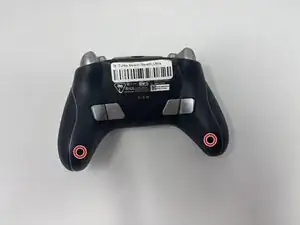
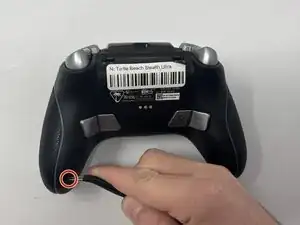
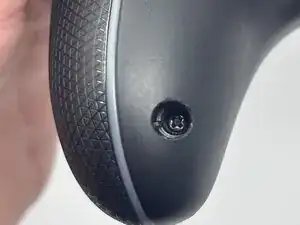
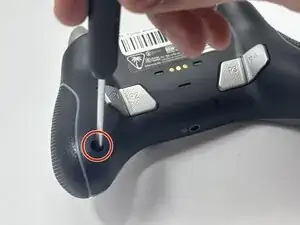
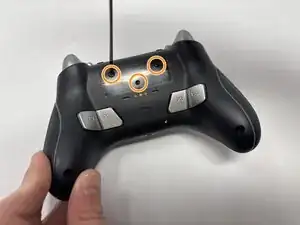
Remove the 10 mm screws from the back plate using a Phillips #00 screwdriver.
-
-
-
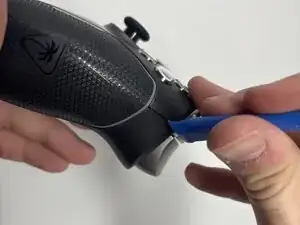
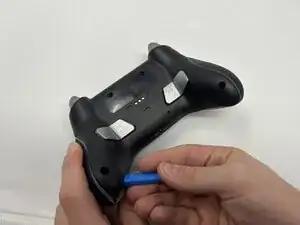
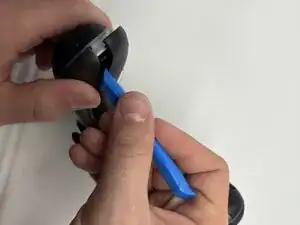
Use an iFixit opening tool to pry the front button plate and analog stick plate off.
-
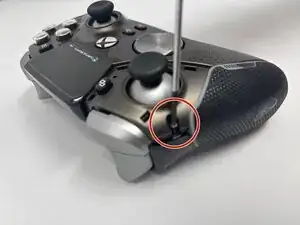
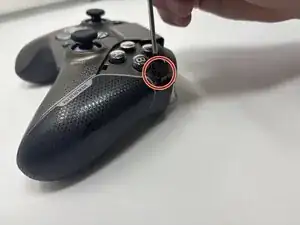
Use a Phillips #00 screwdriver to remove the screws from the front plate on both sides of the controller.
-
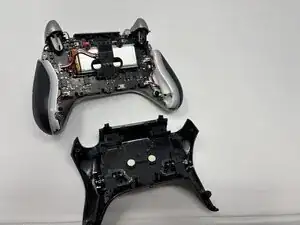
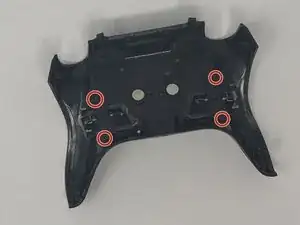
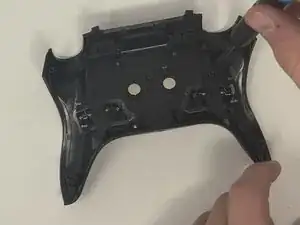
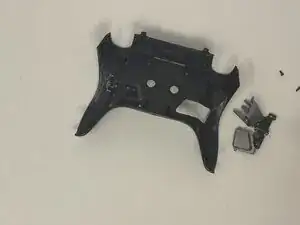
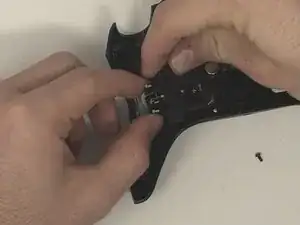
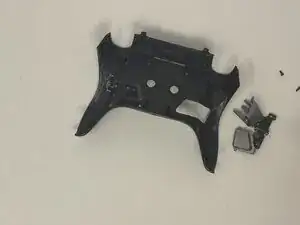
To reassemble your device, follow these instructions in reverse order.