Introdução
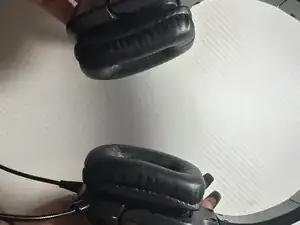
The ear pads on the Tritton Kama Xbox headphones can wear out over time, causing discomfort and reducing audio quality. Replacing the ear pads is a simple, low-cost fix that restores comfort and extends the life of your headset. This guide explains how to remove the old pads and attach new ones safely
-
-
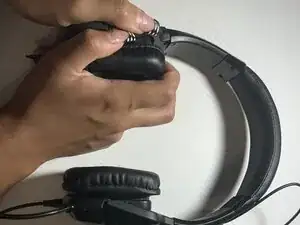
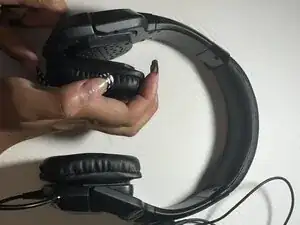
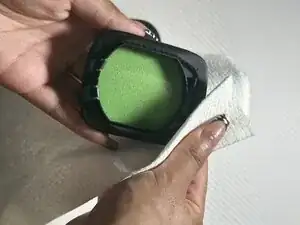
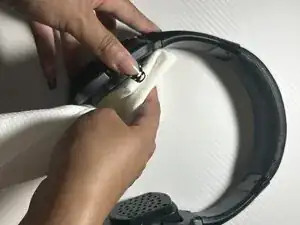
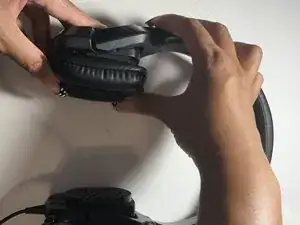
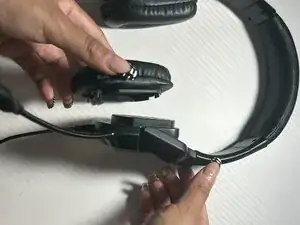
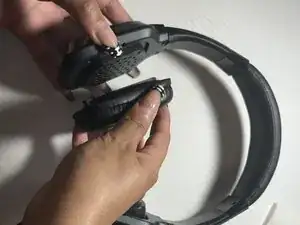
Gently pull on the edge of the earpad, lifting until it starts to become loose.
-
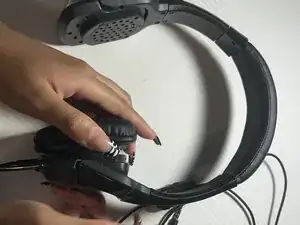
Repeat these steps for the left and right ear pads.
-
-
-
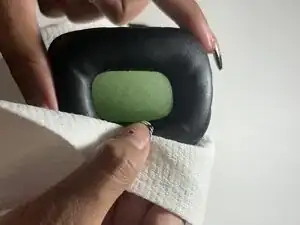
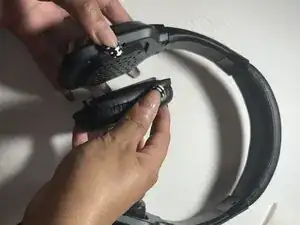
Align the new ear pad evenly around the ear cup to match the clip design.
-
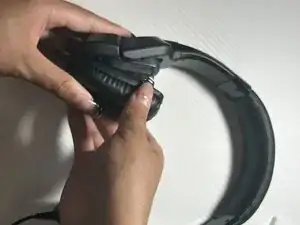
Starting on the bottom side, press the pad into the grooves.
-
Move around the pad, slowly pushing each section in until the entire pad snaps into place.
-
-
-
Follow the same steps for the second ear pad.
-
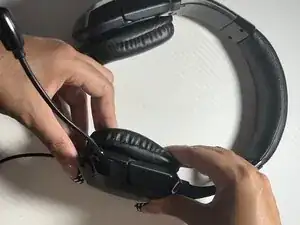
Compare both sides to ensure they look and feel the same.
-
-
-
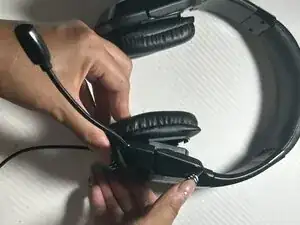
Put on the headset and adjust it for comfort.
-
Check that both pads feel even and firmly attached.
-
Enjoy the improvement of sound and comfortability for your ears!
-